Email is a critical communication tool, but every provider sets rules on how many emails you can send daily. These limits protect users from spam, domain spoofing, and phishing attacks while ensuring email deliverability stays high. Knowing these limits is vital for businesses, marketers, and anyone sending large volumes of email. Exceeding these thresholds can temporarily block your account or land messages in the spam folder. Proper configuration of DNS records, SPF record setup, and DKIM signature can also improve delivery rates and maintain your domain reputation.
1. Why Daily Sending Limits Matter
Daily sending limits prevent email abuse and protect your account from being flagged. They reduce the risk of email phishing protection issues and email forwarding issues. For personal users, these limits are usually low, but for businesses, ignoring limits can damage domain reputation and hinder email security for businesses.
2. Gmail Daily Sending Limits
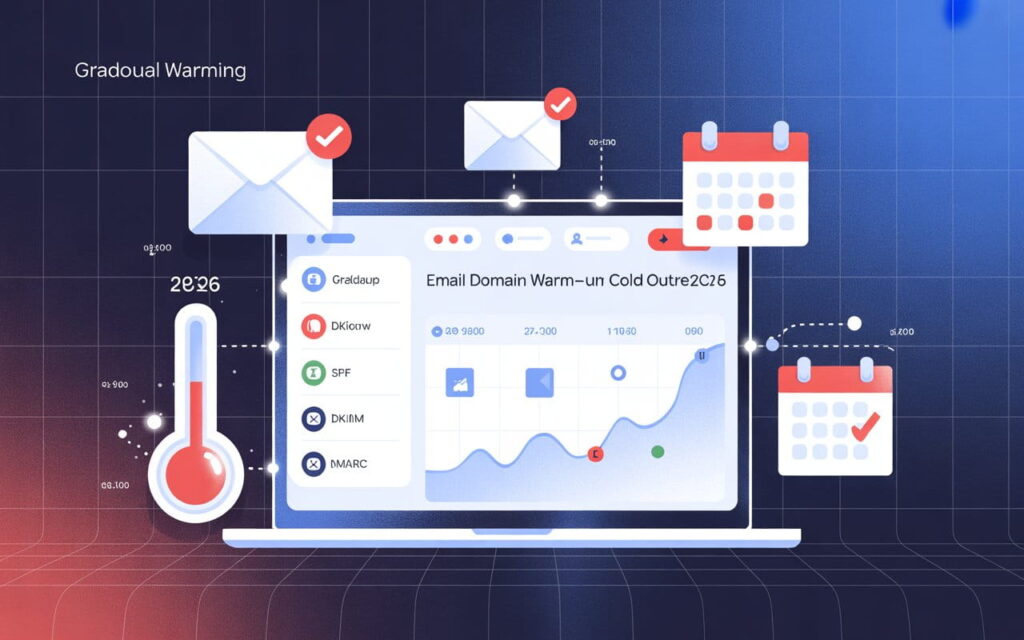
Gmail limits personal accounts to 500 emails per day, while Google Workspace accounts can send up to 2,000 emails per day. Using SPF, DKIM, and DMARC for beginners helps ensure that emails aren’t flagged as spam and improves overall email deliverability.
Sending too many emails at once can temporarily block your account. Gmail monitors unusual activity, so spacing out emails and authenticating your domain is essential. Steps to configure DKIM and SPF improve deliverability for bulk sends.
💡 Struggling with cold email deliverability?
We’ve built cold email infrastructure for 50+ B2B companies—achieving 40-60% open rates and 10-15 consultations monthly.
See how we can help →3. Outlook and Microsoft 365 Limits
Outlook.com allows 300 emails/day for personal accounts, while Microsoft 365 business accounts can send up to 10,000 emails/day. Limits include recipients per email and total daily messages. Properly verifying IP addresses and using email service providers can prevent reaching limits. Aligning DKIM and SPF for better deliverability ensures messages reach inboxes rather than the spam folder.

4. Yahoo and Other Free Email Providers
Yahoo Mail sets limits around 500 emails/day for personal accounts, with additional restrictions for attachments and recipients. Zoho, AOL, and similar services also have strict free account limits.
Using free accounts for bulk email can quickly hit limits, lowering email deliverability. Paid plans often provide higher limits and better support for email encryption and domain authentication.
5. Business and Professional Email Platforms
Platforms like SendGrid, Mailchimp, and Amazon SES allow large-scale email campaigns. They support thousands to millions of emails per day and include email headers authentication, SPF record setup, and DKIM signatures.
These platforms also provide analytics, helping you monitor bounce rates, spam folder placement, and engagement. Using these services avoids personal provider limits and enhances email security for businesses.
6. Common Issues When Limits Are Exceeded
Exceeding limits can trigger temporary blocks or bounce messages. Emails may land in the spam folder, harming your domain reputation. Forwarded messages can fail due to misalignment between SPF, DKIM, and DMARC records.
Regular monitoring of DNS TXT records for email security and proper domain authentication prevents such issues. Tools to check SPF, DKIM, and DMARC alignment are essential to troubleshoot email delivery problems.
7. Best Practices for Avoiding Limit Problems
Avoid sending large campaigns from personal accounts. Use email service providers for bulk email, and authenticate your domain with SPF, DKIM, and DMARC. Maintain clean email lists and properly formatted email headers to reduce bounce rates.
Spacing emails, monitoring activity, and following provider-specific guidelines ensures consistent delivery. How DKIM improves email deliverability by authenticating your domain is critical for long-term email success.
8. How to Check Your Email Limits
Providers often include limit info in account settings. Online tools can verify SPF, DKIM, and DMARC records, showing whether your account is at risk of reaching limits. Regularly checking reports ensures better email deliverability and avoids account blocks.
9. Table: Comparison of Daily Sending Limits
| Email Provider | Personal Account Limit | Business/Workspace Limit | Notes |
|---|---|---|---|
| Gmail | 500 emails/day | 2,000 emails/day | Includes SMTP, web, and mobile sends |
| Outlook.com | 300 emails/day | 10,000 emails/day | Limits per recipient per email |
| Yahoo Mail | 500 emails/day | Paid accounts vary | Caps on attachments and simultaneous sends |
| Zoho Mail | 250 emails/day | 5,000 emails/day | Free accounts stricter than business plans |
| Amazon SES/SendGrid | Custom (high volume) | Up to millions/day | Designed for bulk campaigns, requires auth |
Ready to Fix Your Cold Email?
🛡️ We guarantee 10 consultations in 60 days or work free.
⭐⭐⭐⭐⭐ 50+ clients | 2.4M emails sent | 3.2% reply rate
What you get:
✅ Complete infrastructure (30 emails, 10 domains)
✅ 10,000 personalized emails monthly
✅ First consultations in 5-6 weeks
2 spots left for February 2026
10. Conclusion
Daily sending limits exist to protect users and maintain email security. Gmail, Outlook, Yahoo, and other providers enforce rules to prevent domain spoofing and maintain inbox integrity. Following these limits, using professional email platforms, and authenticating with SPF, DKIM, and DMARC ensures high email deliverability.
Businesses should monitor activity, maintain clean lists, and align DKIM and SPF for smoother campaigns. Doing so preserves domain reputation, prevents messages from landing in the spam folder, and ensures your emails reach recipients reliably.
FAQs
Q1: What happens if I exceed Gmail’s daily sending limit?
A: Gmail may temporarily block your account from sending emails, and messages could land in the spam folder. Wait 24 hours or reduce email volume to resume sending.
Q2: Can I increase sending limits in Outlook or Office 365?
A: Yes, business accounts have higher limits. Verifying your domain, using email service providers, and following SPF, DKIM, and DMARC for beginners helps prevent blocks.
Q3: Do Yahoo Mail limits include attachments?
A: Yes, attachments count toward daily limits. Large attachments or many recipients may trigger email delivery issues.
Q4: How can I avoid hitting daily sending limits?
A: Use professional email platforms, authenticate with SPF record setup and DKIM signature, and space out your emails to maintain domain reputation.
Q5: Are limits the same for personal and business accounts?
A: No, business accounts usually allow higher daily sends. Free personal accounts have stricter caps to prevent domain spoofing.
Q6: Can I use multiple accounts to bypass limits?
A: It’s not recommended. Sending from multiple accounts may trigger spam filters and harm your email deliverability and domain reputation.
Q7: How do I check if I’m near my email sending limit?
A: Most providers show usage in account settings. You can also use SPF, DKIM, and DMARC checker tools to monitor your email security and delivery status.
Can I send 200 emails daily with Gmail?
Yes, Gmail allows up to 500 emails/day for personal accounts, so 200 emails is within the limit.
How to send 10,000 emails at once?
Use a business email platform like Microsoft 365, SendGrid, or Amazon SES for large-scale campaigns.
How can I send more than 500 emails a day on Gmail?
Upgrade to Google Workspace Business accounts, which allow up to 2,000 emails/day with proper SPF, DKIM, and DMARC setup.
What is the daily limit for sending emails on Gmail?
Personal Gmail accounts: 500 emails/day; Google Workspace accounts: 2,000 emails/day.
How do I send 300 emails at once in Gmail?
Use Gmail with mail merge tools or a professional email platform while staying under the daily sending limit.
What are some Gmail alternatives?
Outlook/Microsoft 365, Yahoo Mail, Zoho Mail, SendGrid, Mailchimp, and Amazon SES are popular alternatives.