You spent hours writing the perfect cold email.
The subject line is sharp. The copy is clean. The offer is genuinely hard to ignore.
It still landed in spam.
Here’s the thing — it probably wasn’t your email that failed you. It was your domain setup. Most cold emailers obsess over copy and completely ignore infrastructure. That’s the real reason results stay inconsistent, and that’s exactly why this guide exists.
We’re covering domain variations for cold email from scratch — what they are, how to name them correctly, how many you actually need, and how to build a setup that lands in inboxes consistently in 2026.

Let’s get into it.
What Are Domain Variations for Cold Email?
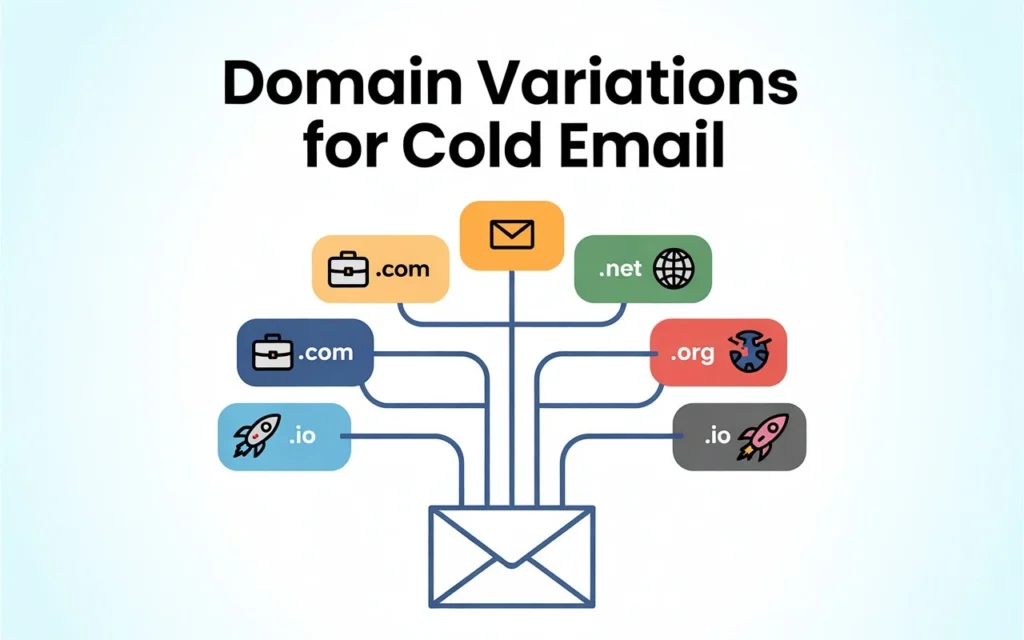
Cold email domain variations are separate, independently registered domains you use exclusively for cold outreach — completely isolated from your primary business domain.
Instead of sending from yourcompany.com, you send from getyourcompany.com, yourcompanyusa.com, or yourcompanyhq.com.
Simple concept. Enormous impact.
Your primary domain handles real business communication — client emails, proposals, invoices. Your dedicated sending domains absorb every risk that comes with cold email outreach at scale.
Think of it this way. Your primary domain is your home address. You wouldn’t hand it out to strangers at a trade show. Your cold outreach domains are your business cards — separate, controlled, and replaceable the moment something goes wrong.
Why Sending From Your Primary Domain Is a Costly Mistake
This isn’t just a best practice. In 2026, it’s survival.
Google’s bulk sender guidelines — enforced since February 2024 — require all senders to keep spam complaint rates below 0.3%. That’s just 3 complaints per 1,000 emails before you’re in dangerous territory.
Do that repeatedly from your primary domain and you risk getting blacklisted. Once that happens, your proposals stop reaching clients. Your invoices go to spam. Your entire business communication infrastructure breaks down — and getting off a major email blacklist can take days or even weeks.
Your primary domain is too valuable to gamble with. Alternate domains for cold email exist precisely to protect it.
One more thing most people don’t realize: volume limits make multiple domains unavoidable anyway. Google Workspace allows a maximum of 2,000 emails per day per domain — and for a fresh domain, the safe limit is closer to 30 to 50 per day. Scaling cold email without multiple sending domains is simply not possible.
How to Name Your Cold Email Domain Variations
This is where most people quietly ruin their deliverability before sending a single email.
Your alternate sending domains need to look completely legitimate to the prospects receiving your emails. A domain like best-deals99.biz will get flagged as phishing before anyone reads your subject line.
Here’s what works.
The Golden Naming Rules:
- Keep it closely related to your primary brand name
- Never use hyphens, numbers, or special characters
- Always use .com TLD as your first and default choice
- Add a natural modifier — location, product category, or abbreviation
- Keep it short enough that it reads like a real company domain
Naming formulas that consistently work:
| Formula | Example (Brand: Apex Marketing) |
| Brand + Location | apexmarketingusa.com |
| Brand + Abbreviation | apexmktg.com |
| Get + Brand | getapexmarketing.com |
| Brand + Product/Service | apexleads.com |
| Brand + HQ or Team | apexhq.com |
When a prospect sees your email, their gut reaction should be “that looks like a real company” — not “who on earth is this?”
That gut reaction determines whether they reply or report you. Choose your cold email domain names accordingly.
Choosing the Right TLD: Why .com Still Dominates
Your top-level domain choice has a direct, measurable impact on email deliverability rates. The data here is consistent across every serious cold email operation.
.com is always your best option. It delivers the strongest inbox placement and looks most credible to both recipients and spam filters.
Here’s how other TLDs perform for cold email sending domains:
| TLD | Deliverability | Verdict |
| .com | ★★★★★ | Always first choice |
| .io | ★★★★ | Great for SaaS and tech |
| .net | ★★★ | Solid fallback |
| .co | ★★★ | Acceptable if .com unavailable |
| .xyz / .info | ★ | Avoid completely |
Discount TLDs like .xyz carry heavy spam filter associations. Email providers flag them almost automatically. Don’t save $10 on a domain and lose your entire campaign to spam placement. It’s not worth it.
How Many Domain Variations Do You Actually Need?
Nobody answers this question clearly. Until now.
The math is simple once you know the safe sending limits.
Core numbers to work with:
- Safe sending limit: 30 cold emails per day per mailbox
- Mailboxes per domain: 2 to 3 maximum
- Working days per month: 22 (weekdays only)
That gives you roughly 1800 emails per month per domain running two mailboxes at conservative limits.
Your complete domain-to-volume calculator:
| Monthly Volume Target | Domains Needed | Total Mailboxes |
| Up to 900 emails/month | 1 domain | 3 mailboxes |
| 2700–5400 emails/month | 1–2 domains | 3–6 mailboxes |
| 8100–13500 emails/month | 3–5 domains | 9–15 mailboxes |
| 13500–16,200 emails/month | 5–9 domains | 15–18 mailboxes |
| 1800+ emails/month | 10+ domains | 20+ mailboxes |
Start smaller than you think you need. Three clean, properly warmed domains will outperform ten poorly managed ones every single time.
When it comes to the actual Google Workspace mailboxes powering those domains, the cost adds up fast if you’re buying directly from Google. A lot of serious cold email teams useLeads Monky to set up their Google Workspace accounts — they’re an official Google Workspace reseller offering the Business Starter plan at just $2.50 per mailbox, which is about 64% less than buying directly from Google. They also handle the full SPF, DKIM, and DMARC configuration for you, which saves a significant amount of setup time.
💡 Need help setting up Google Workspace?
We’re certified Google partners offering 64% off + free professional setup ($2,000 value). Used by 151+ companies.
Get your quote →The Full Technical Setup: SPF, DKIM, and DMARC
Every single cold email sending domain needs all three email authentication protocols fully configured before you send one email. For a step-by-step technical walkthrough, see our full cold email authentication guide No exceptions, no shortcuts.
Skipping even one of these in 2026 is essentially telling Gmail and Outlook: “Please put me in spam.”
Here’s what each protocol actually does:
SPF (Sender Policy Framework) tells receiving mail servers which servers are authorized to send email on behalf of your domain. Without it, your emails look suspicious from the moment they arrive.
DKIM (DomainKeys Identified Mail) adds a cryptographic signature to every email you send. It proves the email genuinely came from your domain and wasn’t altered in transit.
DMARC (Domain-based Message Authentication) ties SPF and DKIM together. It tells receiving servers how to handle failures — and sends you reports if anyone tries spoofing your domain.
Step-by-step setup checklist:
- Register your cold email domain from Cloudflare or Namecheap
- Connect it to your ESP — Google Workspace or Microsoft 365
- Add your SPF TXT record in DNS settings
- Generate your DKIM key inside your ESP, then add the TXT record to DNS
- Create your DMARC record at _dmarc.yourdomain.com
- Verify all three records using MXToolbox before sending anything
- Wait 24 to 48 hours for full DNS propagation
Do this for every domain variation you register. Every single one.
Domain Warm-Up: The Step You Cannot Rush
A brand new domain has zero sender reputation. Email providers treat it like a stranger walking into a bank asking for a large wire transfer. Suspicious by default.
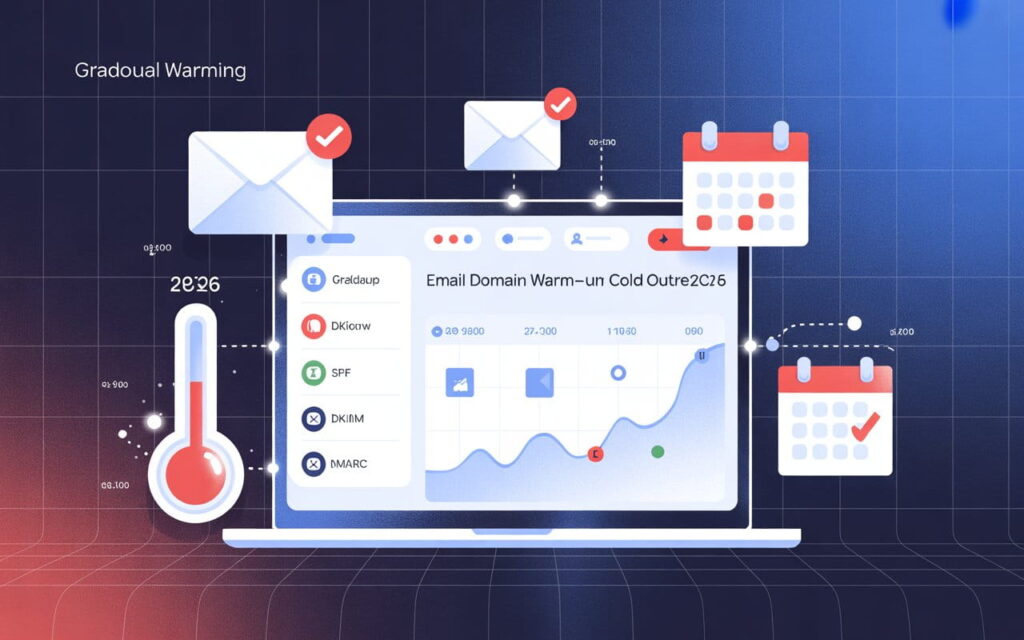
The email warm-up process builds a positive sending history gradually so providers start trusting your domain before your real campaigns begin.
Your warm-up timeline:
| Week | Daily Send Limit | What’s Happening |
| Week 1 | 10–15 emails/day | Establishing a sending pattern |
| Week 2 | 20–30 emails/day | Building engagement signals |
| Week 3 | 35–50 emails/day | Transitioning to real campaigns |
| Week 4+ | 50 emails/day | Full cold outreach at safe volume |
Use an automated warmup tool — Warmup Inbox, Mailreach, or Smartlead’s built-in feature all work well. These tools simulate genuine engagement — opens, replies, inbox movements — to accelerate your domain’s reputation building.
One thing almost every guide ignores: domain age matters significantly.
Domains older than 6 months can safely push slightly higher volumes. Domains over 12 months old show materially better inbox placement rates across Gmail, Outlook, and every major provider. If you’re planning a serious cold outreach campaign, register your domain variations 60 to 90 days before you actually need them. Patience here pays off dramatically.
Inbox Rotation: The Strategy That Multiplies Your Reach
Inbox rotation is the natural extension of domain variations — and almost nobody covers it properly.
Instead of sending all your campaign emails from one mailbox, your cold email platform automatically distributes sends across all your connected mailboxes and domains throughout the day. Six mailboxes across three domains, each sending 40 to 50 emails daily, gives you 240 to 300 emails per day total — all within safe limits, all appearing completely natural to receiving servers.
Tools like Instantly, Smartlead, and Salesforge handle inbox rotation automatically once you connect multiple sending accounts.
The result? You scale your cold email volume significantly without pushing any single domain near its daily limit. If one domain’s deliverability dips, your platform automatically routes traffic to your other domains without missing a beat.
If you’d rather skip the entire setup process and have someone build this infrastructure for you, Leads Monky’s done-for-you cold email service builds the complete system — 10 domains, 30 email accounts, full authentication, and a 14-day warmup — in two weeks. They’ve delivered over 2.4 million emails at a 45% average open rate, which tells you the infrastructure they build genuinely works.
When to Retire a Burned Domain
Even well-managed domains wear out eventually. Here are the clear signals it’s time to let one go:
- Inbox placement rate drops below 70% for two or more consecutive weeks
- Spam complaint rate exceeds 0.5% despite cleaning your list
- Domain appears on a major blacklist — check MXToolbox Blacklist Checker
- Open rates drop 40% or more compared to your other sending domains
- Your ESP flags or suspends the account tied to the domain
When you retire a domain, set a 301 redirect to your primary domain so web traffic lands somewhere useful. Keep DNS records live so any pending replies still reach you. Then replace it with a freshly registered, properly warmed secondary domain for cold email.
Treat your domains like tires. Rotate them regularly. Replace them when they’re worn. Never wait until one blows out mid-campaign.
Frequently Asked Questions
What are domain variations for cold email?
Domain variations for cold email are separately registered domain names — closely related to your primary business domain — used exclusively for sending cold outreach emails. They protect your main domain’s reputation and allow you to scale sending volume safely across multiple dedicated sending addresses.
How many cold email domains do I need?
For most businesses sending fewer than 2,000 cold emails per month, 1 to 2 dedicated sending domains with 2 to 3 mailboxes each is sufficient. Scale up as your monthly volume grows using the domain-to-volume table above.
Should I use subdomains or separate domains for cold email?
Always use separately registered domains — not subdomains. Subdomains share your root domain’s sender reputation. If a subdomain gets flagged for spam, your primary domain takes the damage directly. Separate cold email domain variations keep everything fully isolated.
Do I need SPF, DKIM, and DMARC for every cold email domain?
Yes — every single one. All three email authentication protocols are mandatory for inbox placement in 2026. Skipping any one of them means your emails will land in spam before your prospect ever sees your subject line.
The Bottom Line
Domain variations for cold email aren’t optional in 2026 — they’re the foundation every successful outreach operation is built on.
Register domains that look like your brand. Use .com every time. Configure SPF, DKIM, and DMARC on every domain before sending anything. Warm them up properly over 4 to 6 weeks. Rotate your inboxes intelligently. And treat each domain like a long-term asset — because a clean, well-aged cold email sending domain with 12 months of positive history is genuinely valuable infrastructure.
Your competitors are either skipping this entirely or doing it halfway. Now you know exactly how to do it right.
Build the infrastructure first. Then build the campaigns. Every time, in that order.
Get Google Workspace at 64% Off
Same service. Better price. Professional setup included.
⭐⭐⭐⭐⭐ 151+ companies trust us
Partner Pricing:
• Business Starter: $3/month (Google: $8)
• Business Standard: $13/month (Google: $17)
• Business Plus: $20/month (Google: $26)
FREE:
Complete DNS setup + 24/7 support + USA IPs
15-user minimum | Setup in 24 hours