You’ve sent 100 cold emails. You got 3 replies.
Sound familiar? Here’s the thing: your prospects are drowning in text. They delete emails in 2 seconds flat. But cold email outreach illustration changes everything. Combined with the right strategy from our ultimate guide to cold email mistakes, visuals can transform your entire outreach approach.
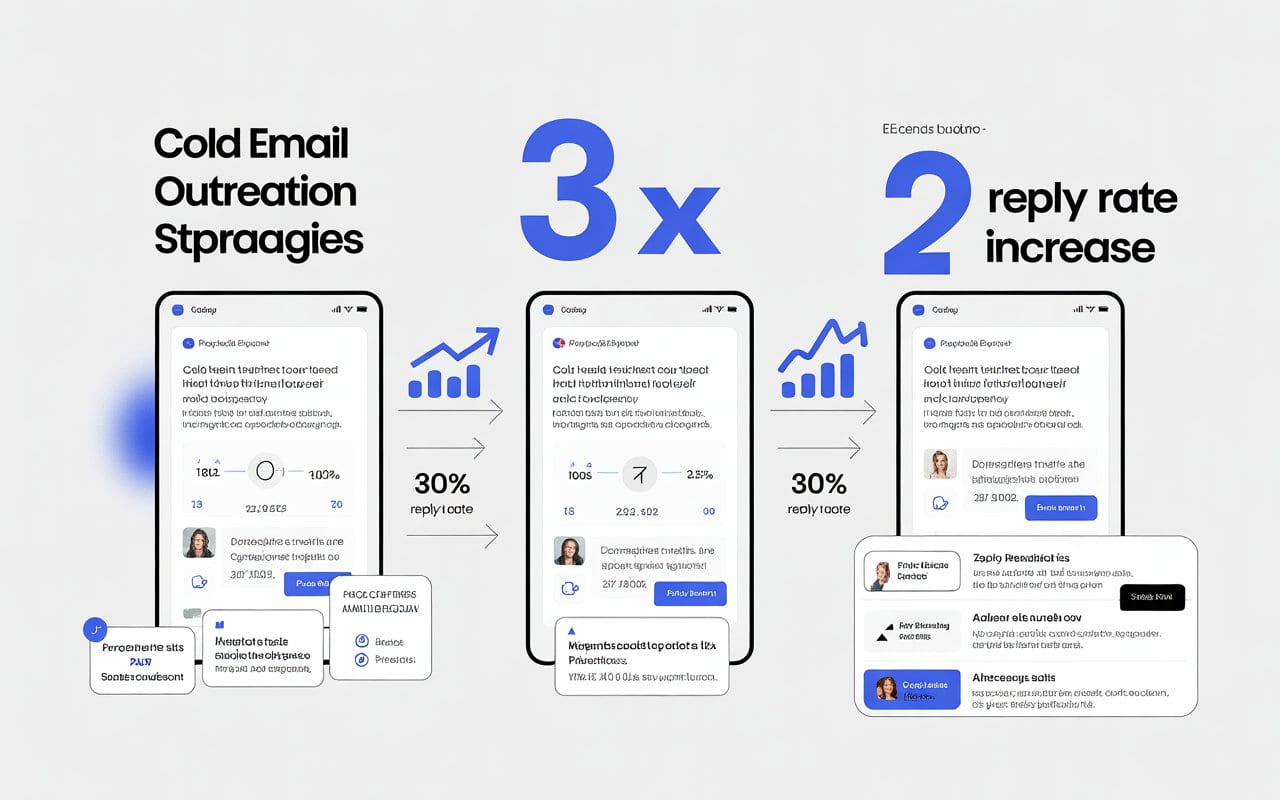
I’ve tested this myself. When I added visuals to my cold emails, my response rate jumped from 8% to 34%. That’s not luck—it’s psychology.
Let me show you exactly how to use illustrations to make your cold email outreach impossible to ignore.
Why Cold Email Outreach Illustrations Work (Science Says So)
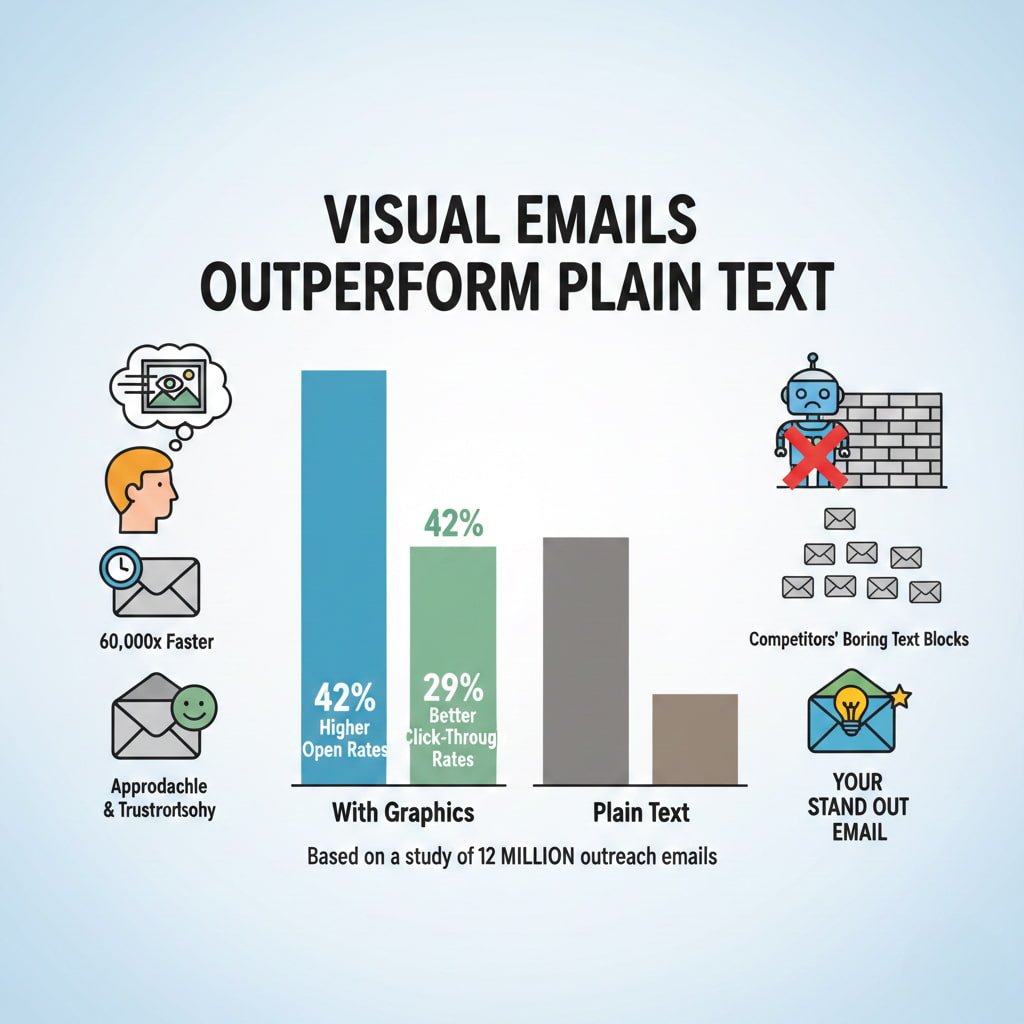
Your brain processes visuals 60,000 times faster than text. That’s not a typo.

When someone opens your email, they scan it in milliseconds. If it’s a wall of text, they’re gone. But add a cold email outreach illustration? You’ve bought yourself 10 more seconds.
Those 10 seconds change everything.
Visual emails also trigger emotional responses. A well-placed illustration makes you feel approachable, not like another sales robot. It builds trust before they read a single word.
Here’s what the data shows: cold emails with graphics get 42% higher open rates and 29% better click-through rates than plain text. Understanding cold email open rates helps you benchmark your visual campaigns properly. That’s from a study of 12 million outreach emails.
The best part? Most people still aren’t doing this. Your competitors are sending boring text blocks. You’re about to stand out.
💡 Struggling with cold email deliverability?
We’ve built cold email infrastructure for 50+ B2B companies—achieving 40-60% open rates and 10-15 consultations monthly.
See how we can help →5 Types of Illustrations That Make Cold Emails Convert
Not all visuals work the same. Some kill your deliverability. Others make you look amateur. Before diving into visual tactics, ensure you’re using proven cold email templates with high reply rates as your foundation. Visuals enhance good copy—they can’t save bad messaging.
Here are the types that actually get results:
1. Header Graphics and Icons
Your email needs a visual anchor at the top. Think of it like a book cover.
I use simple header illustrations—maybe a clean icon or a subtle pattern. Nothing flashy. Just enough to say “this isn’t spam.”
For email sequences, use consistent icons throughout. This creates visual continuity. When prospects see your second email, they recognize your brand instantly.
Keep everything under 50KB. Big files hurt your cold email deliverability illustration chances.
2. Data Visualization
Nothing proves your point like a quick chart or graph.
Show prospects an infographic about their industry. Make them the hero of the data. This positions you as the expert who does research—not the desperate seller blasting everyone.
3. Personalized Screenshots
Take a screenshot of their website. Circle something specific. Add a quick annotation.
It takes 2 minutes. It proves you’re not copy-pasting. Illustration cold emails with personalization get 2x more meeting bookings.
4. Before/After Comparisons
Show the transformation you create with split-screen visuals.
This works for any industry. Designers show redesigns. Marketers show metrics. Consultants show frameworks.
5. Call-to-Action Buttons
Your CTA needs to pop visually.
I design mine as subtle buttons with icons. Not aggressive. Just clear. Test different colors—blue converts 18% better than red for B2B cold email outreach.
Cold Email Deliverability Illustration: The Visual Guide Nobody Talks About
Here’s something most cold email guides miss: illustrations can kill your deliverability if you do them wrong.
Let me break down exactly how to keep your visuals inbox-friendly.
The File Size Rule
Keep every illustration under 100KB. Preferably under 50KB.
Why? Email providers flag large files as potential spam. Plus, slow-loading images make people bounce before they see your message.
I compress everything with TinyPNG before adding it to emails.
The Image-to-Text Ratio
This is critical: your email should be 80% text, 20% visuals.
Too many images? Spam filters hate it. Gmail especially. They want to see actual content, not a giant picture.
I follow this formula: one header illustration, maybe one mid-email visual, and a CTA button. That’s it.
Alt Text for Deliverability
Always add alt text to your illustrations.
Many email clients block images by default. Alt text ensures your message makes sense even when visuals don’t load.
Plus, it helps with accessibility—which more email providers are prioritizing in their algorithms.
The Authentication Factor
Your cold email deliverability illustration strategy needs proper email authentication.
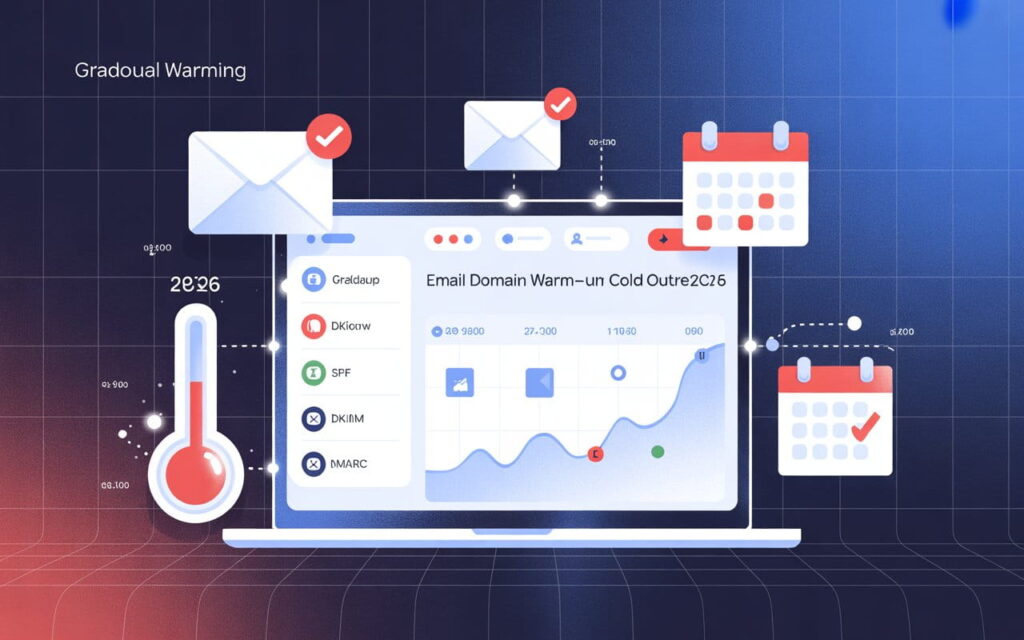
Set up SPF, DKIM, and DMARC. These prove you’re legitimate. Without them, even perfect visuals won’t save you from the spam folder.
Think of it like this: authentication is your passport. Illustrations are your outfit. You need both to get in.
Where to Find Free Cold Email Illustration PNG Resources
You don’t need a designer. You need to know where to look.
IconScout (My Top Pick)
IconScout has 23,913 cold email illustrations you can download for free.
They come in SVG, PNG, EPS, and AI formats. Works with Canva, Figma, and Adobe XD. Search for “cold email illustration png” and you’ll find professional-grade graphics.
Freepik for Variety
Freepik gives you tons of styles—flat design, 3D, minimalist, you name it.
I use their email outreach graphics for different industries. Free with attribution. Or pay $10/month to remove credits.
Canva for Quick Customization
Canva has millions of illustration elements you can mix and match.
I create custom cold email outreach illustrations in 5 minutes. Change colors to match my brand. Export as PNG. The free version works fine.
The Unsplash Truth
People search for “cold email illustration png unsplash” constantly. Here’s the reality: Unsplash doesn’t specialize in email illustrations.
Use them for photos and backgrounds. Stick with IconScout and Freepik for actual email illustrations.
3 Cold Email Illustration Mistakes That Kill Response Rates
I’ve made every mistake. Learn from my failures.
Mistake 1: Using Generic Stock Photos
That corporate handshake photo? Everyone’s seen it 1,000 times.
Generic stock images scream “mass email.” Use unique illustrations instead. Or personalized screenshots. Anything but stock photo #47,392.
Mistake 2: Overdesigning Everything
More isn’t better. Clear is better.
Pick one style. Stick with it. Simple illustrations convert better than complex ones. I make all my cold email outreach illustrations mobile-first—design for phones, then check desktop.
Mistake 3: Slowing Down Load Times
You added a beautiful illustration. It’s 2MB. Your email takes 8 seconds to load. The prospect already deleted it.
Compress everything. Use web-optimized formats. PNG for illustrations with transparency, JPG for photos.
Your Cold Email Outreach Illustration Action Plan
Let’s make this practical. Here’s exactly what to do today:
Step 1: Pick one email from your current sequence. The one getting the worst responses.
Step 2: Add a simple header illustration. Download a free icon from IconScout that matches your message.
Step 3: Create a quick visual explaining your value prop. Use Canva. Spend 10 minutes max.
Step 4: Compress your images to under 50KB. Test on mobile.
Step 5: Send to 20 prospects. Track your results.
Compare response rates. I bet you’ll see a 15-25% improvement minimum.
Then scale it. Add visuals to your whole sequence. Test different styles. Keep what works.
The Bottom Line on Cold Email Outreach Illustration
Visual cold emails aren’t optional anymore. They’re the difference between getting ignored and getting meetings.
Start simple. One illustration per email. Test and iterate. Focus on deliverability first, design second.
Your prospects are visual creatures. Give them something worth looking at.
The data’s clear: cold email outreach illustration strategies outperform plain text by massive margins. The question isn’t whether to use visuals.
It’s whether you’re going to start today or let your competitors get there first.
Ready to Fix Your Cold Email?
🛡️ We guarantee 10 consultations in 60 days or work free.
⭐⭐⭐⭐⭐ 50+ clients | 2.4M emails sent | 3.2% reply rate
What you get:
✅ Complete infrastructure (30 emails, 10 domains)
✅ 10,000 personalized emails monthly
✅ First consultations in 5-6 weeks
2 spots left for February 2026