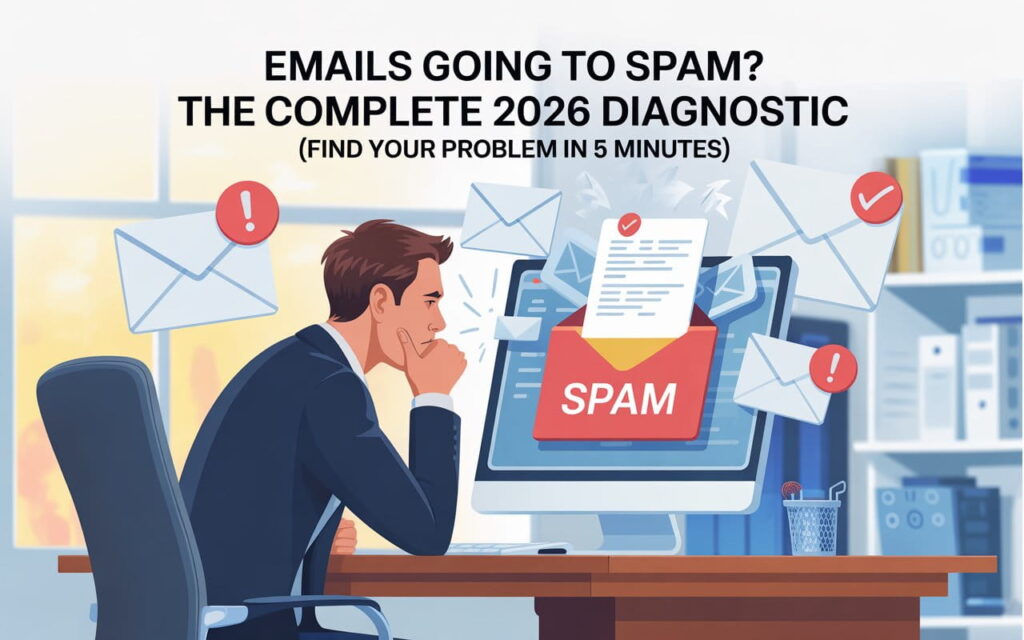
Email marketing is one of the most effective ways to reach your audience, but many businesses struggle with why emails go to spam. When messages land in the spam folder, they fail to generate leads, reduce email engagement, and hurt your overall ROI.
Understanding common reasons emails go to spam is essential for marketers who want to improve inbox placement and maintain a strong sender reputation. From misleading subject lines to poor email deliverability, multiple factors affect whether your emails reach recipients. In this guide, we’ll explore why emails end up in spam and share actionable strategies to fix the problem.
Understanding Email Spam
Email spam refers to messages flagged as unwanted or promotional by email providers. Emails can end up in the spam folder for many reasons, including recipients marked emails as spam or poor sender reputation. This problem impacts inbox placement and reduces overall email engagement. Every email that lands in spam can waste resources and hurt your newsletter best practices. Understanding the problem helps you adopt better strategies.
In the USA, businesses face strict regulations. Following CAN-SPAM Act compliance and obtaining express permission from recipients is mandatory. Ignoring these rules not only increases spam complaint rates but can also harm your reputation. Email deliverability depends on respecting these laws, optimizing content, and sending only relevant messages. Even small mistakes like misleading subject lines can damage your credibility.
💡 Struggling with cold email deliverability?
We’ve built cold email infrastructure for 50+ B2B companies—achieving 40-60% open rates and 10-15 consultations monthly.
See how we can help →How Spam Filters Work
Email filters are algorithms designed to detect and block unwanted messages. They examine content, sender information, attachments, and links. Any attachments triggering spam filters or large file attachments can flag your message. Filters also check HTML email best practices, subject line optimization, and domain and IP authentication. AI-powered systems like Gmail and Outlook are particularly strict in detecting suspicious patterns.

Filters evaluate every email using multiple signals. Poor IP/domain reputation, low recipient engagement, or missing unsubscribe links can cause messages to land in the spam folder. Repeated violations or high spam complaint rates further reduce email deliverability. Marketers need to understand how filters work to minimize emails being marked as spam and maintain a trustworthy reputation. Proper design, code, and content all play critical roles.
Common Reasons Emails Go to Spam
One major reason is poor sender reputation. If your IP or domain lacks authentication or has a history of flagged emails, your messages may never reach the inbox. Sending to purchased email lists or ignoring email list hygiene can increase spam complaint rates. Low engagement or low engagement rates signals filters to treat your emails as spam.
Another key factor is content. Misleading subject lines, spam triggers, and failure to follow HTML best practices often land emails in spam. Missing unsubscribe links, improper from information, or attachments triggering spam filters also contribute. Even well-intentioned campaigns can fail if emails contain large file attachments or poorly formatted HTML. Ensuring clean and mobile-friendly email code can help solve these problems.
How to Prevent Emails from Going to Spam
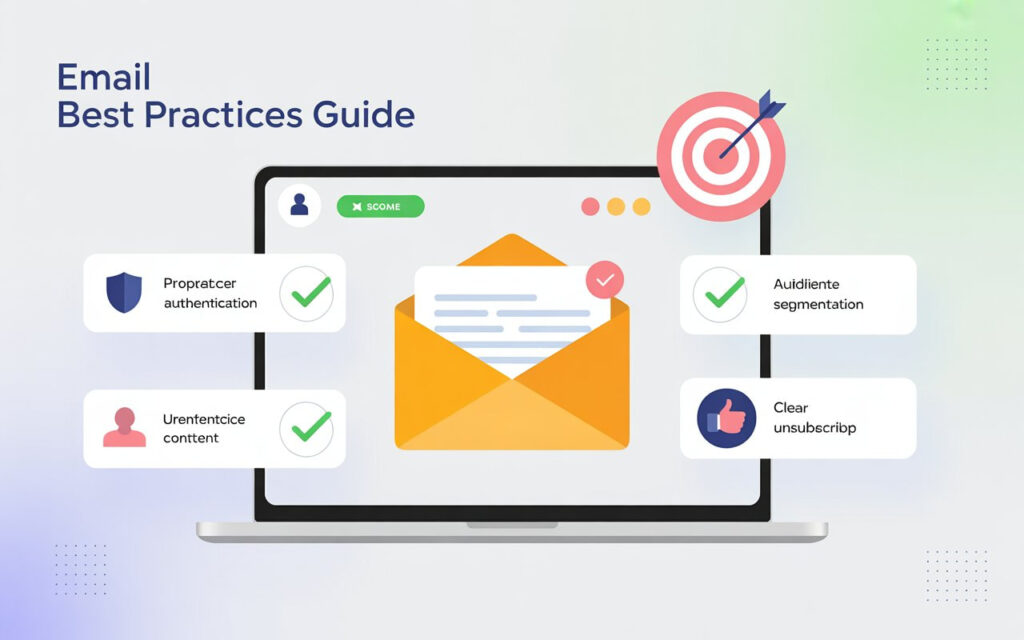
First, maintain your lists. Remove inactive users and verify express permission from recipients. Segmentation ensures each subscriber receives relevant content. Good email list hygiene directly improves recipient engagement and reduces spam complaint rates.
Second, focus on email quality. Avoid overly salesy language and misleading subject lines. Follow HTML email best practices, limit large file attachments, and use cloud storage links for attachments when necessary. Proper domain and IP authentication ensures messages are trusted. Always include a clear unsubscribe link to follow CAN-SPAM Act compliance and maintain a trustworthy reputation.
Tools and Techniques to Check Spam Risks
You can use online tools to improve email deliverability. Tools like Mail-Tester, Litmus, and GlockApps measure spam triggers, HTML email best practices, and subject line optimization. They also analyze engagement metrics to detect patterns that may reduce inbox placement.
Checking IP/domain reputation is also important. Services can report if your domain or sending IP is blacklisted. Consistently testing emails before sending helps identify attachments triggering spam filters, formatting errors, and other issues. Regular testing reduces the risk of emails ending up in spam.
Monitoring and Improving Email Performance
Track your performance carefully. Email open rates, click-throughs, and recipient engagement indicate success. If engagement is low, filters may flag your messages as spam. Comparing campaigns helps identify common reasons emails go to spam.
Regularly cleaning your subscriber list, adjusting sending frequency, and personalizing emails improve results. Monitoring spam complaint rates and tracking which users click unsubscribe links ensures compliance. Over time, these adjustments enhance email deliverability and strengthen your sender reputation.
Advanced Strategies for Maximum Deliverability
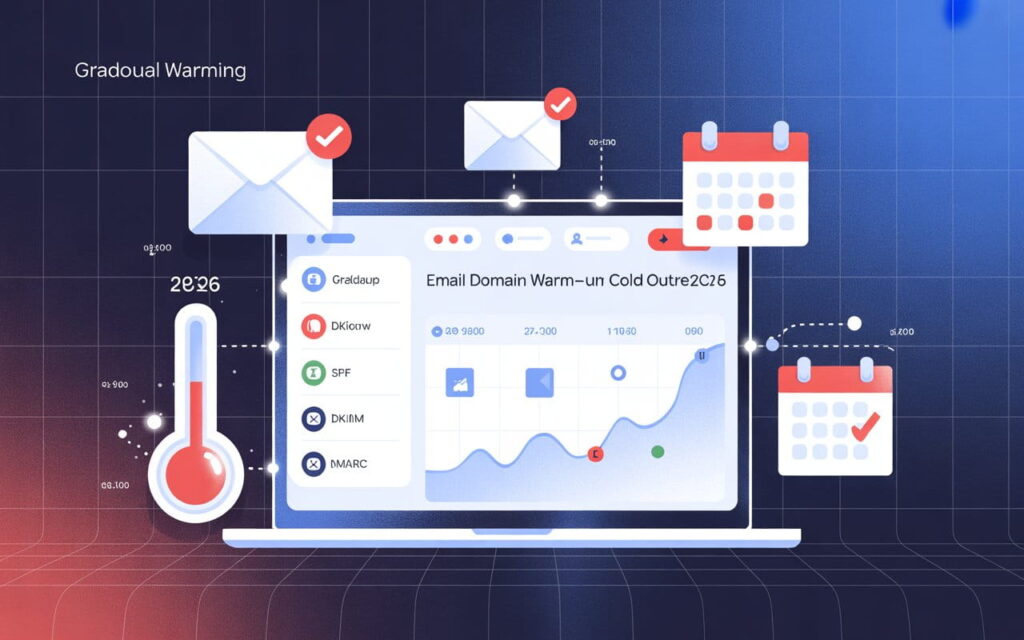
Implement full email authentication through SPF, DKIM, and DMARC to prove your messages are legitimate. Keeping your IP/domain reputation clean increases inbox placement. Avoid sending messages with attachments triggering spam filters or large file attachments.
Use engagement strategies to boost performance. Interactive content, personalized subject lines, and mobile-friendly designs improve email engagement. Avoid overly salesy language to maintain credibility. Tracking metrics and continuously improving campaigns ensures long-term success and helps minimize emails being marked as spam.
Summary and Action Plan
In summary, emails land in spam due to poor sender reputation, bad content, ignored rules, and low engagement. Follow proper email list hygiene, optimize subject line optimization, use cloud storage links for attachments, and adhere to CAN-SPAM Act compliance and GDPR email rules.
Your action plan should include: cleaning lists, verifying express permission from recipients, following HTML email best practices, implementing domain and IP authentication, and monitoring spam complaint rates. Applying these strategies improves email deliverability, increases email open rates, and keeps your messages out of the spam folder.
FAQs
What are the three warning signs that an email contains malware?
Look for unexpected attachments, suspicious links, and urgent or threatening messages asking for personal information. These are common indicators of malware emails.
Why are my emails going to spam all of a sudden?
Your emails may hit spam due to low sender reputation, misleading subject lines, or attachments triggering spam filters. Sudden changes in engagement or domain/IP issues can also trigger spam folders.
How do I stop my emails from landing in spam?
Maintain clean subscriber lists, follow HTML email best practices, and implement email authentication. Avoid spammy language and always include a clear unsubscribe link.
How do I stop my emails from being marked as spam?
Send relevant, personalized content to opted-in recipients and avoid overly salesy language. Monitor engagement and adjust sending frequency to minimize complaints.
What to do if you start getting spam emails?
Mark spam messages in your email client, avoid clicking links, and update filters. Consider changing passwords and reviewing subscriptions to reduce unwanted emails.
Ready to Fix Your Cold Email?
🛡️ We guarantee 10 consultations in 60 days or work free.
⭐⭐⭐⭐⭐ 50+ clients | 2.4M emails sent | 3.2% reply rate
What you get:
✅ Complete infrastructure (30 emails, 10 domains)
✅ 10,000 personalized emails monthly
✅ First consultations in 5-6 weeks
2 spots left for February 2026