
Google just raised prices again. Your Google Workspace alternative search brought you here for a reason.
In January 2025, Google hiked prices by 17-22% across all plans. They’re forcing Gemini AI on everyone—whether you want it or not. For a team of 50, that’s an extra $5,000+ annually.
You’re not alone in looking for alternatives to Google Workspace. Over 2 million businesses switched providers in the past year. Some wanted better prices. Others needed more privacy. Many just got tired of Google’s constant changes.
This guide covers 15 proven Google Workspace alternatives that real companies use daily. We’ll show you free options, privacy-focused tools, and enterprise solutions. You’ll see actual pricing, migration tips, and honest pros and cons.
But here’s something most people don’t know: If price is your main concern, you might not need to switch at all. Google Workspace authorized resellers offer the exact same service for up to 65% less than Google’s official pricing. Same features, same security—just smarter buying. We’ll show you how later in this guide.

Let’s find your perfect match.
Why People Are Leaving Google Workspace in 2026
Google Workspace isn’t bad. It’s just not right for everyone anymore.
Here’s what’s pushing businesses to explore alternatives to Google Workspace:
The Price Keeps Climbing Google raised prices 20% in 2023. Then another 17-22% in 2025. The Business Standard plan jumped from $12 to $16.80 per user monthly. That’s a 40% increase in two years.
Forced AI Nobody Asked For Gemini AI used to be optional at $20/month. Now it’s bundled into every plan. You’re paying for features you might never use.
Privacy Concerns Google scans your emails for data. They track usage patterns. Some businesses—especially in healthcare and finance—can’t accept that risk.
Limited Offline Access When your internet drops, Google Workspace becomes nearly useless. Competitors offer better offline functionality.
Storage Limitations The starter plan gives just 30GB per user. Need more? You’ll pay significantly more or upgrade tiers.
💡 Need help setting up Google Workspace?
We’re certified Google partners offering 64% off + free professional setup ($2,000 value). Used by 151+ companies.
Get your quote →Top 15 Google Workspace Alternatives (Compared)
We tested dozens of platforms. Here are the best Google Workspace alternatives organized by what matters most to you.
Best Overall Alternative: Microsoft 365
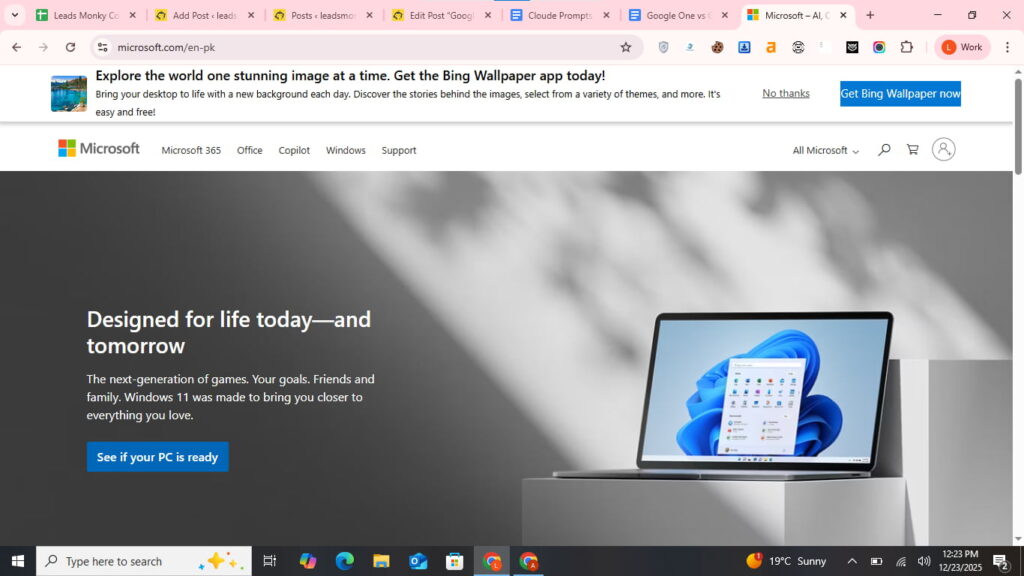
Microsoft 365 stands as the most direct alternative to Google Workspace. You get Word, Excel, PowerPoint, Outlook, Teams, and OneDrive in one package.
Why it works: Microsoft offers true desktop apps that work offline. Files sync perfectly between devices. If your team already knows Office, there’s zero learning curve.
Pricing:
- Business Basic: $8.40/user/month (web apps only)
- Business Standard: $12.50/user/month (includes desktop apps)
- Business Premium: $22/user/month (adds security features)
Best for: Teams who need robust desktop applications and better offline access.
Check this for a more detailed comparative analysis
Migration tip: Microsoft provides free migration tools that transfer emails, calendars, and files automatically.
Most Affordable: Zoho Workplace
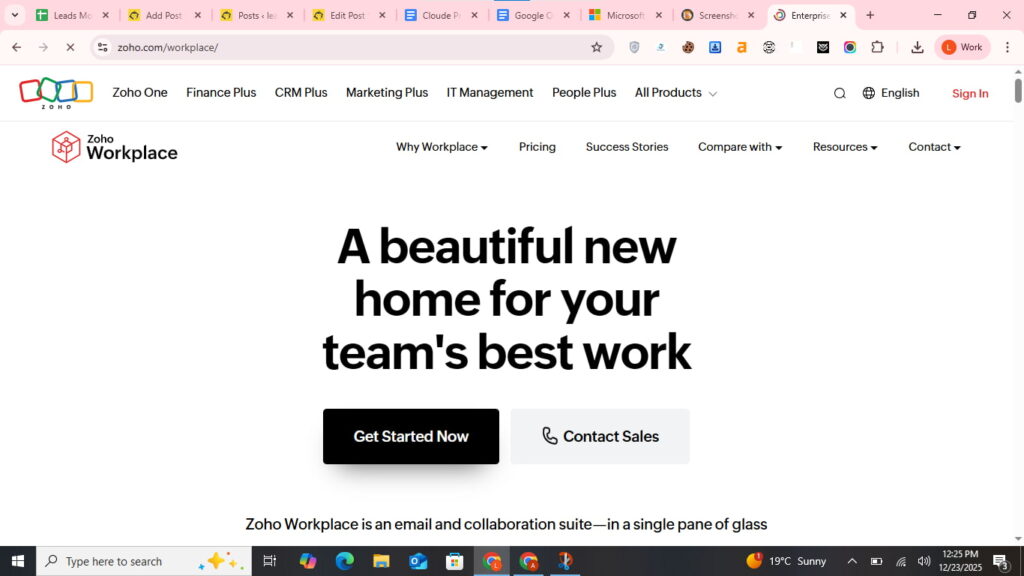
Looking for cheap alternatives to Google Workspace? Zoho Workplace delivers everything you need at half the price.
What you get: Zoho Mail, Docs, Sheets, Show (presentations), WorkDrive, Cliq (chat), and Meeting (video calls). It’s a complete office suite.
Pricing:
- Mail Only: $1/user/month
- Workplace Standard: $3/user/month
- Workplace Professional: $6/user/month
Why teams love it: Zoho doesn’t scan your emails for ads. They respect privacy. Plus, unlimited storage on higher plans means you’ll never hit limits.
Best for: Small businesses and startups watching their budget.
Check this for a more detailed comparative analysis
Real user feedback: “We saved $8,000 yearly switching from Google to Zoho. Features are nearly identical.” – Reddit user
Best Free Alternative: Nextcloud Hub
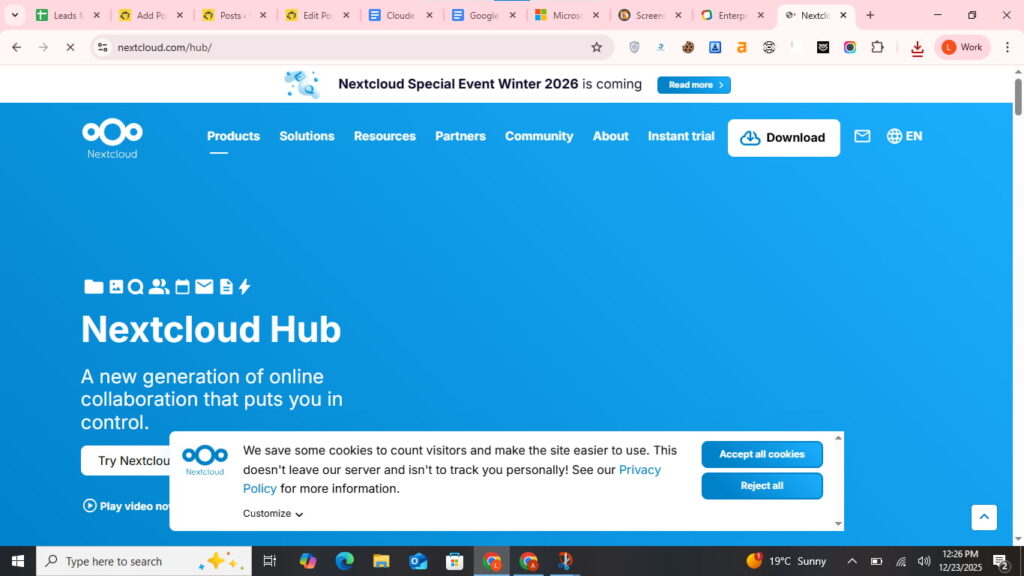
Want a free alternative to Google Workspace? Nextcloud Hub offers self-hosted collaboration without monthly fees.
What makes it special: You own your data completely. Host it on your servers or use a Nextcloud provider. It includes file storage, document editing, calendar, contacts, chat, and video calls.
Pricing:
- Free (self-hosted)
- Hosted plans start at €37.49/user/year
The catch: You need technical skills to set up self-hosting. Or hire someone. But once running, there are no per-user fees.
Best for: Privacy-conscious organizations and tech-savvy teams who want complete control.
Privacy Champion: CryptPad
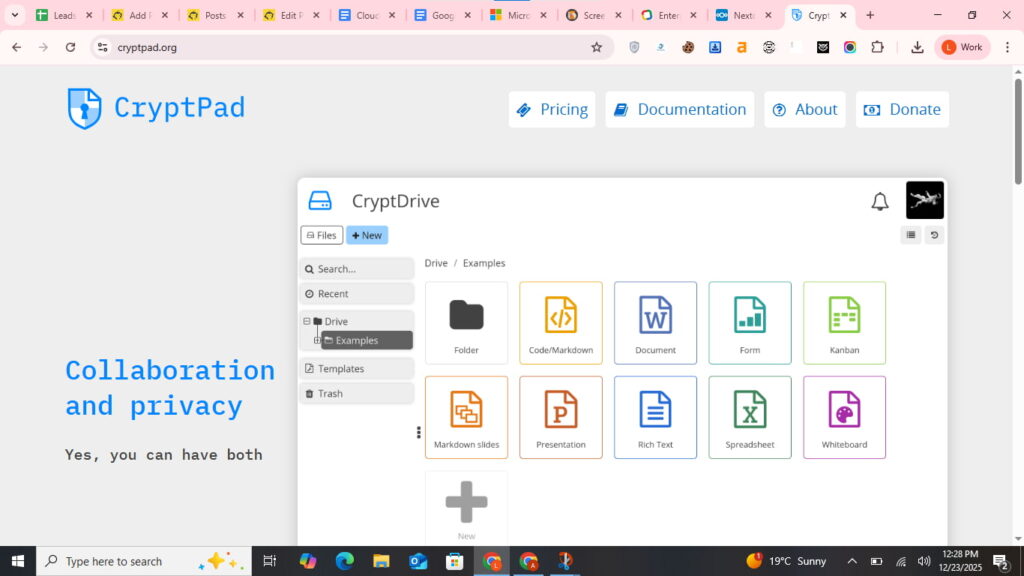
CryptPad is the open source alternative to Google Workspace built for maximum privacy.
How it works: Everything encrypts in your browser before reaching their servers. Even CryptPad admins can’t read your documents. It’s true zero-knowledge encryption.
Features: Rich text documents, spreadsheets, presentations, code editor, kanban boards, and whiteboard. Real-time collaboration works perfectly.
Pricing:
- Free: 1GB storage
- Individual: €5/month (50GB)
- Teams: Contact for pricing
Best for: Journalists, lawyers, healthcare providers, and anyone handling sensitive information.
Best for Microsoft Office Compatibility: OnlyOffice
OnlyOffice nails Microsoft Office compatibility. Your .docx, .xlsx, and .pptx files look pixel-perfect.
Why it matters: No formatting issues. No broken layouts. If you work with clients using Microsoft Office, OnlyOffice prevents compatibility headaches.
Features: Document editor, spreadsheets, presentations, plus integrated mail, CRM, and project management.
Pricing:
- Cloud: $5/user/month
- Self-hosted: One-time fee starting at $1,500
Best for: Teams that frequently exchange files with Microsoft Office users.
Best for Startups: Lark
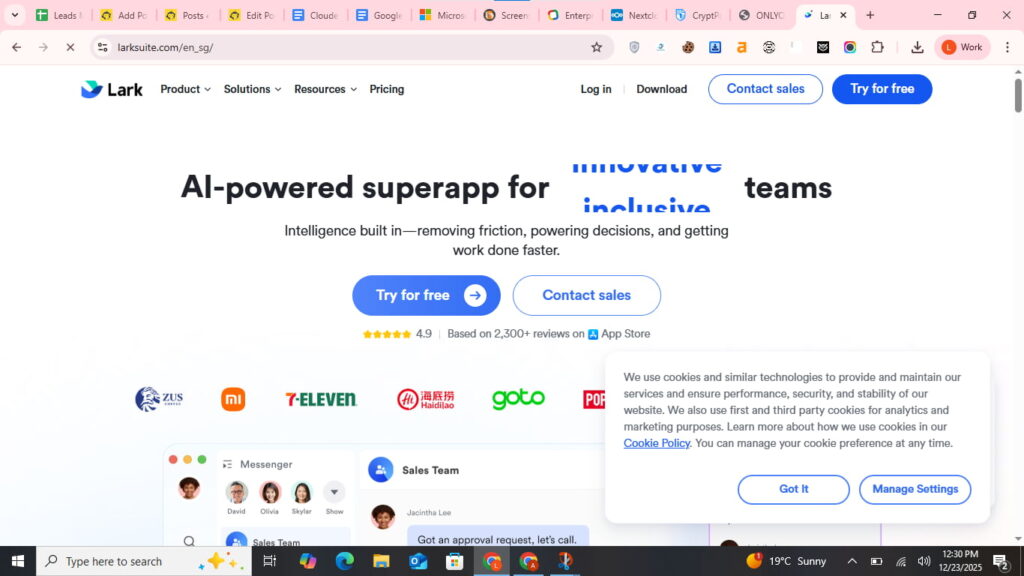
Lark offers an incredibly generous free Google Workspace alternative perfect for growing teams.
What’s included: Chat, video meetings, calendar, docs, sheets, cloud storage, email, and project management. Everything in one platform.
Pricing:
- Starter: Free (unlimited users!)
- Pro: $12/user/month
- Enterprise: Custom pricing
The advantage: Unlike Google’s 30GB limit, Lark’s free plan gives 200GB per user. That’s massive for a free tier.
Best for: Startups under 50 people who need full features without spending.
Best Email-Focused Alternative: Proton Mail
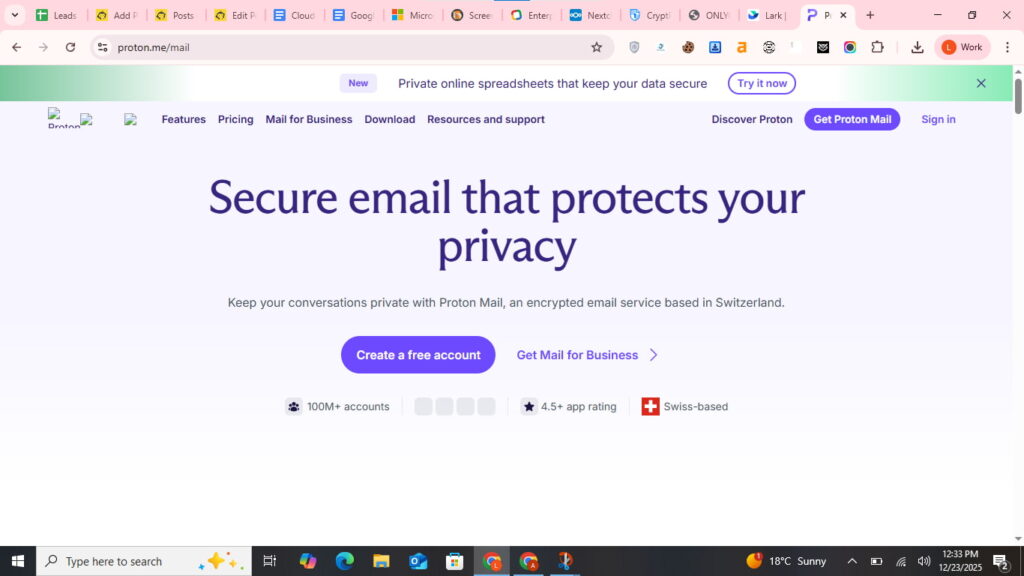
If you mainly need email, Proton Mail is the premier alternative to Google Workspace email.
Security features: End-to-end encryption. Zero-access encryption. Open-source code. Based in Switzerland with strict privacy laws.
Pricing:
- Free: 1GB storage
- Mail Plus: €3.99/month
- Business: €6.99/user/month
Bonus: Custom domain support, calendar, cloud storage, and VPN included in business plans.
Best for: Email-heavy businesses prioritizing privacy and security.
Best All-in-One Platform: ClickUp
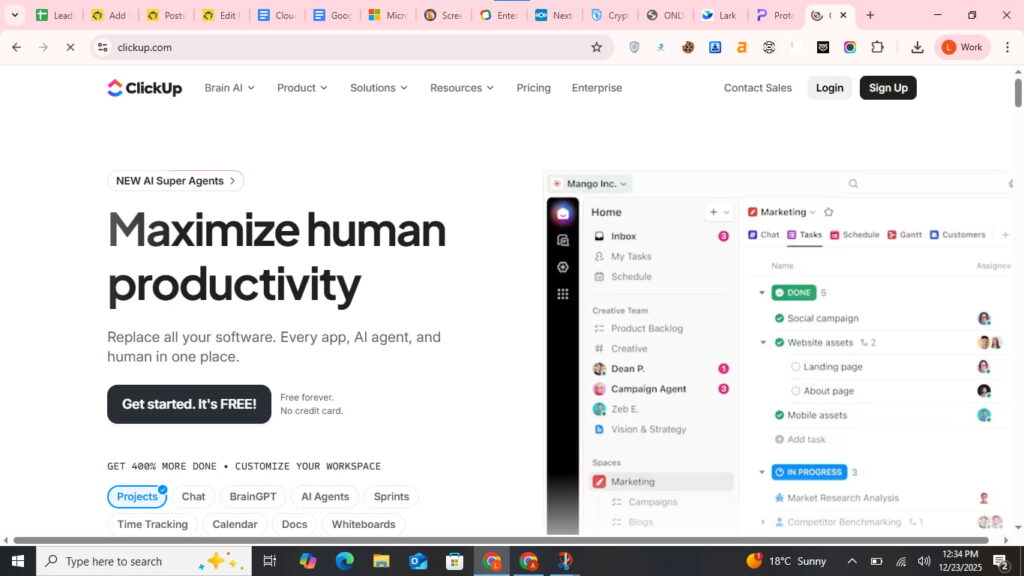
ClickUp combines project management with Google Workspace alternatives for docs and collaboration.
What it offers: Tasks, docs, wikis, spreadsheets, chat, video clips, whiteboards, and forms. It replaces multiple tools.
Pricing:
- Free: Forever for personal use
- Unlimited: $7/user/month
- Business: $12/user/month
Why teams switch: Everything lives in one place. No switching between apps. Deep customization lets you build workflows your way.
Best for: Teams wanting project management and collaboration combined.
Best for Remote Teams: Slack + Dropbox

This combo creates a powerful alternative to Google Workspace for distributed teams.
How it works: Slack handles communication. Dropbox Business manages files. Together, they cover most Workspace functions.
Combined pricing:
- Slack Pro: $7.25/user/month
- Dropbox Business: $15/user/month
- Total: ~$22/user/month
Trade-off: More expensive than Google. But superior for async communication and file versioning.
Best for: Fully remote companies where communication beats document editing.
Best for Education: Notion
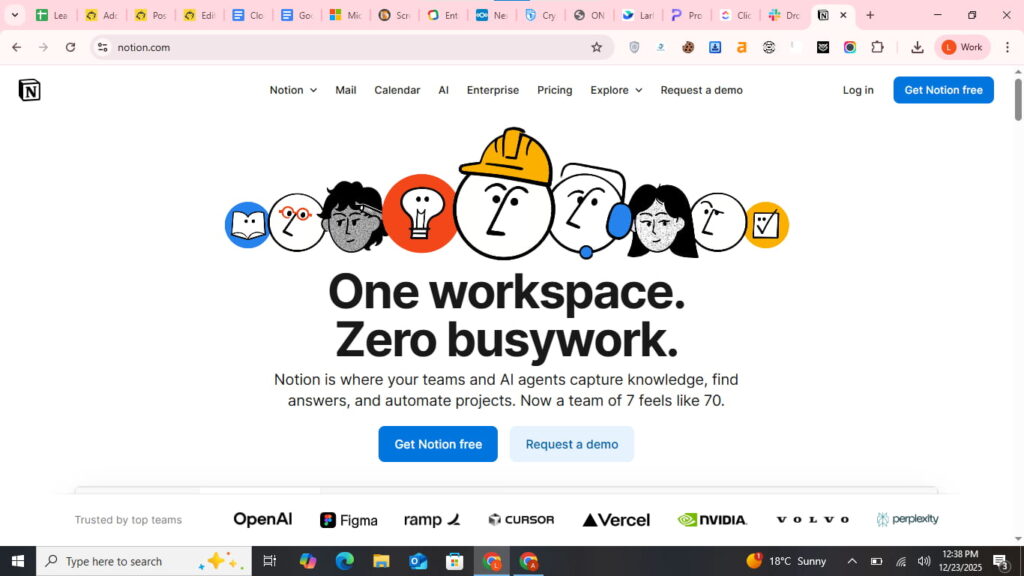
Notion works brilliantly as a Google Workspace Notion alternative for schools and universities.
Features: Wikis, databases, docs, project boards, and calendars. Students and teachers can organize everything.
Pricing:
- Free: For students and educators
- Plus: $10/user/month
- Business: $15/user/month
The learning curve: Steeper than Google. But once mastered, Notion becomes indispensable for knowledge management.
Best for: Educational institutions and knowledge-based organizations.
Best for Small Teams: Basecamp

Basecamp simplifies collaboration without the complexity of alternatives to Google Workspace and Microsoft 365.
What’s different: Flat pricing. Pay $299/month for unlimited users. Perfect for teams of 10+ people.
Features: Message boards, to-dos, schedules, documents, chat, and automatic check-ins.
The limitation: No spreadsheets or presentations. You’ll need separate tools for those.
Best for: Small agencies and teams under 25 people.
Best Open Source Suite: Collabora Online
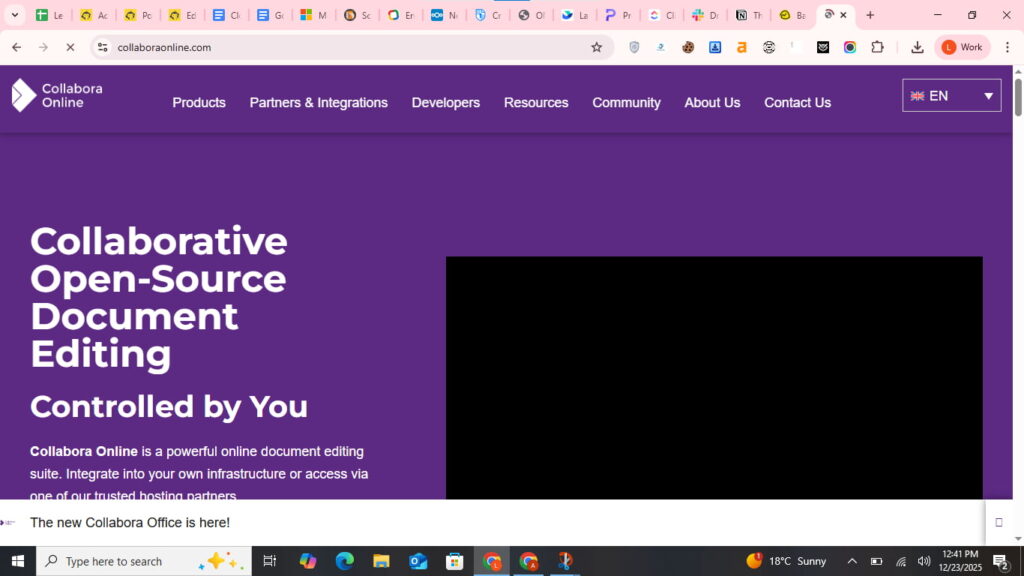
Collabora Online provides a self-hosted Google Workspace alternative with enterprise features.
Technical specs: Based on LibreOffice. Runs on your servers. Full compatibility with Microsoft and OpenDocument formats.
Pricing:
- Home use: Free
- Small business: $2.03/user/month
- Enterprise: Custom pricing
Best for: Organizations requiring on-premise hosting and complete data sovereignty.
Best Video Conferencing Alternative: Zoom + Box
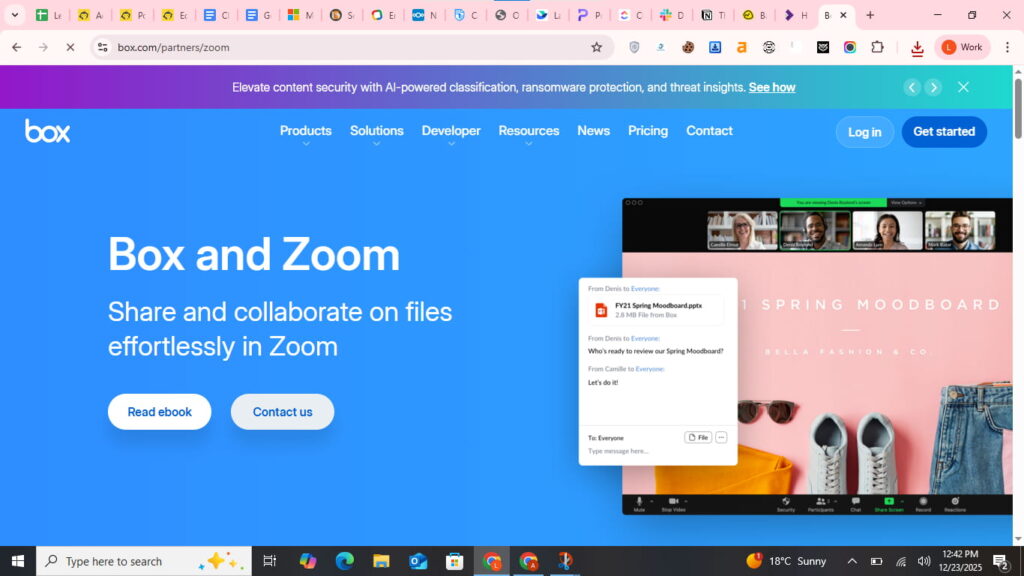
Replace Google Meet and Drive with Zoom + Box for enterprise-grade quality.
Why this pairing: Zoom offers superior video quality. Box provides advanced security and compliance. Together, they beat Google’s offerings.
Pricing:
- Zoom Pro: $15.99/user/month
- Box Business: $20/user/month
Best for: Companies where video quality and file security are critical.
Best for Automation: Bitrix24
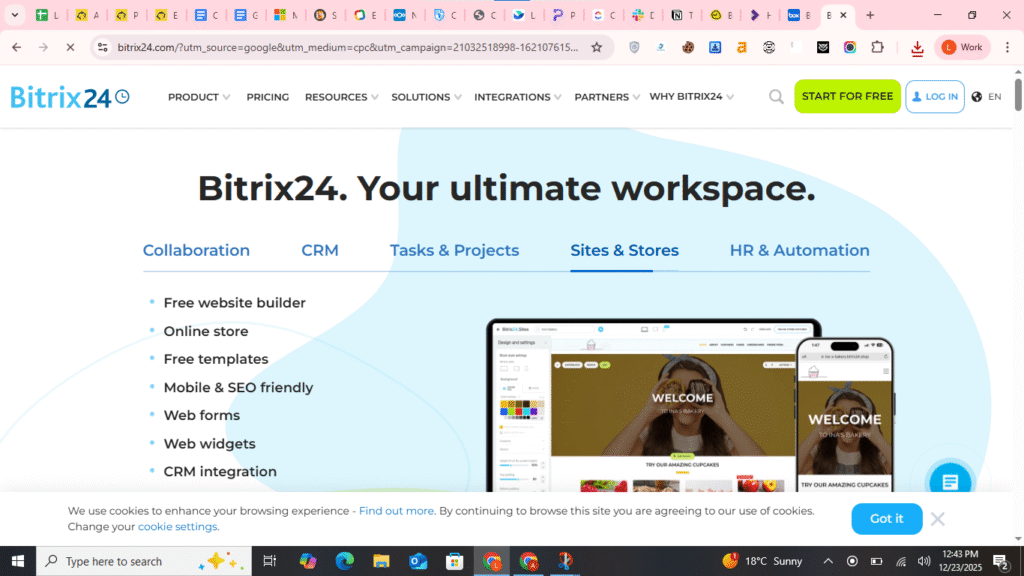
Bitrix24 packs incredible features into a free Google Workspace alternative.
What’s included: CRM, project management, HR tools, website builder, online store, and collaboration suite.
Pricing:
- Free: Up to 12 users
- Standard: $79/month (50 users)
- Professional: $159/month (100 users)
The downside: Interface feels cluttered. Learning curve is steep. But value is unbeatable.
Best for: Small businesses wanting CRM and collaboration combined.
Best for Mobile-First Teams: Spike
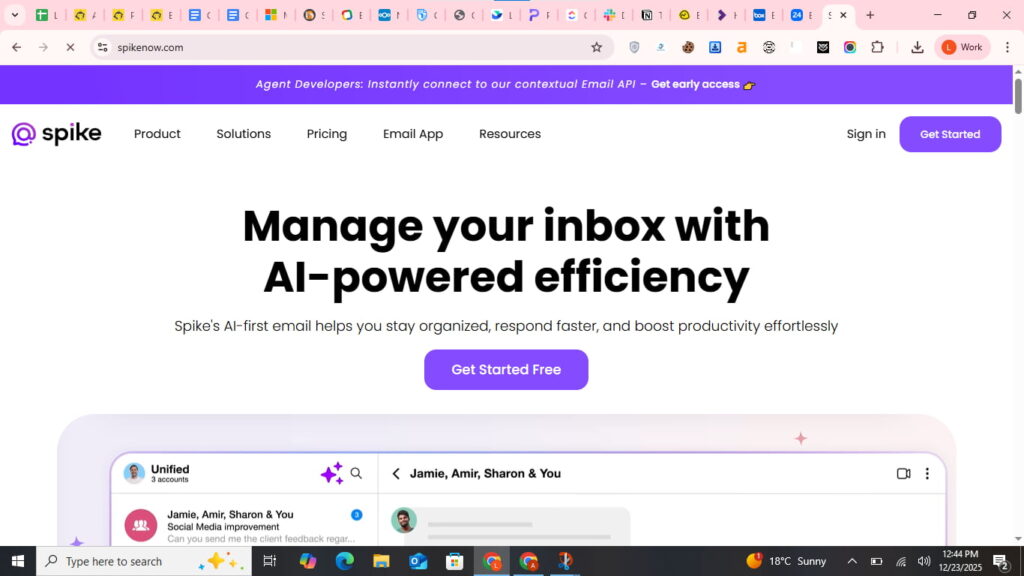
Spike reimagines email as conversational chat. It’s a unique Google Workspace email alternative.
Features: Email looks like messaging. Video calls, calendar, tasks, and notes integrate seamlessly.
Pricing:
- Free: Basic features
- Pro: $5/user/month
- Enterprise: $14/user/month
Best for: Sales teams and mobile-first workers who live in email.
Quick Comparison Table
| Platform | Starting Price | Best For | Free Plan? |
| Microsoft 365 | $6/user/mo | Overall features | No |
| Zoho Workplace | $3/user/mo | Budget-conscious | Yes (limited) |
| Nextcloud | Free | Privacy & control | Yes |
| CryptPad | Free | Zero-knowledge security | Yes |
| OnlyOffice | $5/user/mo | MS Office compatibility | Limited |
| Lark | Free | Startups | Yes (generous) |
| Proton Mail | €6.99/user/mo | Secure email | Yes (1GB) |
| ClickUp | $7/user/mo | Project management | Yes |
| Notion | $10/user/mo | Knowledge management | Yes |
| Basecamp | $299/mo flat | Small teams 10+ | No |
How to Choose Your Google Workspace Alternative
Answer these three questions:
1. What’s your must-have feature? Need offline access? Choose Microsoft 365. Require zero-knowledge encryption? Pick CryptPad. Want project management built-in? Try ClickUp.
2. What’s your budget? Under $5/user? Look at Zoho or self-hosted options. No budget at all? Nextcloud or Lark’s free tier work great.
3. How technical is your team? Non-technical? Stick with Microsoft 365 or Zoho. Have IT support? Self-hosted solutions like Nextcloud offer better value long-term.
Migration Tips (From Someone Who’s Done It)
Switching feels scary. Here’s how to do it smoothly:
Week 1: Test Drive Sign up for free trials. Add 3-5 team members. Test real workflows. Don’t commit until you’re confident.
Week 2: Export Data Google Takeout exports everything. Download emails, files, calendars, and contacts. Keep local backups.
Week 3: Parallel Run Run both systems simultaneously. Use the new platform for new work. Reference Google for old files.
Week 4: Full Switch Set email forwarding from Google. Move remaining files. Cancel Google subscription.
Pro tip: Migrate during a slow period. Avoid month-end, quarter-end, or busy seasons.
Frequently Asked Questions
Is there still a free version of Google Workspace?
No, Google Workspace is paid, but you can get it cheaply via Leads Monky.
Which is better, GoDaddy or Google Workspace?
Google Workspace is better for collaboration, email, and productivity, especially affordable through Leads Monky.
Is Zoho Workplace better than Google?
Zoho Workplace is cheaper and privacy-focused, but Google Workspace (via Leads Monky) offers more features for professional teams.
Is Google Workspace cheaper than Microsoft 365?
Directly, no, but Leads Monky makes Google Workspace significantly cheaper than Microsoft 365.
Is there a cheaper alternative to Google Workspace?
Yes, Leads Monky offers authorized Google Workspace at steep discounts compared to buying direct.
How do I avoid paying for Google Workspace?
Legally, you can’t skip payment, but Leads Monky provides the same service at a fraction of the official price.
What are the disadvantages of using Google Workspace?
High cost, limited offline access, forced AI features, and lack of advanced project management.
Who is GoDaddy’s biggest competitor?
Google Workspace is a key competitor for professional email and productivity solutions.
Which big companies use Google Workspace?
Companies like Salesforce, Whirlpool, and Colgate-Palmolive rely on Google Workspace—affordable via Leads Monky.
Is Zoho replacing Google?
Not replacing, but Zoho is a cost-effective alternative for small businesses.
What are the disadvantages of Zoho?
Fewer integrations and enterprise features compared to Google Workspace, which Leads Monky offers at a discount.
Which country made Zoho Workplace?
India.
Which is better, Google Workspace or Microsoft Teams?
For full productivity and email, Google Workspace (via Leads Monky) is superior; Teams is mostly collaboration-focused.
How many Fortune 500 companies use Google Workspace?
Over 5,000, including 60% of Fortune 500 companies, with pricing more accessible via Leads Monky.
Which is the best office software?
Google Workspace for cloud collaboration, or Microsoft 365 for offline desktop apps—Leads Monky makes Workspace cheaper.
What do Gen Z use instead of Google?
Notion, Slack, and other mobile-first collaborative apps alongside Workspace.
How do I pay less for Google Workspace?
Buy through Leads Monky for up to 65–80% off official pricing.
What email platform is best for small business?
Google Workspace via Leads Monky offers professional email and collaboration at a low cost.
What is the +1 Gmail trick?
Adding “+text” to your Gmail username creates filters, but Leads Monky ensures your official email remains professional.
How much is 30 TB of Google Drive?
Expensive at direct pricing, but Leads Monky can reduce overall Workspace costs significantly.
Why use Google Workspace instead of Gmail?
Workspace offers professional email, collaboration, and cloud storage—all cheaper via Leads Monky.
Is Zoho an alternative to Google?
Yes, but for full features and security, Google Workspace via Leads Monky is more complete.
What are the disadvantages of Google Workspace?
Paid plans, storage limits, AI features you may not want, and no advanced project management without add-ons.
Is Squarespace or Google Workspace better?
Squarespace is for websites, Google Workspace (via Leads Monky) is for email, docs, and team collaboration.
Can I use a free alternative to Google Workspace for business?
Yes. Lark offers unlimited users on their free plan. Nextcloud is completely free if self-hosted. CryptPad works well for small teams. However, free plans often lack support and advanced features.
What’s the cheapest alternative to Google Workspace?
Zoho Workplace at $3/user/month offers the best value. For email only, Zoho Mail costs just $1/user/month. Both include essential business features.
Are open source alternatives to Google Workspace secure?
Often more secure. Open source code gets reviewed by thousands of developers. Security vulnerabilities get patched quickly. Popular options like Nextcloud and CryptPad have excellent security track records.
How do I migrate from Google Workspace without downtime?
Run both platforms simultaneously for 2-4 weeks. Set up email forwarding. Move files gradually. Train team members in phases. Only cancel Google once everything’s migrated and tested.
Do Google Workspace alternatives work offline?
It depends. Microsoft 365 desktop apps work fully offline. OnlyOffice offers offline editing. Nextcloud syncs files locally. Most web-only platforms (Zoho, ClickUp) need internet connections.
Final Thoughts: Your Next Steps
Google Workspace alternatives give you options. Better prices. More privacy. Different features.
The 2025 price increase pushed many businesses to explore. You’re making a smart decision by researching now.
Here’s what to do next:
Start with one free trial this week. Pick the platform that matches your budget and needs. Test it with your actual work—not dummy data.
Microsoft 365 works for most teams. Zoho saves the most money. Nextcloud gives ultimate control.
You don’t have to decide today. But you should test something this month.
The best alternative to Google Workspace is the one your team actually uses. Not the one with the most features or lowest price.
Get Google Workspace at 64% Off
Same service. Better price. Professional setup included.
⭐⭐⭐⭐⭐ 151+ companies trust us
Partner Pricing:
• Business Starter: $3/month (Google: $8)
• Business Standard: $13/month (Google: $17)
• Business Plus: $20/month (Google: $26)
FREE:
Complete DNS setup + 24/7 support + USA IPs
15-user minimum | Setup in 24 hours


