You’re staring at a prospect’s LinkedIn profile. You need to reach them. Fast.
But here’s the question: what you do between LinkedIn InMail vs Connection Request?
Let’s cut through the noise. I’ll show you which LinkedIn outreach method works best, when to use each one, and how to combine them for maximum results.
LinkedIn InMail vs Connection Request: Quick Answer
Should you use LinkedIn InMail or send a connection request? Use both, but strategically.
Connection requests are free and build your network long-term. They get a 9.36% reply rate when personalized.

InMail messages cost money but land directly in inboxes. They deliver an 18-25% response rate on average.
The winning move? Send connection requests first. If they decline, follow up with InMail. This combo approach gets you 23-33% total response rates.
Learn how to build systematic approaches with LinkedIn outreach sequences that combine both methods for maximum LinkedIn response rates.
What’s the Difference? (The 60-Second Breakdown)
LinkedIn Connection Request
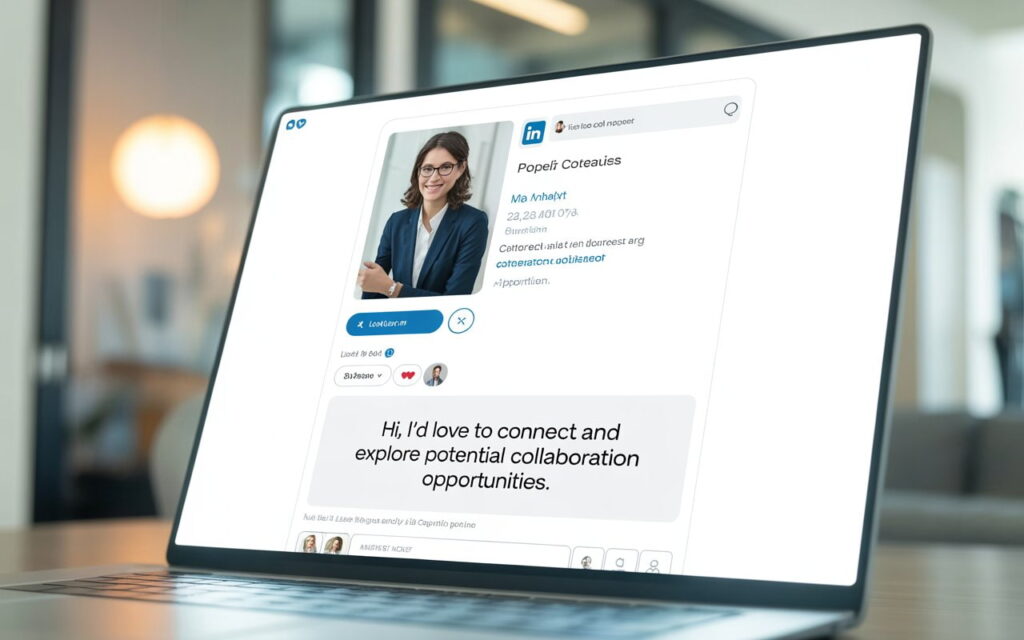
A connection request is your free ticket to someone’s network.
When they accept, you become 1st-degree connections. That means unlimited free messaging forever. They’ll also see your posts in their feed.
The catch? It doesn’t land in their main inbox. It sits in the “My Network” tab where it’s easy to ignore.
LinkedIn InMail
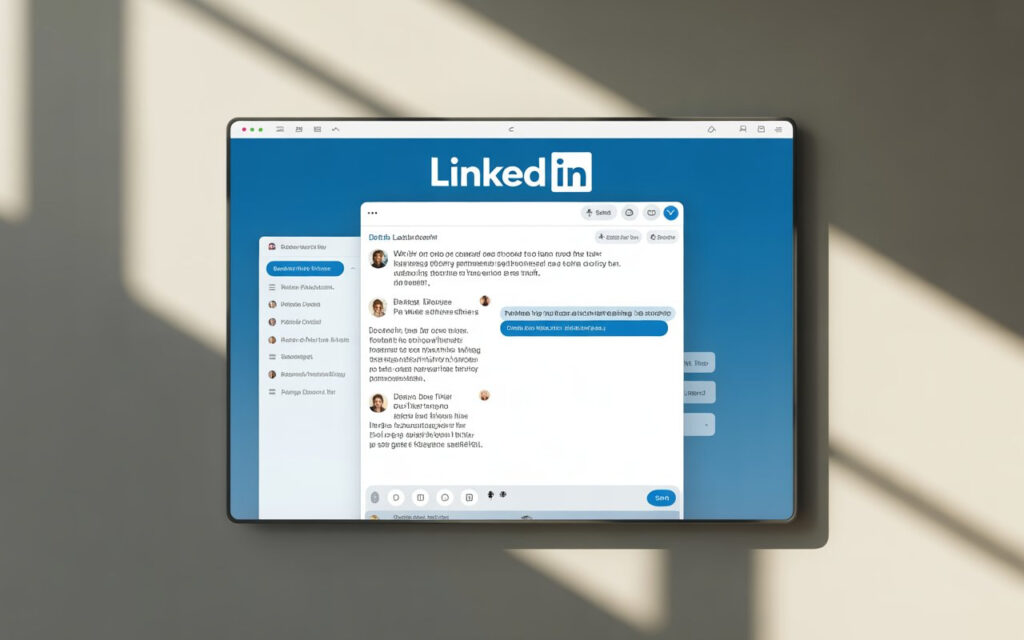
InMail is LinkedIn’s premium direct message feature. You can contact anyone—even total strangers—without connecting first.
It lands straight in their primary inbox. They see your full message immediately.
The catch? You’ll need LinkedIn Premium ($30-$120/month). And you can’t send follow-ups unless they reply first.
Side-by-Side Comparison: The Numbers Don’t Lie
| Feature | Connection Request | InMail |
| Cost | Free | $2-$6 per message |
| Monthly Limit | 400-800 | 5-50 credits |
| Where It Lands | “My Network” tab | Primary inbox |
| Response Rate | 9.36% (with note) | 18-25% average |
| Follow-ups | Unlimited (after accepting) | Only if they reply |
| Builds Network | Yes | No |
| Best For | Long-term relationships | Immediate conversations |
Here’s what jumps out: InMail gets double the response rate. But connection requests are free and let you message forever once accepted.
2025 Stats: What’s Actually Working
Connection Request Performance
Acceptance rates haven’t changed much. About 26-30% of people accept requests.
But here’s the surprise: adding a note doesn’t increase acceptance. Requests with notes get accepted 26.42% of the time. Without notes? 26.37%.
So why bother with notes?
Because notes boost reply rates by 72%. Personalized requests get 9.36% replies. Generic ones? Only 5.44%.
Best days to send? Tuesday wins with a 6.90% reply rate. Avoid weekends—they drop to 6.40%.
InMail Performance
Average InMail response rate: 10-25% across all industries.
Top performers hit 30-40%. The secret? Messages under 400 characters get 22% higher response rates.
Industry breakdown matters:
- Recruiting: 18-25% (highest)
- Legal/Professional Services: 10.42%
- SaaS/Software: 4.77% (lowest)
Why is SaaS so low? Decision-makers get bombarded with 50+ InMails monthly. They’ve developed InMail fatigue.
Mobile usage is huge now. 57-70% of LinkedIn traffic happens on phones. Your subject line gets cut off at 30-40 characters on mobile screens.
When to Use Connection Requests
Use connection requests when:
You’re building a long-term network. Once someone accepts, you can message them anytime. For free. Forever.
You’re on a budget. Connection requests cost nothing. You can send 100-200 per week without spending a dime.
You want people to see your content. Connected users see your LinkedIn posts in their feeds. That’s 8+ touchpoints to close a deal.
You’re targeting peers or colleagues. Connection requests feel natural. They’re how professionals actually network.
Connection Request Best Practices
Keep your note under 300 characters. That’s all LinkedIn allows.
Personalize every single one. Reference something specific from their profile. Generic messages die in the queue.
Skip the sales pitch. Don’t mention your product in the first message. Ever.
Wait 2-3 days after they accept before sending your first real message. Let the connection breathe.
Here’s a template that works:
“Sarah, saw your post about SDR burnout. How do you keep your team motivated during slow quarters? We cut turnover 40% at [Company]—happy to share what worked.”
Short. Specific. Valuable.
When to Use InMail
Use InMail when:
You’re targeting C-level executives. They have thousands of connection requests waiting. InMail cuts through the noise.
You need immediate visibility. InMail lands in the primary inbox. 65% of responses come within 24 hours.
Your connection request got declined. InMail gives you a second shot at reaching them.
You’re recruiting. InMail delivers the highest response rate for recruiting—18-25%. Passive candidates expect recruiter InMails.
InMail Best Practices
Keep it under 400 characters. Remember: shorter messages get 22% more responses.
Your subject line matters. Aim for 16-27 characters. That’s the sweet spot for open rates (11.6-15.2%).
Lead with value, not features. Don’t talk about yourself for three paragraphs. Address their pain point immediately.
One clear call-to-action. Don’t ask for a demo AND a call AND more info. Pick one easy next step.
Here’s an InMail that works:
Subject: Quick Q: SDR retention
“Sarah, noticed [Company] is hiring 5 SDRs. Most teams lose 40% within 90 days. We built a framework that cuts this to 8%. Would a 10-min overview help?”
Specific. Relevant. Easy to say yes to.
The Secret Sauce: Combine Both Methods
Here’s what most people miss: you don’t choose between InMail and connection requests. You use both.
The 3-Channel Strategy
Week 1: Cast a wide net
- Send connection requests to all 100 prospects (free)
- Send cold emails to the same list (also free)
Week 2: Follow up smartly
- Message the 26-30 people who accepted your request
- Send InMail to the 70-74 who didn’t accept
- Continue email follow-ups
Week 3: Nurture
- Share valuable content with connections
- Engage with their LinkedIn posts
- Build relationships before pitching
Expected results from 100 prospects:
- Email responses: 1-5 (1-5%)
- Connection request replies: 9-10 (9.36%)
- InMail responses: 13-18 (18%)
- Total: 23-33 responses (23-33%)
That’s 3-4x better than using just one channel.
Common Mistakes That Kill Response Rates
Mistake #1: Talking about yourself
Nobody cares about your “award-winning platform.” Lead with their pain point, not your product.
Mistake #2: Writing War and Peace
Messages over 1,200 characters get 11% fewer responses. Keep it tight.
Mistake #3: Generic templates
“I came across your profile” screams automation. Reference something specific. Every. Single. Time.
Mistake #4: Asking for too much
Don’t request a 60-minute discovery call. Ask for 10 minutes. Make it easy to say yes.
Mistake #5: Bad timing
Sending LinkedIn messages on Friday at 5 PM? That’s amateur hour. Tuesday-Thursday mornings win.
Tools That Make LinkedIn Outreach Easier
For exporting leads:
- Evaboot (best for Sales Navigator)
- Apollo.io (includes email finder)
- Phantombuster (scrapes profiles)
For automation:
- Expandi (cloud-based, safest)
- Dripify (great interface)
- LaGrowthMachine (combines email + LinkedIn)
Warning: Don’t go crazy with automation. LinkedIn restricts accounts that spam. Stay under 100-150 connection requests per week. Compare your options with our top LinkedIn outreach tools comparison, LinkedIn scraper guide, and reviews of Expandi vs Dux Soup, LinkedIn Helper, and Phantombuster
Real Talk: What’s the ROI?
Connection Request Costs
Direct cost: $0
Time investment: 2-3 minutes per personalized request. That’s 3-5 hours weekly for 100 requests.
Cost per response: $0 (assuming 9.36% reply rate)
InMail Costs
Sales Navigator: $99.99/month (50 InMail credits)
Cost per message: $2
Cost per response: About $11 (at 18% response rate)
The verdict? If you’re reaching high-value prospects, InMail’s $11 per response is cheap. A single client pays for months of LinkedIn Premium.
For high-volume outreach, stick with free connection requests.
Industry-Specific Tips
For SaaS/Tech (4.77% response rate):
You’re fighting inbox fatigue. Decision-makers see dozens of pitches daily.
Stand out by leading with data. Reference their specific tech stack. Keep messages under 250 characters.
For Recruiting (18-25% response rate):
You’ve got it easy—candidates expect InMail from recruiters.
Be transparent about salary. Highlight career growth. Skip the corporate jargon.
For Professional Services (10.42% response rate):
Maintain a professional tone. Reference credentials. Share thought leadership.
LinkedIn prospecting works differently across industries. Adjust your approach based on these benchmarks.
Your Action Plan: Start Today
If you’re new to LinkedIn outreach:
- Optimize your profile (photo, headline, about section)
- Build a list of 50 ideal prospects
- Send 10 personalized connection requests this week
- Track what works—acceptance rates and replies
If you’re already doing outreach:
- Add email to your LinkedIn strategy (multichannel wins)
- Test InMail on 5 high-value targets
- A/B test two different message approaches
- Measure and optimize based on response rates
If you’re scaling:
- Invest in Sales Navigator ($99.99/month)
- Use automation tools safely (cloud-based only)
- Build multichannel sequences (email + LinkedIn + phone)
- Train your team on best practices
The Bottom Line
LinkedIn InMail vs connection request isn’t a competition. They’re complementary tools.
Connection requests build your network for free. InMail delivers immediate results when you need them.
The pros use both. They send connection requests at scale, then follow up with InMail on declined requests and high-value targets.
Your response rates reflect your research, relevance, and respect for people’s time. Personalize everything. Keep it short. Lead with value.
Start with connection requests today. Add InMail when budget allows. Track your results obsessively.
The data doesn’t lie: multichannel LinkedIn outreach delivers 23-33% response rates. That’s game-changing for any sales or recruiting team.
Now stop reading and start sending.