Looking to automate your LinkedIn lead generation without spending hours on manual outreach? You’re not alone.
PhantomBuster for LinkedIn has become one of the most talked-about LinkedIn automation tools in 2025. But here’s the thing—it’s powerful, yes, but it’s not for everyone.If you’re exploring other options, check out our complete comparison of top LinkedIn outreach tools or learn about B2B lead generation on LinkedIn.
In this guide, you’ll discover exactly how PhantomBuster works with LinkedIn, whether it’s safe to use, and if there are better alternatives for your specific needs. No fluff, just practical insights you can act on today.
Let’s dive in.
What Is PhantomBuster for LinkedIn?
PhantomBuster is a cloud-based automation tool that helps you scale your LinkedIn outreach without lifting a finger.

Think of it as your digital assistant. It handles the repetitive tasks—sending connection requests, scraping LinkedIn profiles, and automating message sequences—while you focus on closing deals.
Here’s what makes it different: everything runs in the cloud. Your computer can be off, and PhantomBuster keeps working 24/7. No browser extensions eating your RAM. No need to keep tabs open.
The tool uses pre-built “Phantoms” (automated scripts) that perform specific actions. Want to extract leads from a LinkedIn Sales Navigator search? There’s a Phantom for that. Need to send personalized connection requests? Another Phantom handles it.
How PhantomBuster Works with LinkedIn (The Simple Version)
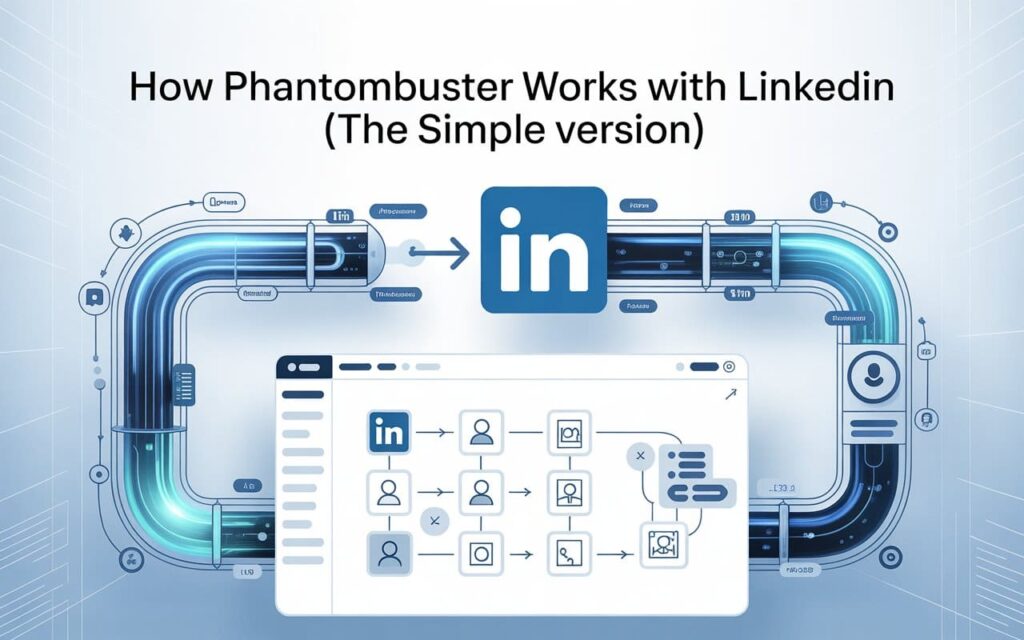
You don’t need to be tech-savvy to use PhantomBuster for LinkedIn. Here’s the basic workflow:
Step 1: Connect your LinkedIn account to PhantomBuster using their Chrome extension. It captures your session cookie (basically, proof you’re logged in).
Step 2: Choose a Phantom that matches your goal. Want to scrape profiles? Pick the LinkedIn Profile Scraper. Want to automate connections? Use the LinkedIn Auto Connect Phantom.
Step 3: Configure your settings. Set daily limits, add personalized messages, and schedule when your automation runs.
Step 4: Launch and monitor. PhantomBuster executes your tasks in the cloud while you track results from the dashboard.
The entire process takes about 15 minutes to set up. Once you’re rolling, it’s mostly hands-off.
Key Features That Make PhantomBuster Stand Out
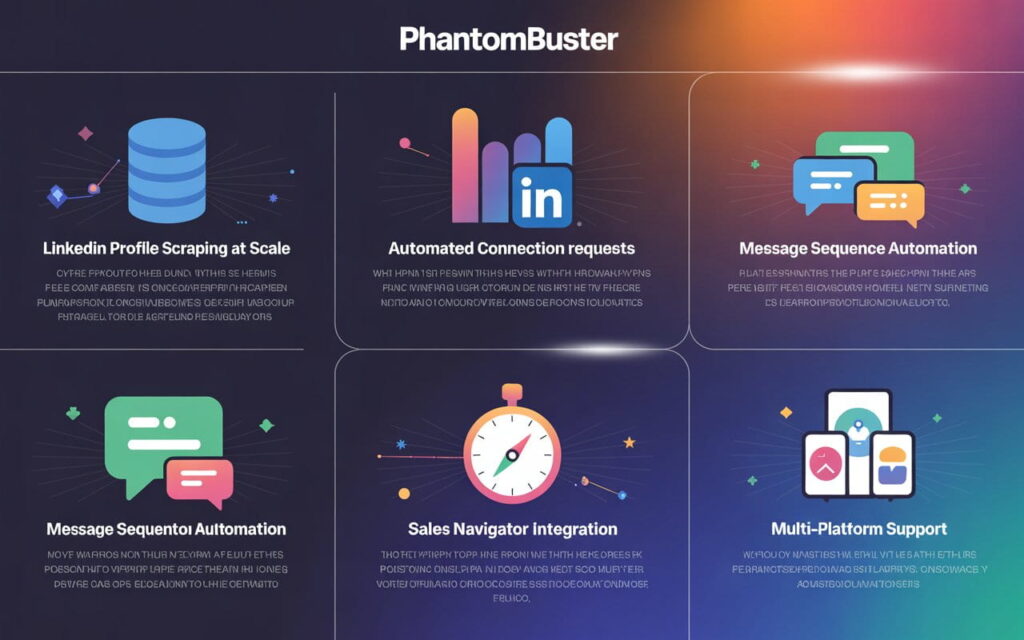
1. LinkedIn Profile Scraping at Scale
Need to build a massive lead list? PhantomBuster’s LinkedIn profile scraper can extract up to 1,500 profiles per day.
If you want a complete step-by-step system, check out this detailed guide on LinkedIn scraping for lead generation:
http://leadsmonky.com/linkedin-scraper-for-lead-generation/
You get names, job titles, company info, and even professional email addresses (when paired with their email discovery feature). All exported to a clean CSV file or synced directly to your CRM.
2. Automated Connection Requests
Send up to 20-50 LinkedIn connection requests daily with personalized notes. PhantomBuster mimics human behavior with random delays between actions.
This keeps your account under the radar. But here’s the catch—LinkedIn’s algorithm is getting smarter in 2025. More on that later.
3. Message Sequence Automation
Follow up with your connections automatically. PhantomBuster sends timed messages based on triggers (like accepted connections or profile views).
You can create multi-step LinkedIn outreach campaigns that run while you sleep.For detailed strategies, read our guide on LinkedIn outreach sequences that convert .Perfect for B2B lead generation and sales teams.
4. Sales Navigator Integration
If you’re using LinkedIn Sales Navigator, PhantomBuster integrates seamlessly. Extract advanced search results, save leads to lists, and enrich data with verified emails.
This combo is gold for LinkedIn prospecting at enterprise scale.
5. Multi-Platform Support
Beyond LinkedIn automation, PhantomBuster works on Instagram, Twitter, Google Maps, and more. It’s not just a LinkedIn tool—it’s a full marketing automation platform.
Is PhantomBuster Safe for LinkedIn in 2026?
Let’s address the elephant in the room: LinkedIn automation always carries some risk.
LinkedIn’s Terms of Service explicitly ban automation tools. Use them aggressively, and you risk warnings, restrictions, or even permanent bans.
The Reality Check
PhantomBuster runs in the cloud using your session cookie. This means LinkedIn sees activity coming from an IP address that might not match your usual location.
Compared to local tools (which run on your computer), cloud-based solutions like PhantomBuster are slightly more detectable. LinkedIn’s anti-bot algorithms have gotten sharper in 2026.
How to Use PhantomBuster Safely
If you’re set on using PhantomBuster for LinkedIn, follow these rules:
Limit your actions. Stick to 20-30 activities per day max. Don’t go crazy with 100 connection requests in an hour.
Use business hours. Schedule automations to run during 9 AM – 5 PM in your timezone. Random overnight activity screams “bot.”
Add delays. PhantomBuster includes randomized delays. Use them. Space out actions by 2-5 minutes.
Start slow. New accounts should warm up gradually. Begin with 5-10 actions daily, then scale over weeks.
Monitor for warnings. If LinkedIn sends a security email, pause immediately. Let your account cool down for 48 hours.
Bottom line? PhantomBuster isn’t the safest LinkedIn automation tool out there. But with conservative settings, you can minimize risk.
PhantomBuster Pricing: Is It Worth the Investment?
Let’s talk money. PhantomBuster pricing isn’t cheap, but it’s structured around “execution time” rather than per-seat licenses.
Plan Breakdown (2026 Pricing)
Starter Plan: €69/month ($75 USD)
- 20 hours of execution time
- 5 active Phantoms (slots)
- 500 email discovery credits
Pro Plan: €159/month ($173 USD)
- 80 hours of execution time
- 15 active Phantoms
- 2,500 email discovery credits
Team Plan: €439/month ($477 USD)
- 300 hours of execution time
- 50 active Phantoms
- 10,000 email discovery credits
The Value Equation
Here’s where it gets interesting. If you’re a solo entrepreneur running basic LinkedIn lead generation, the Starter plan might work. But once you scale to multiple campaigns, those 20 hours disappear fast.
A single LinkedIn profile scraping job can eat 2-3 hours of execution time. Run five campaigns? You’ve burned through your monthly allocation.
PhantomBuster offers a 14-day free trial. Test it before committing. See if the execution time fits your workflow.
When Should You Use PhantomBuster for LinkedIn?
PhantomBuster shines in specific scenarios. Here’s when it makes sense:
Perfect For:
Sales teams (See our B2B lead generation strategies) running high-volume LinkedIn outreach across multiple accounts
Recruiters scraping candidate profiles from LinkedIn Recruiter searches
Agencies (Check out LinkedIn outreach agencies and best LinkedIn lead generation companies)managing LinkedIn automation for multiple clients
Growth hackers building massive lead lists from Sales Navigator
Not Ideal For:
Beginners with zero automation experience (steep learning curve)
Small budgets (€69/month adds up fast)
Safety-first users (cloud-based tools carry higher detection risk)
Simple workflows (might be overkill if you only need basic features)
PhantomBuster Alternatives Worth Considering
If PhantomBuster doesn’t fit your needs, here are safer, simpler, or cheaper alternatives:
Linked Helper
A desktop-based LinkedIn automation tool that runs locally on your computer. It mimics human behavior better than cloud tools, reducing ban risk.
Pricing: Starts at $15/month
Best for: Safety-conscious users who want unlimited actions
Dripify
Simpler interface, cloud-based like PhantomBuster, but focused purely on LinkedIn.
Pricing: $59-$79/month
Best for: Teams wanting straightforward LinkedIn outreach automation
SalesRobot
Emphasizes safety with smart throttling and LinkedIn compliance monitoring.
Pricing: $59-$99/month per account
Best for: Users prioritizing account protection over feature depth
Each tool has tradeoffs. PhantomBuster offers the most versatility across platforms, but competitors often beat it on LinkedIn safety or pricing.
5 Pro Tips for Getting the Most from PhantomBuster
If you’re moving forward with PhantomBuster for LinkedIn, here’s how to maximize results:
1. Chain Phantoms for Workflows
Don’t use Phantoms in isolation. Build sequences—scrape profiles, enrich with emails, then auto-message. This creates a full LinkedIn lead generation funnel.
2. Use Message Variables
Personalize outreach with custom fields like {{firstName}} or {{company}}. Generic messages get ignored. Personalized ones get 3x more replies.
3. Test on a Secondary Account First
Never run LinkedIn automation on your main account immediately. Test workflows on a throwaway profile. Once you’re confident, migrate to your primary account.
4. Monitor Your Execution Time
Track how many hours each Phantom consumes. Optimize inefficient automations. Running out of execution time mid-month kills momentum.
5. Export Data Regularly
Don’t let leads sit in PhantomBuster. Export to your CRM, Google Sheets, or email outreach tools like Instantly or Lemlist. Keep your pipeline moving.
The Bottom Line: Should You Use PhantomBuster for LinkedIn?
PhantomBuster is a powerful LinkedIn automation platform that can 10x your lead generation efforts. But it’s not a magic bullet.
You’ll get the best results if you’re running high-volume campaigns, comfortable with moderate risk, and willing to invest €69-€159/month.
For safety-first users or those on tight budgets, alternatives like Linked Helper offer better value and lower detection risk.
Want to test it? Grab the 14-day free trial. Run a small campaign. See if the workflow clicks.
And remember—automation works best when paired with genuine relationship building. No tool replaces the value of authentic conversations and thoughtful outreach.
Ready to scale your LinkedIn presence? Start smart, test carefully, and always prioritize your account’s safety over aggressive growth.