You spent 45 minutes writing a cold email. Subject line — perfect. Opening line — sharp. CTA — clean.
Zero replies.
Not because your email was bad. Because nobody saw it.
It went straight to spam before a single human opened it. And here’s the thing — that’s happening to most cold emailers right now. In 2026, spam filters have gotten brutally smart. They don’t just flag suspicious words anymore. They analyze your entire sending infrastructure, domain history, and behavioral patterns — simultaneously.
The Best AI for Avoiding Spam Filters in Cold Email Outreach fix this at every layer. But first, you need to understand what you’re actually up against.

How Modern Spam Filters Actually Work (Most Guides Skip This)
Here’s what competitors aren’t telling you.
Modern email spam filters run on machine learning models trained on billions of emails. They’re not reading your email like a human — they’re calculating probability scores based on six signals at once:
- Your sender reputation — complaint rate, bounce history, engagement patterns
- Your domain reputation — how old is your domain, how have past emails performed?
- Email authentication — are SPF, DKIM, and DMARC properly configured?
- Content patterns — does your email structurally resemble mass-sent campaigns?
- Engagement signals — do recipients open, reply, or delete without reading?
- List quality — are you emailing real, valid addresses or hitting spam traps?
Fail two of these simultaneously and your email is gone. Routed to spam before any human decision is made.
This is why treating cold email deliverability as a copywriting problem is a fatal mistake. It’s an infrastructure problem first. Before diving into AI tools, make sure your fundamentals are solid our cold email best practices guide covers the complete sending system from technical setup to copy.
The Gmail & Yahoo Rule Change That’s Destroying Unprepared Senders
In February 2024, Gmail and Yahoo made email authentication mandatory for bulk senders.
Not recommended. Mandatory.
If your SPF, DKIM, and DMARC records aren’t configured correctly, your emails get filtered automatically — no warnings, no grace period. And here’s the part most cold emailers miss: these requirements now effectively apply to anyone serious about outreach, not just mega-volume senders.
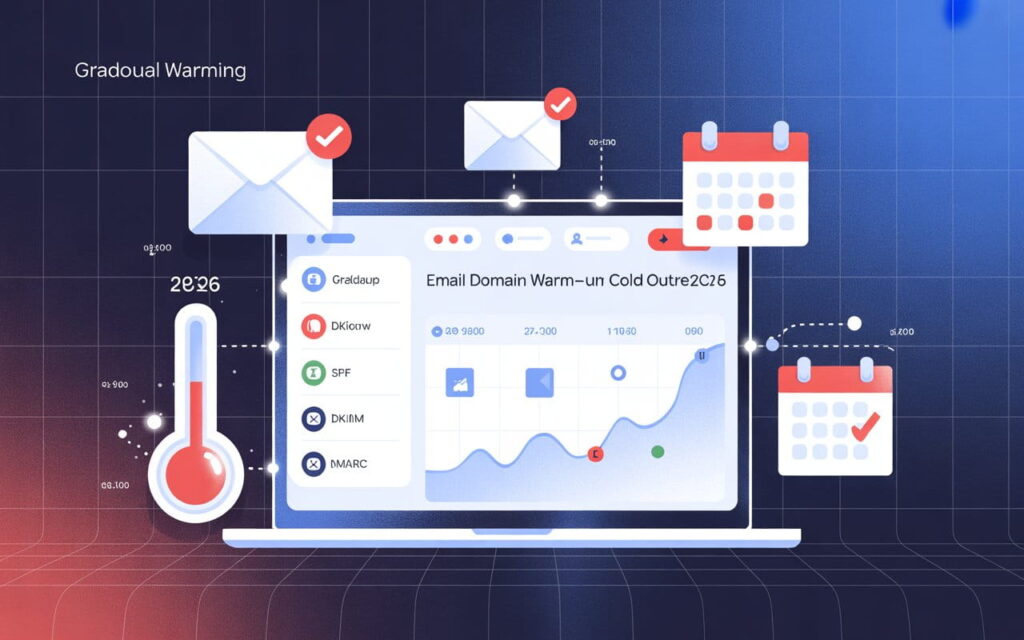
Here’s what every cold emailer needs configured before sending:
- SPF record — authorizes which servers can send from your domain
- DKIM record — adds a cryptographic signature verifying email integrity
- DMARC policy — tells ESPs what to do if authentication fails
Setting this up correctly takes real technical knowledge. This is exactly where services like Leads Monky come in. As a certified Google Workspace reseller, they handle your complete cold email infrastructure setup — DKIM configuration, DMARC setup, SPF records, spam protection, and warm-up guidance — starting at just $2.50/mailbox. That’s your technical foundation handled before you write a single email.
💡 Need help setting up Google Workspace?
We’re certified Google partners offering 64% off + free professional setup ($2,000 value). Used by 151+ companies.
Get your quote →Why Most “AI Email Tools” Aren’t Solving the Real Problem
Here’s an uncomfortable truth.
Most tools marketed as AI cold email software just generate copy. They write your template, add a {{FirstName}} tag, and call it personalization. That’s not solving your inbox placement problem — that’s decorating it.
Real spam filter avoidance requires AI working at the infrastructure level: warming up your domain, rotating your inboxes, verifying your list, scoring your content pre-send, and monitoring your sender reputation continuously.
Think of it this way: writing great copy but ignoring deliverability is like cooking a five-star meal and serving it in a trash bag. The presentation kills the experience before it even starts.
Best AI Tools for Avoiding Spam Filters in Cold Email (2026)
Let’s get specific. Here are the tools that actually protect your inbox placement rate — not just your subject lines.
1. Instantly.ai — Best for High-Volume Outreach
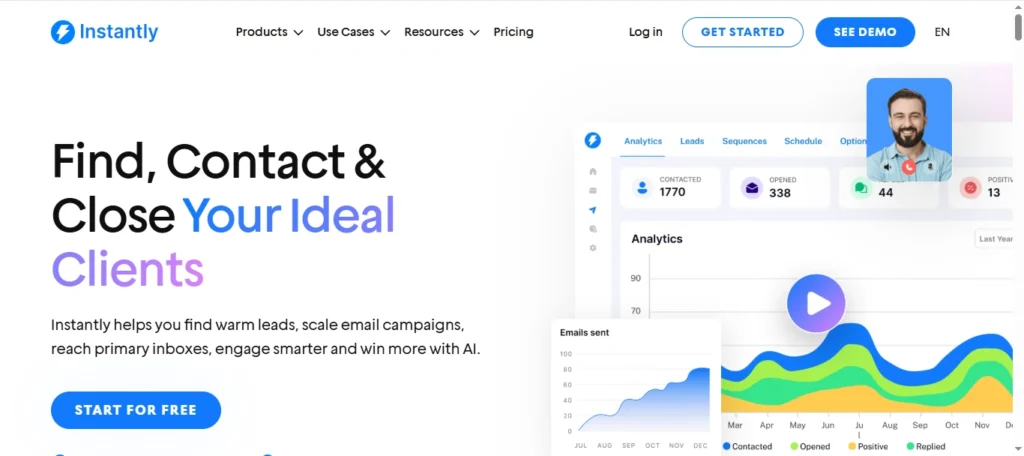
Instantly.ai is purpose-built for cold email deliverability at scale.
Its built-in spam word checker scans your copy before you ever hit send. Native spintax creates hundreds of slightly varied email versions — so your campaign never looks mass-generated to machine learning filters. And unlimited mailbox rotation distributes your send volume across multiple warmed-up accounts automatically.
Their Unibox feature consolidates replies from all connected mailboxes, helping you respond fast — and fast reply rates are a positive signal that improves your sender reputation over time.
Best for: SDR teams sending 500+ emails per week Starting at: $37/month
2. Smartlead.ai — Best for Agencies
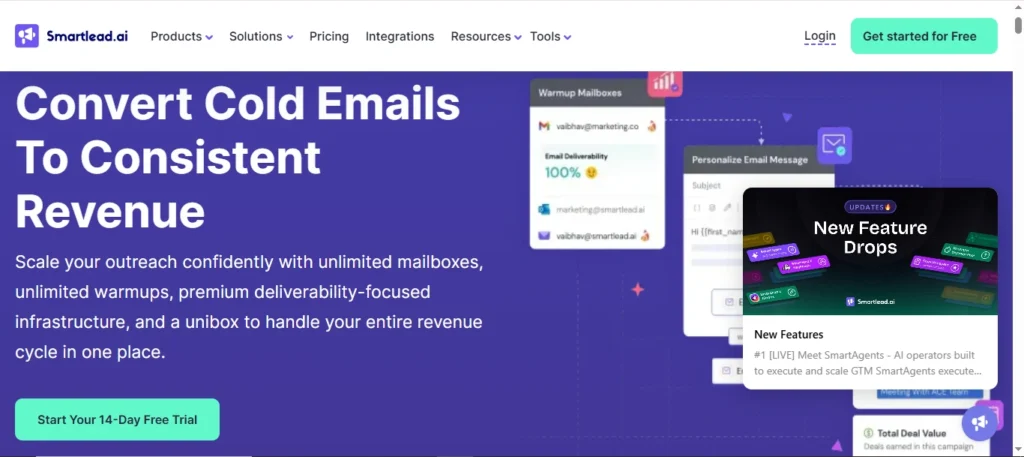
Smartlead.ai shines when you’re running multiple client campaigns simultaneously.
Its AI-powered email warm-up mimics real human engagement — opens, replies, inbox rescues. This builds domain trust before your campaign launches. The platform also monitors bounce rates in real time and auto-pauses campaigns if mailbox health starts declining.
Unlimited mailbox support means agencies scale without hitting deliverability walls.
Best for: Agencies managing 3+ client accounts Starting at: $39/month
3. Warmforge — Best for Deliverability-First Setup
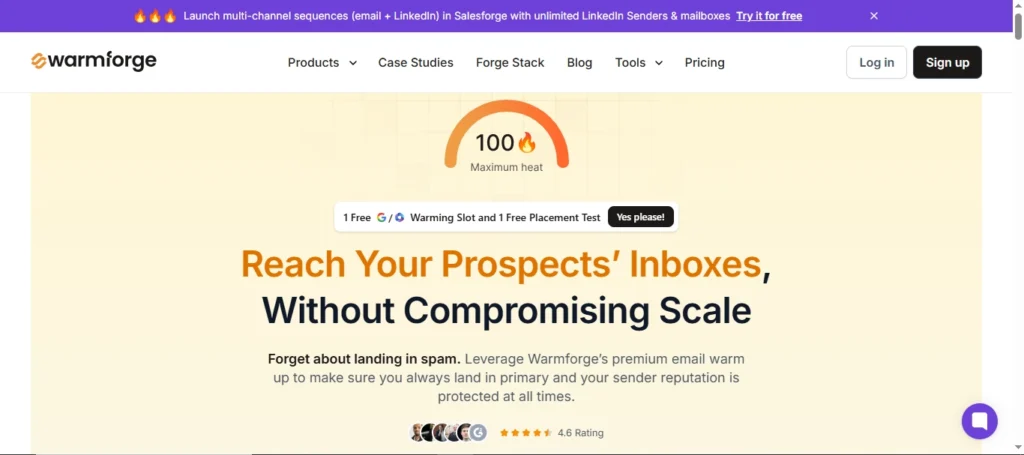
Warmforge is a specialist. It does one thing exceptionally: email warm-up and inbox placement testing.
Before launching any campaign, it runs your mailbox through placement tests across Gmail, Outlook, Yahoo, and 20+ other providers. You see exactly where your email lands — primary inbox, promotions, or spam.
It monitors blacklist status 24/7 and alerts you the moment something shifts.
Best for: Anyone launching a new sending domain Starting at: $9/mailbox/month
4. Lemlist — Best for Personalization at Scale
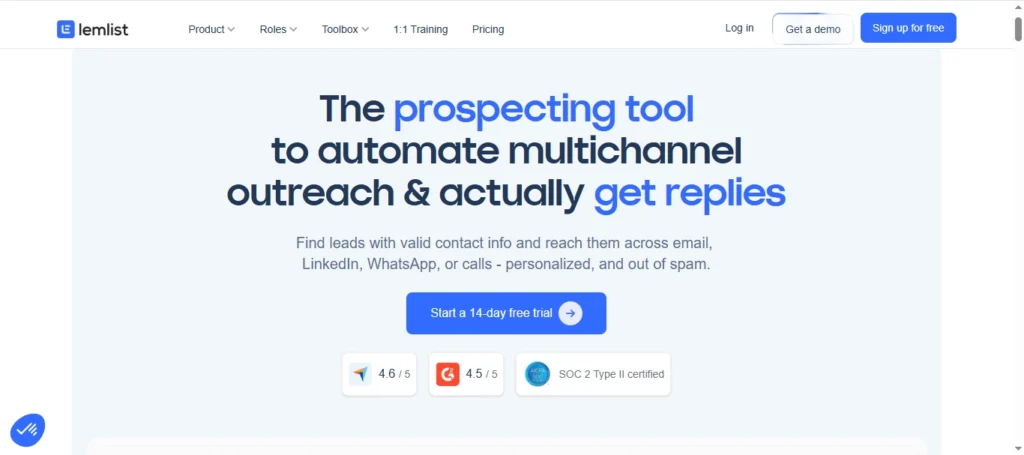
Lemlist pulls real-time data from LinkedIn, company websites, and news feeds to create genuinely unique opening lines for every prospect.
Why does this matter for spam filters? Because hyper-personalized emails don’t match the mass-send patterns that Bayesian filters are trained to catch. More personalization means lower spam complaint rates — and lower complaint rates mean stronger domain reputation over time.
Best for: Teams prioritizing reply rates and engagement quality Starting at: $59/month
Spam Trigger Words Killing Your Deliverability Right Now
Here’s the reference list competitors skip. These words trigger content-based spam filters in 2026:
Never use these:
- Free!!!, 100% Guaranteed, Act Now, Limited Time!!!
- You’ve Been Selected, Make Money Fast, Risk-Free, No Obligation
- Buy Now, Congratulations, Earn Extra Cash, Winner
Use these instead:
| Instead of… | Say this |
| “Free” | “Complimentary” |
| “You’ve been selected” | “Based on your role at [Company]” |
| “Buy now” | “Explore this” or “Take a look” |
| “Risk-free trial” | “30-day pilot” |
| “Limited time offer” | “Available this quarter” |
Tools like Instantly.ai’s pre-send spam checker flag these automatically. But knowing the list yourself makes you a sharper cold email copywriter from day one.
The 5-Step AI Framework to Land in the Primary Inbox
This is the exact framework that high-performing cold email outreach teams follow. Every step matters — and order matters too.
Step 1: Build your technical foundation Set up a dedicated sending domain — separate from your main business domain. Configure SPF, DKIM, and DMARC correctly. If you’re not technical, use a managed service. Leads Monky’s Google Workspace setup includes full DNS configuration with clean USA IPs — exactly the technical baseline you need before any AI tool can help you.
Step 2: Warm up your mailboxes for 4–6 weeks Connect your mailbox to a warm-up tool immediately after setup. Start at 5–10 emails per day, scaling by 5 each day. Rushing this single step is the #1 reason new sending domains get spam-flagged within the first week.
Step 3: Verify and clean your prospect list Run every contact through an AI email verification tool before uploading to your campaign. Remove invalid addresses, role-based emails (info@, admin@), and known spam traps. Target a bounce rate below 2% — anything higher damages domain reputation fast.
Step 4: Personalize copy and run a pre-send spam check Use AI personalization for unique first lines per prospect. Enable spintax for body variation across your campaign. Run a spam score analysis on your final email — zero red flags before you hit send.
Step 5: Rotate inboxes and monitor daily Spread volume across 3–5 warmed-up mailboxes. Cap sends at 30–50 emails per mailbox per day initially. Monitor spam complaint rates daily — pause your campaign immediately if complaints exceed 0.10%.
What Happens When You Do All of This Right?
Real numbers from real campaigns tell the story better than theory.
Leads Monky’s cold email agency runs done-for-you outreach campaigns using exactly this infrastructure approach — 30 dedicated email accounts across 10 separate domains, all properly authenticated and warmed up. Their results speak for themselves: 45% average open rates against an industry average of 20%, a 3.2% reply rate compared to the 0.5% industry average, and 10–15 qualified meetings booked per month for clients.
That’s not copywriting magic. That’s what proper cold email infrastructure combined with AI personalization actually produces when everything is set up correctly.
Inbox Placement Rate vs. Deliverability Rate — The Distinction That Changes Everything
This is missing from every competitor article. It’s also critical.
Email deliverability rate measures whether the receiving server accepted your email. An email can show 98% deliverability and still be sitting in a spam folder. Deliverability doesn’t tell you where it landed.
Inbox placement rate (IPR) measures whether your email landed in the actual primary inbox. This is the metric that directly drives open rates, replies, and revenue.
Always optimize for inbox placement rate — not just deliverability. Target 95%+ IPR across Gmail, Outlook, and Yahoo. Tools like Warmforge and Instantly.ai deliver this data through regular placement testing.
Quick FAQ
What is the best AI for avoiding spam filters in cold email outreach?
The top choices in 2026 are Instantly.ai for high-volume teams, Smartlead.ai for agencies, and Warmforge for deliverability-focused setups. All three combine email warm-up, inbox rotation, and AI-powered personalization to protect sender reputation and maximize inbox placement.
How long does email warm-up take before sending cold emails?
A new domain needs 4–6 weeks of warm-up before safely launching high-volume campaigns. AI tools automate this process, starting at 5–10 emails per day and scaling gradually to build ESP trust.
Do I need DKIM, SPF, and DMARC for cold email outreach?
Absolutely. Since February 2024, Gmail and Yahoo require proper SPF, DKIM, and DMARC configuration for all senders. Missing authentication is an automatic spam filter trigger with no exceptions.
Can AI-generated emails trigger spam filters?
Yes — if they use generic, templated structures. Use AI for hyper-personalization, not identical copy at scale. Always run AI-generated content through a spam score checker before sending.
The Bottom Line
Avoiding spam filters in cold email outreach in 2026 isn’t about clever wordplay. It’s about building a trustworthy sending infrastructure — then layering AI on top to personalize, protect, and optimize every campaign.
The right AI cold email tools don’t just write your emails. They warm up your domain, rotate your inboxes, verify your lists, check spam scores, and monitor sender reputation around the clock.
Set up your authentication. Warm up properly. Pick tools that address all six spam filter layers — not just your copy. And if you want the entire infrastructure and outreach system built and managed for you, Leads Monky runs done-for-you cold email campaigns with deliverability-first infrastructure already in place.
Do it right, and you won’t just avoid spam filters. You’ll consistently outperform every competitor still wondering why nobody replies.
Get Google Workspace at 64% Off
Same service. Better price. Professional setup included.
⭐⭐⭐⭐⭐ 151+ companies trust us
Partner Pricing:
• Business Starter: $3/month (Google: $8)
• Business Standard: $13/month (Google: $17)
• Business Plus: $20/month (Google: $26)
FREE:
Complete DNS setup + 24/7 support + USA IPs
15-user minimum | Setup in 24 hours