
Looking for affordable Google Workspace for cold email without breaking the bank? You’re in the right place.
Quick Answer: Yes, you can get Google Workspace for cold email at prices ranging from $2.99 to $840 per mailbox per month. Direct from Google costs $8.40/month, while authorized resellers offer the same official service for $2.99-$4/month with cold email optimizations like automated DNS setup and pre-warmed inboxes.
In this guide, you’ll discover how to get affordable Google Workspace for cold email campaigns and the critical strategy of separating your main domain from cold email domains to protect your business reputation.
Why Google Workspace for Cold Email?
Google Workspace (formerly G Suite) is Google’s business email platform that gives you professional email addresses using your own domain (you@yourcompany.com). Here’s why it’s popular for cold email:
High Deliverability: Google Workspace emails benefit from Gmail’s strong sender reputation, achieving 90%+ inbox placement rates when properly configured.

Professional Credibility: Sending from a business email (yourname@company.com) increases trust and response rates compared to free Gmail accounts.
Industry Standard: Google Workspace accounts for 57% of the business email market, making it the recognized standard for B2B cold email campaigns.
Gmail Consumer vs Google Workspace B2B Features and Sales Strategy (2025-2026)
| Feature | Gmail Consumer (Free) | Google Workspace B2B | Why It Matters for Cold Email |
|---|---|---|---|
| Email Address | yourname@gmail.com | yourname@company.com | Custom domains increase trust & response rates by 3-5x |
| Daily Send Limit | 10 emails/day (restricted) | 30-40 emails/day (Business Starter) | Scale cold outreach across multiple mailboxes |
| Sender Reputation | Shared with all Gmail users | Dedicated domain reputation | Control your deliverability fate |
| Authentication | Basic SPF only | Full SPF, DKIM, DMARC | Required for inbox placement in 2025-2026 |
| Admin Controls | None | Full workspace management | Manage multiple cold email domains |
| IP Pools | Shared consumer IPs | Business-grade IP pools | Better deliverability (90-97% vs 60-70%) |
| Cost | Free | $8.40/month (Google) $2.50/month (LeadsMonky) | ROI: Professional infrastructure pays for itself |
| Cold Email Viability | ❌ High spam risk | ✅ Built for B2B outreach | Gmail bans bulk sending; Workspace enables it |
| Google’s Sales Strategy | Self-serve consumer product | Partner-driven B2B sales via resellers | Access wholesale pricing through authorized partners |
| Support | Community forums only | 24/7 email/chat (resellers offer phone/WhatsApp) | Critical when deliverability issues arise |
| 2026 Compliance | No DMARC enforcement | Full email authentication required | Gmail/Yahoo mandate for bulk senders |
Critical: Separate Main Domain Google Workspace and Cold Email Domains
The biggest mistake businesses make is using their primary domain for cold email. Here’s why primary and secondary domain separation is essential:
Why Domain Separation Matters
Your primary domain (company.com) is your business identity. If you send cold emails from it and get marked as spam, you risk:
- Customer emails going to spam
- Business partners can’t reach you
- Domain reputation permanently damaged
- Potential account suspension affecting all operations
💡 Need help setting up Google Workspace?
We’re certified Google partners offering 64% off + free professional setup ($2,000 value). Used by 151+ companies.
Get your quote →The Primary and Secondary Domain Google Workspace Cold Email Solution
Primary Domain (Protected):
- company.com – Use ONLY for customer support, existing clients, team communication
- Never use for cold outreach
Secondary Domains (for Cold Email):
- trycompany.com, hellocompany.com, getcompany.com
- Use exclusively for cold email campaigns
- Protects your main domain reputation
Structure Example:
- Primary: john@company.com (protected)
- Secondary: john@trycompany.com (for cold email)
- Ratio: 3-5 mailboxes per secondary domain maximum
This domain separation strategy is non-negotiable for successful cold email at scale.
Your Options: Direct vs. Affordable Google Workspace Resellers
Option 1: Direct from Google ($8.40/month)
Pricing: $8.40/month per user (Business Starter with annual commitment)
When to Choose:
- Sending fewer than 500 emails per week
- Need full productivity suite (Docs, Drive, Meet)
- Have technical skills for DNS configuration
Pros: Official support, full suite, complete control Cons: Expensive at scale, manual setup, no pre-warmed accounts
Option 2: Authorized Resellers ($2.99-$4/month)
Authorized Google Workspace resellers offer massive savings with cold email optimizations included.
Top Affordable Google Workspace Resellers for Cold Email (2026)
1. LeadsMonky – Best Overall + Lowest Price ⭐
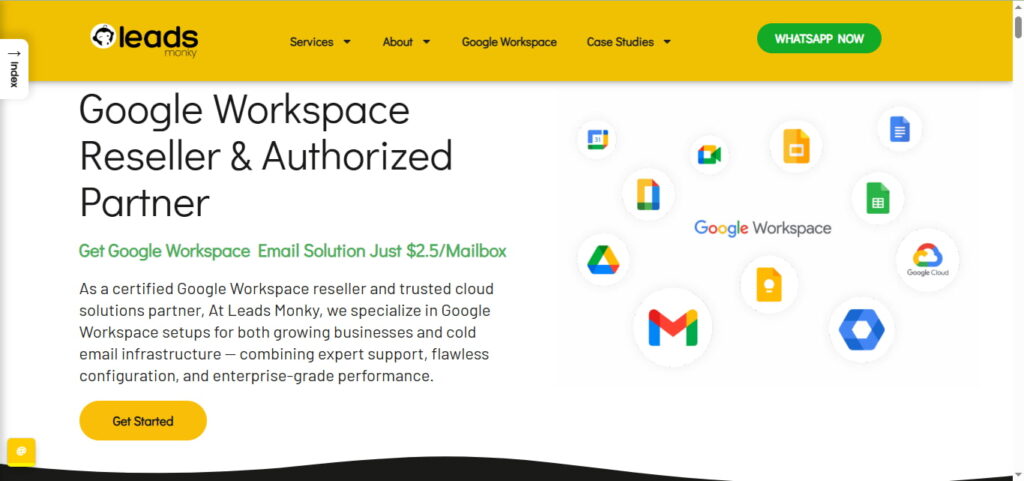
LeadsMonky is both an authorized Google Workspace reseller and a cold email agency, making it unique in the market.
Pricing:
- Business Starter: $2.99/month (64% off Google’s $8.40)
- Business Standard: $12/month
- Business Plus: $18/month
- Promo Code: “PARTNER2026”
What Makes LeadsMonky Different:
✅ FREE Professional Setup ($0 vs. $200-500 competitors charge):
- Complete DNS records configuration (SPF, DKIM, DMARC)
- Domain verification and MX records
- Email authentication optimization
- Deliverability configuration
✅ Full Admin Access & 100% Ownership
✅ US-Based IP Addresses (verified on MXToolbox
✅ 24/7 WhatsApp Support (10+ years expertise)
✅ Cold Email Optimization (70% to 97% deliverability improvement)
✅ Flexible Payment (Crypto, Wise, PayPal, Payoneer)
Best For: Cold email agencies using Google Workspace, non-technical users, teams needing white-glove service
How to Get Started:
- Visit LeadsMonky Google Workspace page
- Select Business Starter
- Click “Buy Now” → “Ping me on WhatsApp”
- Send code: “PARTNER2026“
- Receive instant setup assistance
Pros: Cheapest price, FREE setup, 24/7 support, cold email specialized Cons: WhatsApp required for activation
2. Zapmail – Best for Agencies Scaling
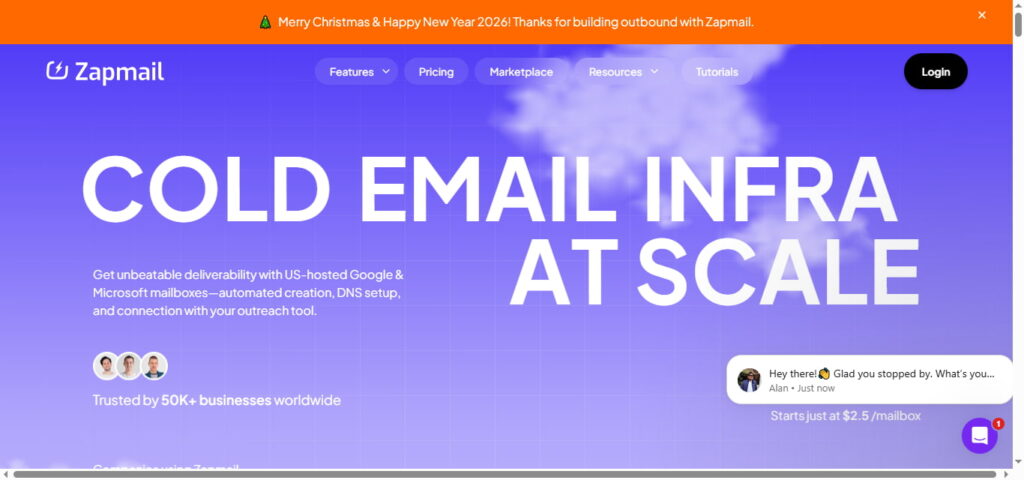
Pricing: $39/month for 10
mailboxes ($3.90 each)
Best For: Agencies managing 10-100+ mailboxes Pros: Pre-warmed accounts available, automated
DNS, multi-workspace
Cons: More expensive than LeadsMonky
3. Primeforge – Best for Verified Accounts
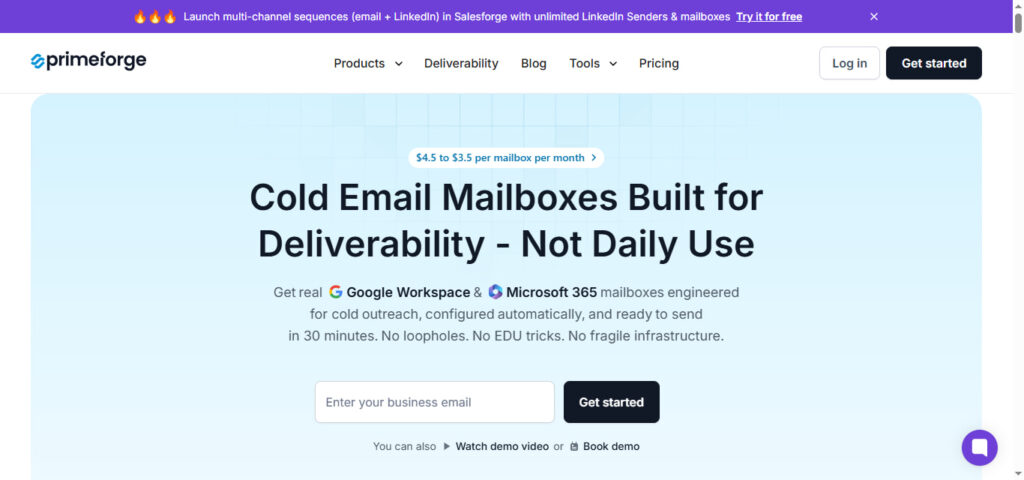
Pricing: $3.50-$4.50 per
mailbox Unique Feature: ESP matching (Gmail to Gmail for better deliverability)
Best For: Teams wanting verified Google/Microsoft accounts
Pros: Profile pics/GIFs, fast support, US IPs
Cons: No pre-warmed mailboxes
4. Infraforge – Best for Private Infrastructure
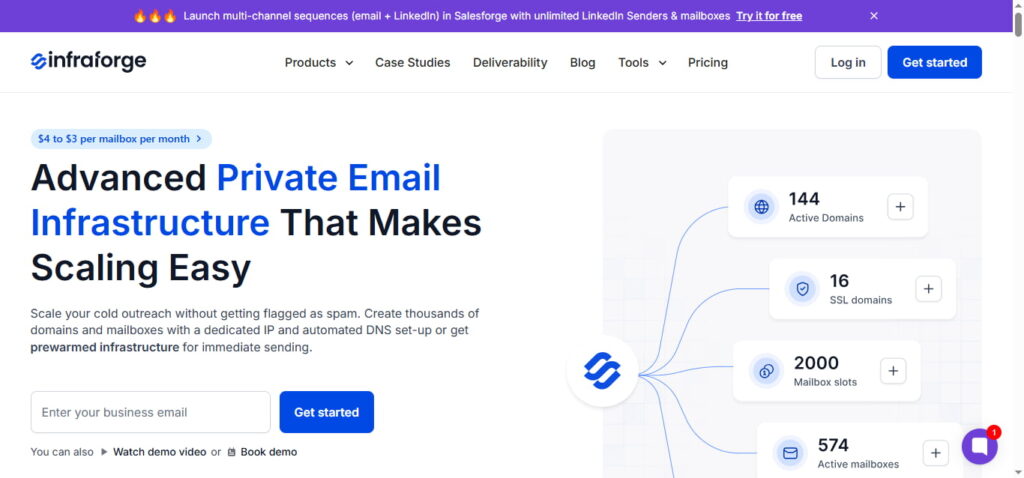
Pricing: $3-$4 per mailbox (minimum 10)
Best For: Agencies needing dedicated IPs
Pros: Private servers,
pre-warmed domains, complete control
Cons: Add-ons increase costs
The Real Cost Comparison
Direct Google Workspace (10 Mailboxes):
- Mailboxes: $70/month
- Domains: $2.50/month
- Warm-up tool: $30-50/month
- Total: $102.50-$122.50/month ($1,230-$1,470/year)
LeadsMonky (10 Mailboxes):
- Mailboxes: $29.90/month (10 x $2.99)
- Domains: $2.50/month
- Setup: FREE (worth $500-2,000)
- Total: $27.70/month ($332/year)
Annual Savings: $898-$1,138 (73-77% less)
Email Deliverability: Essential Authentication Setup
Required Email Authentication for Cold Email
SPF (Sender Policy Framework):
- Tells servers which IPs can send from your domain
- Example: v=spf1 include:_spf.google.com ~all
DKIM (DomainKeys Identified Mail):
- Digital signature verifying email integrity
- Prevents spam classification
DMARC (Domain-based Message Authentication):
- Defines what to do with failed authentication
- Start with: v=DMARC1; p=none; rua=mailto:dmarc@yourdomain.com
2026 Requirements:
- Gmail/Yahoo: SPF + DKIM + DMARC mandatory for bulk senders (5,000+/day)
- Without proper authentication, cold emails go straight to spam
Note: LeadsMonky configures all authentication automatically (FREE).
Cold Email Best Practices
1. Always Separate Domains
Never send cold emails from your primary domain. Use secondary domains exclusively to protect your business email reputation.
2. Follow the 50-Per-Day Rule
Send maximum 50 emails per mailbox per day. This maintains sender reputation and prevents spam filters.
3. Implement Proper Warm-Up
New domains need 2-4 weeks gradual warm-up:
- Week 1: 5-10 emails/day
- Week 2: 20-30 emails/day
- Week 3: 40-50 emails/day
- Week 4+: Full volume (50/day)
4. Maintain Clean Lists
- Verify all email addresses before sending
- Keep bounce rate below 1%
- Use verification tools (ZeroBounce, NeverBounce)
5. Personalize Every Email
Generic mass emails trigger spam filters. Include recipient’s name, company, and specific references.
FAQ: Affordable Google Workspace for Cold Email
Is it legal to buy from resellers?
Yes, authorized resellers like LeadsMonky are completely legal – they’re part of Google’s official partner program.
Why is LeadsMonky cheaper?
As an authorized reseller with wholesale pricing, LeadsMonky offers 64% savings on Business Starter while providing FREE setup worth $500-2,000.
Do I own my account with resellers?
With LeadsMonky: Yes, 100% ownership with full admin access and control.
How do I separate domains?
Purchase secondary domains (trycompany.com, hellocompany.com) for cold email only. Keep your primary domain (company.com) protected for business communication.
Can my account get suspended?
Only if you send spam, skip authentication, or use unverified lists. With proper setup (like LeadsMonky provides), suspension risk is minimal.
How many mailboxes do I need?
Calculate: Daily emails ÷ 50 = mailboxes needed. For 500 emails/day, you need 10 mailboxes.
What about cold email agencies using Google Workspace referral programs?
Many resellers like LeadsMonky offer referral programs for agencies with bulk discounts, white-label options, and commission structures. Contact them directly about agency partnerships.
Decision Framework: Which Option is Right?
Choose LeadsMonky If:
✓ You want the lowest price ($2.99/month)
✓ You need FREE professional setup
✓ You’re running cold email campaigns
✓ You’re a cold email agency needing bulk accounts
✓ You want 24/7 WhatsApp support
✓ You need deliverability expertise
Choose Zapmail If:
✓ You need pre-warmed accounts
✓ You’re scaling to 100+ mailboxes
✓ You prefer dashboard-based management
Choose Google Direct If:
✓ You’re sending <500 emails/week
✓ You need full Google Workspace suite
✓ Budget isn’t a concern
Getting Started: Your Action Plan
Step 1: Calculate your volume
- Daily emails needed ÷ 50 = mailboxes required
Step 2: Secure your domains
- Keep primary domain protected
- Purchase 2-3 secondary domains for cold email
Step 3: Choose your provider For Lowest Price + Done-For-You: → LeadsMonky ($2.99/month) → Use code “PARTNER2026” → Contact via WhatsApp
Step 4: Implement domain separation
- Primary domain: Business only
- Secondary domains: Cold email only
Step 5: Verify email authentication
- Confirm SPF, DKIM, DMARC configured
- Test with Mail-Tester.com (aim for 9/10+)
Step 6: Begin controlled warm-up
- Start at 5-10 emails/day
- Gradually increase over 2-4 weeks
Step 7: Launch campaigns
- Use verified lists only
- Personalize every message
- Stay under 50/day per mailbox
Conclusion: Master Affordable Google Workspace for Cold Email
Affordable Google Workspace for cold email is essential for successful B2B outreach in 2026. With proper strategy—especially separating your main domain from cold email domains—you achieve:
- 73-77% cost savings vs. Google direct
- 97% email deliverability (with proper setup)
- Protected business reputation (through domain separation)
- Scalable infrastructure (10 to 500+ mailboxes)
The most critical lesson: Never send cold emails from your primary domain. The primary and secondary domain strategy protects your business email reputation while enabling successful cold outreach at scale.
LeadsMonky offers the best value: $2.99/month with FREE professional setup (worth $500-2,000), 24/7 support, and cold email optimization. That’s 64% savings plus expert deliverability configuration.
Ready to start? Visit Leads Monky and use promo code “PARTNER2026” for 64% off + FREE setup.
Remember: Success comes from affordable infrastructure + proper domain separation + email authentication + following best practices that protect sender reputation while maximizing deliverability.
Get Google Workspace at 64% Off
Same service. Better price. Professional setup included.
⭐⭐⭐⭐⭐ 151+ companies trust us
Partner Pricing:
• Business Starter: $3/month (Google: $8)
• Business Standard: $13/month (Google: $17)
• Business Plus: $20/month (Google: $26)
FREE:
Complete DNS setup + 24/7 support + USA IPs
15-user minimum | Setup in 24 hours


