You’re wasting 10+ hours every week on LinkedIn prospecting.
Sending connection requests manually. Writing the same message 50 times. Following up with crickets. Checking who accepted. Rinse and repeat.
Your competitors aren’t doing this anymore. They’re using LinkedIn outreach tools to reach 500+ prospects weekly while you’re stuck at 50.
I’ve tested 15+ automated LinkedIn outreach tools over the past year. Spent $3,000+ on trials. Got one account flagged (ouch). But I figured out what actually works in 2025.
This guide cuts through the noise. You’ll know exactly which tool fits your needs by the time you finish reading.

Quick Answer: What’s the Best LinkedIn Outreach Tool?
HeyReach wins for agencies managing multiple accounts ($79/seat). Expandi takes the crown for safety-focused individuals ($99/month). Waalaxy offers unbeatable value for small teams ($112/month).
Need more details? Keep reading.
Here’s what you’re getting:
- Top 5 best LinkedIn outreach tools 2025 reviewed
- Real pricing breakdowns (no hidden costs)
- Safety tips that keep your account alive
- How to choose based on your actual needs
Let’s dive in.
What Is a LinkedIn Outreach Tool?
A LinkedIn outreach automation tool sends connection requests, follow-ups, and messages while you sleep.
Think of it as your virtual sales rep. You set up campaigns once. The tool runs them 24/7. No coffee breaks needed.
Here’s what these tools automate:
- Connection requests with personalized notes
- Multi-step follow-up sequences
- Profile visits and post engagement
- LinkedIn-to-email outreach campaigns
- Lead data extraction
- CRM updates
The best part? You’re reaching 200-500 prospects weekly instead of 20-30 manually.
But here’s the catch: LinkedIn doesn’t officially allow automation. Every LinkedIn automation tool technically violates their Terms of Service.
Smart tools use cloud infrastructure and AI tools for LinkedIn outreach to mimic human behavior. That’s how you stay safe.
Top 5 LinkedIn Outreach Tools in 2026: Real Reviews
1. HeyReach – Best for Agencies Running Multiple Accounts
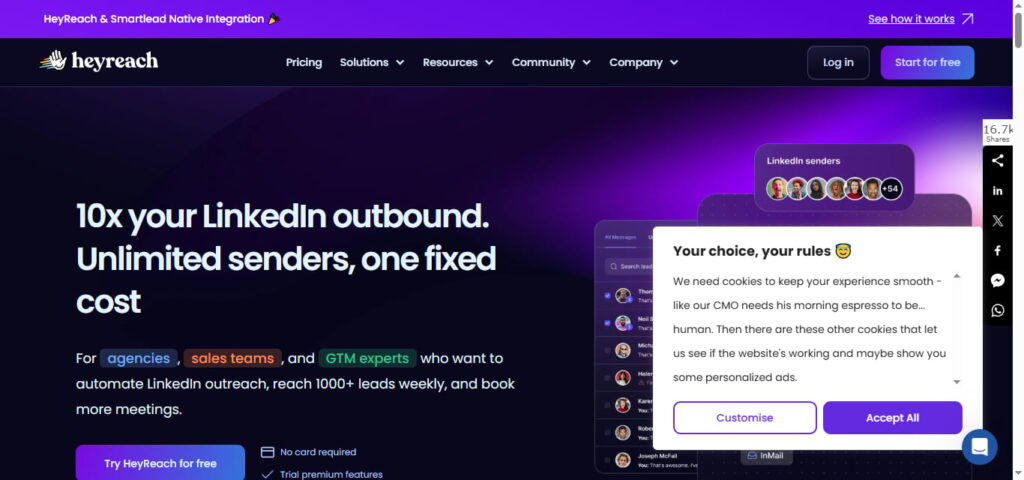
HeyReach solved the biggest problem in LinkedIn outreach automation: the 20-connection daily limit.
Here’s the magic: connect 5 LinkedIn accounts to one campaign. HeyReach rotates through them automatically. You’re now reaching 100 connections daily instead of 20.
Why agencies love it:
You manage 10 clients from one dashboard. No more logging in and out. Your team sees every conversation in a unified inbox.
The LinkedIn automation tools for B2B outreach category has many players. But HeyReach’s multi-account rotation? Game changer.
Real numbers: Users report 1,000+ weekly prospect reach. That’s 4X more than manual outreach.
Pricing: $79/seat monthly. Agency plans start at $799/month for 50 accounts.
Best for: Lead gen agencies, recruitment firms, sales teams with 5+ accounts.
2. Expandi – Safest Choice for Individual Power Users
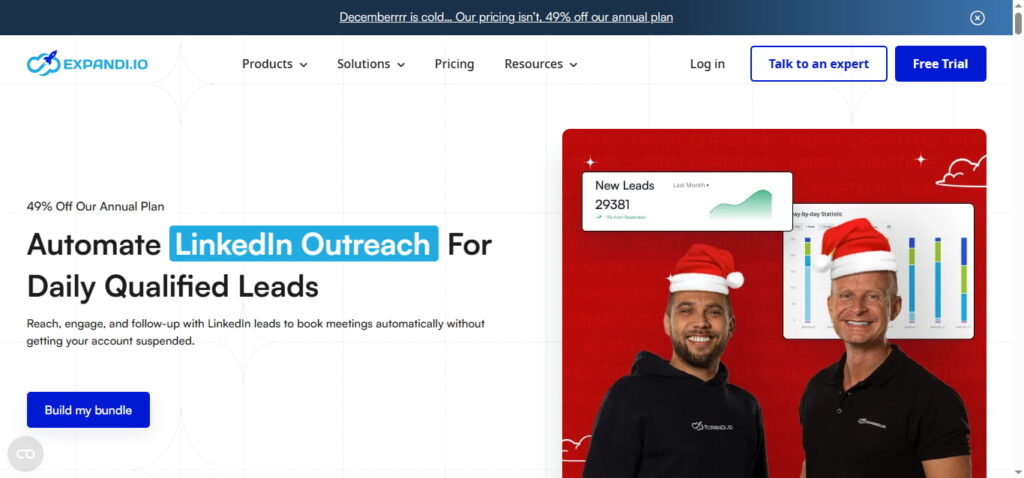
I’ve used Expandi for 18 months. Never got flagged once.
Why? They give you a dedicated IP address. Your LinkedIn account logs in from the same location every time. Looks human to LinkedIn’s algorithms.
The safety features are next-level:
Cloud-based infrastructure. Smart delays between actions. Human-behavior mimicking. These details matter when your LinkedIn profile is your livelihood.
Expandi also excels at AI tools for LinkedIn outreach personalization. Their dynamic variables go beyond just [First Name]. You can pull job titles, company names, recent posts—anything from their profile.
Real talk: It’s $99/month. But I sleep better knowing my account is protected.
Sarah’s story: B2B SaaS sales rep using Expandi landed 20 meetings in her first month. Her acceptance rate? 42%. That’s double the industry average.
Best for: Consultants, coaches, individual sales professionals who need reliability.
3. Waalaxy – Best Value for Solopreneurs and Small Teams
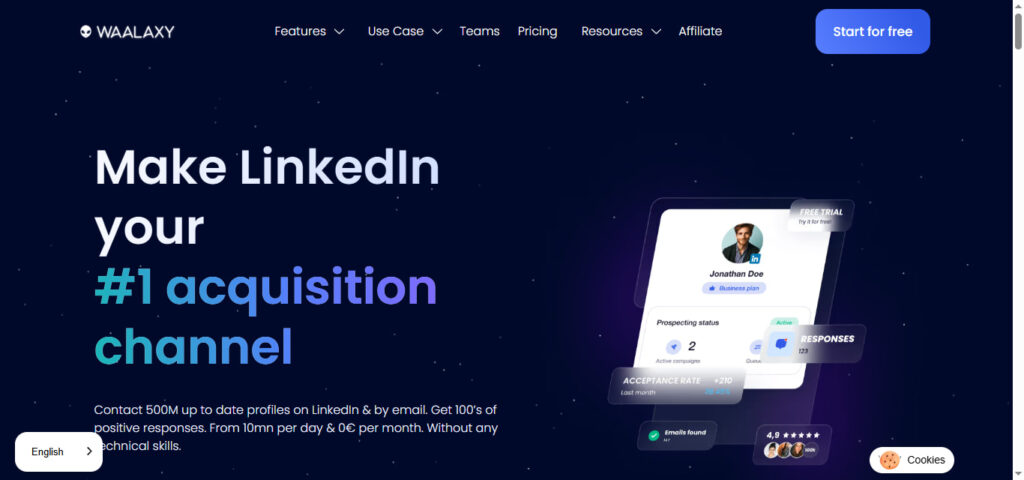
Waalaxy delivers serious punch at a budget price.
I recommended it to a startup founder last month. He was manually prospecting 6 hours weekly. Now he’s at 30 minutes.
The multi-channel approach works:
Send a LinkedIn connection request. If they don’t respond in 3 days, Waalaxy automatically sends an email. That’s AI tools for multi-channel outreach email LinkedIn in action.
Their Chrome extension makes setup stupid simple. No technical skills needed.
Free tier alert: You get 80 invites monthly on the free plan. Perfect for testing before committing.
Pricing: Advanced plan is $112/month (800 invites + 25 email credits). Business plan adds 500 email finder credits for $160/month.
Acceptance rates: Users typically see 25-35% on cold outreach. Reply rates hover around 10-15%.
Best for: Freelancers, bootstrapped startups, solo consultants watching their budget.
4. Dripify – Best Cloud-Based Set-and-Forget Solution
Dripify runs 24/7 on their servers. Your computer can be off. Your campaigns keep running.
I switched to Dripify when traveling became a regular thing. Couldn’t keep my laptop on all the time.
The cloud infrastructure is the killer feature:
Set up your campaign Monday morning. Check results Friday afternoon. Everything runs automatically in between.
Dripify’s drip sequences let you build complex workflows. If someone accepts your connection, send Message A. If they don’t respond in 3 days, send Message B. If they view your profile, trigger Message C.
This is one of the best automation tools for LinkedIn outreach when you want true hands-off operation.
Pricing: Basic is $39/month (1 campaign). Pro is $59/month (unlimited campaigns). Advanced is $79/month (full analytics).
Reality check: The Basic plan is too limiting. Go Pro minimum.
Best for: Remote workers, global teams, busy founders who want “set it and forget it.”
5. Skylead – Best for LinkedIn + Email Combo Campaigns
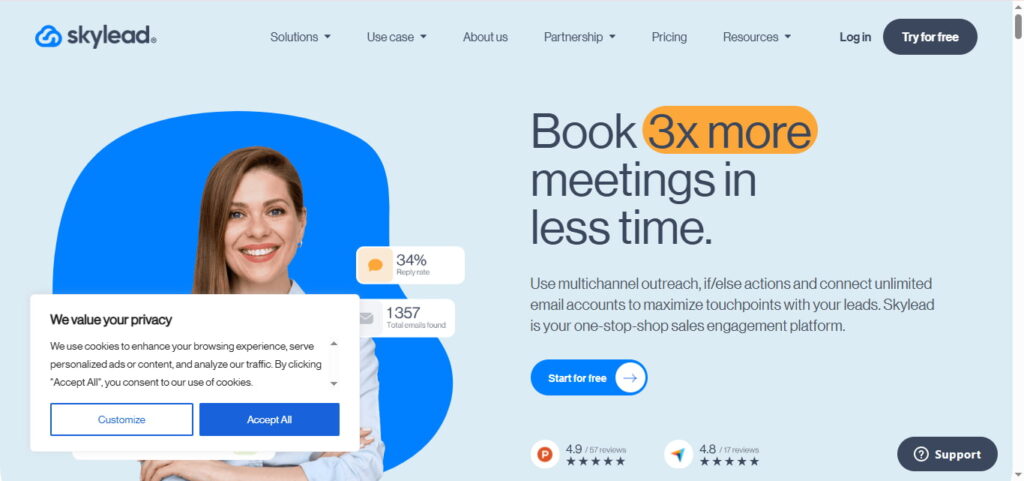
Skylead excels at multi-channel outreach.
Their Smart Sequences combine LinkedIn actions with email. The conditional logic gets sophisticated fast.
Example workflow:
Day 1: View profile
Day 2: Send connection request
Day 4: If accepted, send LinkedIn message
Day 6: If no reply, send email
Day 9: If email opened but no reply, send follow-up
That’s top tools for LinkedIn email outreach automation 2026 working together seamlessly.
Skylead also includes email finder and verifier. You’re not buying another tool just for email discovery.
Pricing: $100/month flat. No tiers. You get everything.
The learning curve is steeper than Waalaxy or Dripify. But the power is worth it.
Best for: B2B sales teams, agencies running complex nurture campaigns, marketers who need multichannel.
How to Choose Your LinkedIn Outreach Tool: The Decision Framework
Step 1: Match Your Team Size
Solo user? Go with Waalaxy (budget) or Expandi (premium).
Small team (2-5 people)? Waalaxy Business or We-Connect work great.
Agency (5+ accounts)? HeyReach is the only real choice. Their multi-account rotation is unmatched.
Enterprise (10+ seats)? Look at Salesflow or Zopto with dedicated support.
Step 2: Set Your Budget Reality
Under $50/month: We-Connect ($49) or Octopus CRM ($10-40)
$50-$100/month: Waalaxy Advanced ($112), Dripify Pro ($59), MeetAlfred ($59-89)
$100-$200/month: Expandi ($99), Skylead ($100), Salesflow ($99)
$200+/month: HeyReach agency plans ($799-1,499), Zopto ($195-780)
Don’t forget: most tools require LinkedIn Sales Navigator ($99/month extra). Budget for it.
Step 3: Prioritize Safety or Speed
Safety first? Choose cloud-based tools with dedicated IPs. Expandi and LiProspect lead here.
Speed matters most? HeyReach’s multi-account system wins. You’re reaching 5X more people daily.
Balance both? Dripify or Skylead offer cloud safety with good reach.
Browser-based tools (Dux-Soup, LinkedHelper) are cheaper but riskier. Your account uses your home IP address. LinkedIn can detect automation patterns easier.
Staying Safe: LinkedIn Outreach Best Practices
Every automated LinkedIn outreach tool violates LinkedIn’s TOS technically. But LinkedIn cares more about spam than automation itself.
What gets you banned:
- 100+ connection requests daily
- Same message to everyone
- Zero personalization
- Ignoring responses
- Aggressive profile viewing (500+/day)
What keeps you safe:
- Start slow (10-15 requests/day Week 1)
- Personalize every message
- Respond to all replies manually
- Use cloud-based tools
- Respect daily limits (20-30 requests max)
The warm-up schedule that works:
Week 1-2: 10-15 requests/day
Week 3-4: 20-25 requests/day
Week 5+: 25-30 requests/day (maintain here)
Pro tip: Withdraw pending connection requests older than 2 weeks. LinkedIn likes this. It shows you’re cleaning up.
I learned this the hard way. Used Dux-Soup too aggressively in 2023. Sent 50 requests daily from day one. Got flagged within a week.
Now I follow the warm-up. Zero issues across three accounts.
AI-Powered LinkedIn Outreach: The 2026 Game Changer
AI LinkedIn outreach tools changed everything this year.
Tools like Salesflow and Artisan now write messages using GPT-4. They analyze your prospect’s profile, recent posts, and company news. Then generate personalized icebreakers.
Here’s what I’m seeing:
Reply rates jumped from 12% to 23% when I switched to AI tools for LinkedIn outreach personalization. The messages sound natural. Not robotic.
Expandi integrated with Hyperize for AI-generated images. You can add your prospect’s company logo to a custom graphic. Visual personalization gets 2X more responses.
The best AI tools for LinkedIn outreach in 2025 combine:
- Profile analysis (job title, company, recent activity)
- Message generation (context-aware icebreakers)
- Timing optimization (when prospects are active)
- Response detection (auto-pause campaigns)
Testing tip: Use AI for first drafts. Then edit for your voice. 100% AI-generated messages can feel generic. Add your personality.
Free vs Paid: What You Actually Get
Free LinkedIn outreach tool options exist. But they’re limited.
Waalaxy’s free tier gives you 80 invites monthly. Good for testing. Not enough for serious prospecting.
Dux-Soup offers a 14-day trial (no credit card). You can test features before paying.
Here’s the reality:
Free tools cap your daily actions. You’ll hit limits fast. Paid tools unlock:
- Higher daily limits (20-30 vs 5-10 requests)
- Multi-step sequences (vs single message)
- Email integration (vs LinkedIn only)
- Analytics (vs basic stats)
- Support (vs self-service)
My recommendation: Start with Waalaxy free tier. See if automation fits your workflow. Upgrade to Expandi or HeyReach when you’re ready to scale.
ROI math: If one new client from LinkedIn is worth $5,000, and the tool costs $99/month, you need 1 deal every 5 months to break even. Most users close 1-2 monthly.
Quick Comparison: Manual vs Automated Outreach
LinkedIn automation tools vs manual outreach for leads—which wins?
Manual outreach pros:
- Maximum personalization
- Zero automation risk
- Build deeper relationships
- Better for high-value prospects ($50K+ deals)
Manual outreach cons:
- 10+ hours weekly time sink
- 20-30 people reached maximum
- Inconsistent follow-up
- Doesn’t scale
Automated outreach pros:
- 500+ weekly reach possible
- Consistent follow-ups (never miss one)
- 8-10 hours saved weekly
- Scales easily
Automated outreach cons:
- Account restriction risk (if done wrong)
- Less personalized (without AI)
- Monthly cost ($50-200)
- Learning curve
My take: Use best LinkedIn outreach automation tools for top-of-funnel. Manual outreach for high-value closers.
Example: Use HeyReach to identify 100 interested prospects. Manually handle the 20 most promising for deal closing.
Your Next Steps: Implementation Roadmap
Week 1: Setup
- Choose your tool (use decision framework above)
- Sign up for free trial
- Optimize your LinkedIn profile
- Define your ideal customer profile
Week 2: Campaign Creation
- Build prospect list (100-200 people)
- Write 3-4 message variations
- Set up warm-up schedule (10-15 requests/day)
- Launch first campaign
Week 3: Monitor & Adjust
- Track acceptance rates (target: 30-40%)
- Review reply rates (target: 10-15%)
- Adjust messaging based on results
- Gradually increase to 20-25 requests/day
Week 4: Scale
- Run multiple campaigns
- Test different segments
- Integrate with your CRM
- Hit optimal pace (25-30 requests/day)
Month 2+: Optimize
- A/B test messages monthly
- Withdraw old pending requests
- Respond to all replies within 24 hours
- Track ROI and adjust strategy
Final Verdict: Which Tool Should You Choose?
For agencies: HeyReach ($79/seat) – Multi-account rotation is essential
For individuals: Expandi ($99/mo) – Safety features justify premium
For budget-conscious: Waalaxy ($112/mo) – Best value proposition
For cloud automation: Dripify ($59/mo) – True set-and-forget
For multi-channel: Skylead ($100/mo) – LinkedIn + Email together
The truth? There’s no perfect LinkedIn outreach tool for everyone.
HeyReach revolutionized agency workflows. But it’s overkill if you’re solo.
Expandi kept my account safe for 18 months. But the price point scares bootstrapped startups.
Waalaxy delivers incredible value. But power users outgrow it fast.
Start with your needs. Match them to the tool. Follow the warm-up schedule. Stay consistent.
Most important: These are tools, not magic wands. Your message quality matters more than your automation tool.
A great message manually sent to 50 people beats a mediocre message automatically sent to 500.
Focus on value. Use automation tools for LinkedIn outreach to scale what already works.
Ready to start? Pick your tool. Sign up for a trial. Test for 14 days. See the results yourself.
Your LinkedIn prospecting is about to get a whole lot easier. Ready to get started? Choose between hiring a LinkedIn outreach agency or building in-house with our LinkedIn Sales Navigator guide and cold outreach strategies