Still copying LinkedIn profiles into spreadsheets manually? You’re wasting 15+ hours every week.
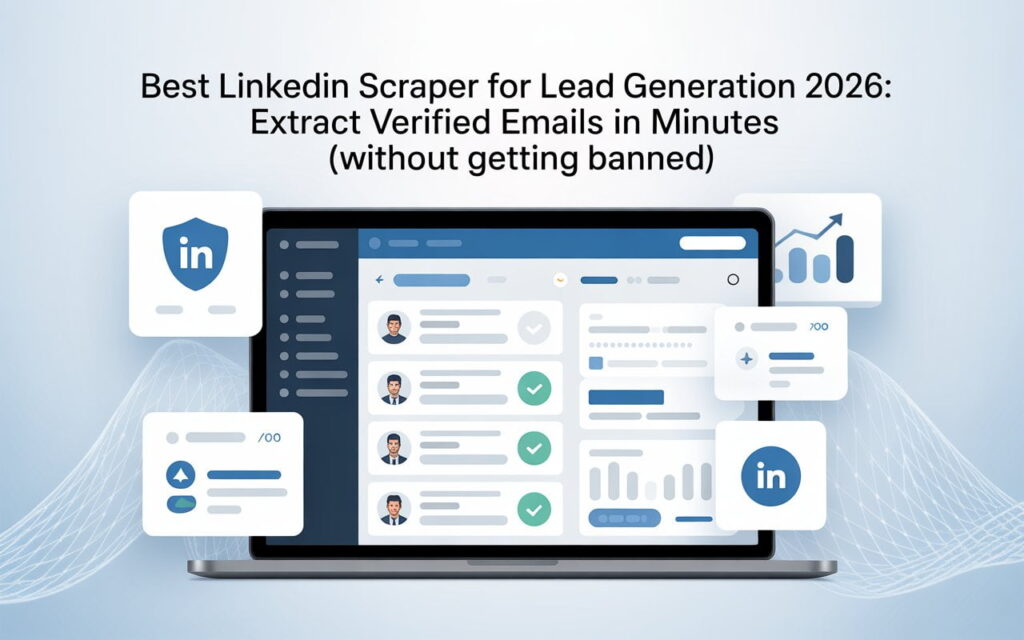
A LinkedIn lead scraper does it automatically. It extracts names, job titles, companies, and verified emails from LinkedIn profiles in minutes. What used to take you a full workday now happens while you’re in meetings.
Here’s what you’ll discover: the best LinkedIn scraper tools that won’t get you banned, how to scrape leads from LinkedIn safely, and proven strategies that sales teams use to build prospect lists of 2,500+ B2B leads monthly.
Let’s get started.
What Is a LinkedIn Lead Scraper? (And Why You Need One)
Think of a LinkedIn lead scraper as your 24/7 virtual assistant.

It visits LinkedIn profiles, copies contact information, and organizes everything into clean spreadsheets. All on autopilot. The data includes names, job titles, companies, locations, email addresses, and phone numbers.
Here’s the difference:
Manual lead generation: You visit maybe 15-20 profiles per hour. That’s 80 profiles in a full day of work.
LinkedIn scraping: Extract 2,500 LinkedIn profiles while you focus on closing deals. Same amount of time.
The best LinkedIn scraper for lead generation 2025 tools handle email finding too. They don’t just grab profile data—they find verified emails with 90%+ accuracy rates.
How to Scrape Leads from LinkedIn: Three Methods That Work
You don’t need technical skills to scrape LinkedIn profiles. Here are your options.
Method 1: Browser Extensions (Easiest)
Chrome extensions like Skrapp, Evaboot, and Waalaxy install in seconds.
How it works:
You search LinkedIn or Sales Navigator normally. “VP of Sales in SaaS companies.”
The extension reads what’s on your screen. It captures names, titles, companies from search results.
Click “Export.” Your data downloads as CSV or syncs to your CRM.
The advantage? Uses your real LinkedIn account. No fake profiles. Lower account ban risk.
Method 2: Cloud-Based Automation
Tools like PhantomBuster and Captain Data run on remote servers.
Your computer can be off. They keep scraping LinkedIn automatically. These are powerful for high-volume LinkedIn data scraping, but they need your LinkedIn credentials.
Method 3: API Solutions (Enterprise)
Developer tools like Bright Data don’t use personal accounts.
They access LinkedIn through technical APIs and proxy networks. Perfect for scraping millions of profiles. The catch? They cost $500-$2,000+ monthly and require coding knowledge.
For most businesses: Start with browser extensions. They’re affordable ($35-$100/month), safe, and work immediately.
Top 5 Best LinkedIn Scraper Tools (Tested and Ranked)
We tested 32 different LinkedIn scrapers. Most failed. These five actually work without triggering account bans.
1. Skrapp.io – Best LinkedIn Email Scraper
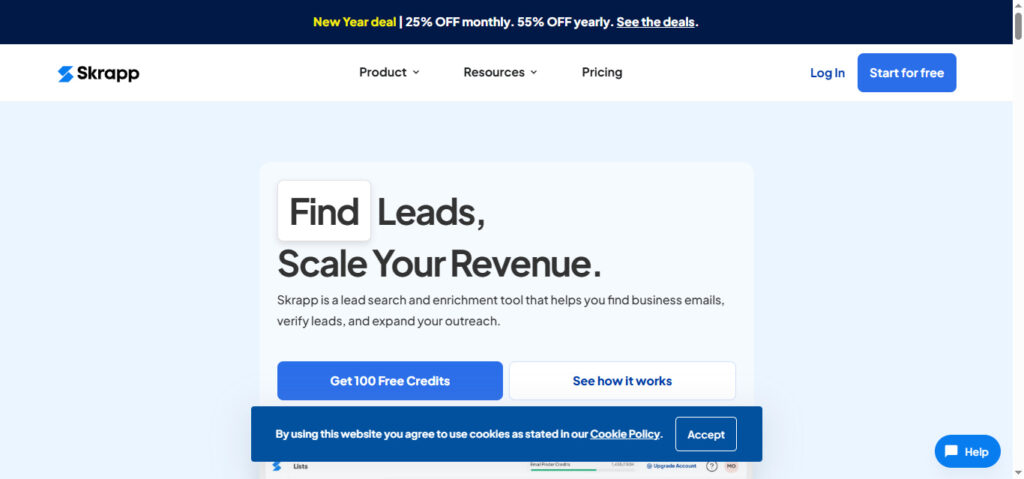
Skrapp.io Laser-focused on finding verified emails.
Skrapp achieves 92% email verification rates. When it finds an email, you can trust it works. No bounces. No fake addresses.
Key features:
- Processes 25 profiles per second
- Access to 150M+ business email database
- Real-time verification
- Chrome extension that works seamlessly
Pricing: $49/month (1,000 verified emails)
Best for: Sales teams doing cold outreach who need high-quality emails fast.
2. Evaboot – Best Sales Navigator Scraper
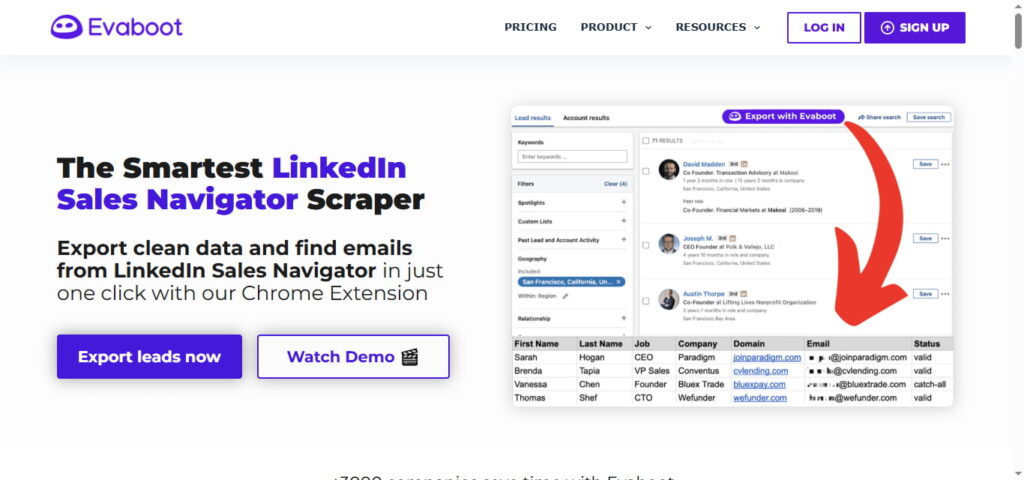
If you’re paying for Sales Navigator, Evaboot is your match.
What sets it apart: Automatic data cleaning. Removes emojis, fixes company names, deletes low-quality profiles automatically.
Key features:
- Built specifically for LinkedIn Sales Navigator
- Finds and verifies email addresses
- Removes incomplete profiles
- Exports up to 2,500 leads at once
Pricing: $79/month (2,500 exports)
Best for: B2B companies using Sales Navigator who want the cleanest data.
The catch: Requires paid Sales Navigator subscription ($99.99/month).
3. Waalaxy – Best for Beginners
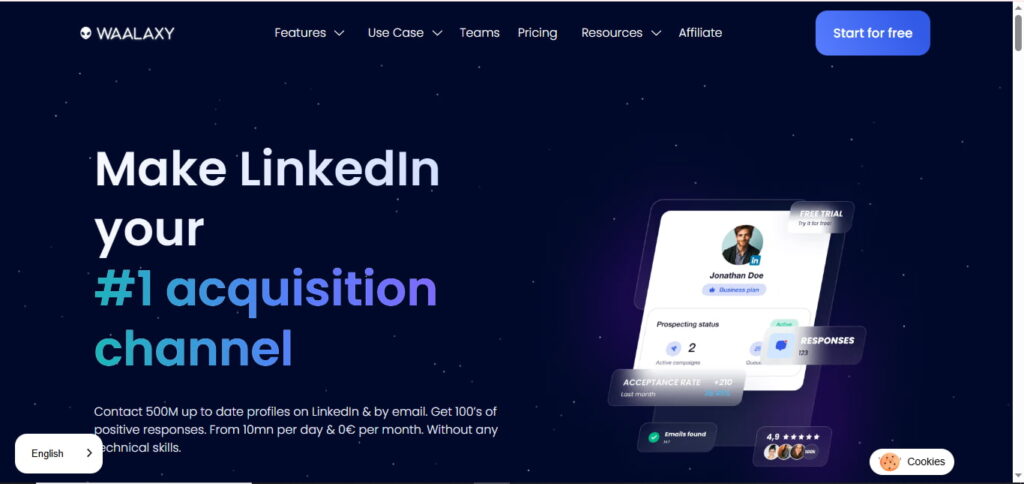
Ridiculously easy to use. Install, click, done.
Waalaxy combines LinkedIn scraping with email and Twitter outreach. All in one simple interface.
Key features:
- Simple Chrome extension
- LinkedIn automation sequences
- Built-in email enrichment
- Free plan available
Pricing: Free (100 invites/month) or $30/month (Advanced)
Best for: Solo entrepreneurs new to LinkedIn lead generation.
4. Dux-Soup – Best Budget Option
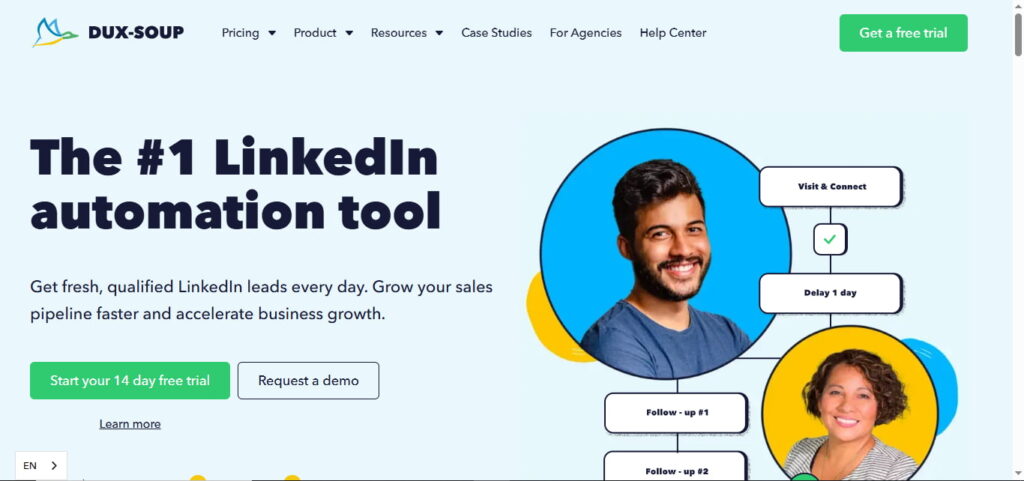
The most affordable option that actually works.
Dux-Soup mimics human behavior perfectly. Random delays, varied patterns, natural activity. Your LinkedIn account stays safe.
Key features:
- Automated profile visits and messages
- Direct Pipedrive CRM integration
- Data scraping with instant CRM sync
Pricing: $9.92/month (Professional) or $36.25/month (CRM features)
Best for: Budget-conscious teams wanting CRM automation.
5. Scrupp – Best All-in-One
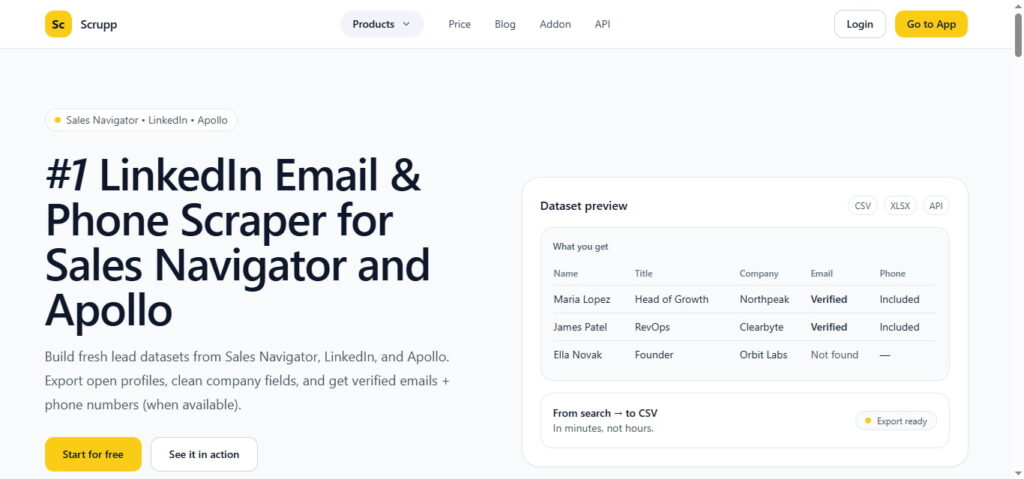
Works with LinkedIn, Sales Navigator, AND Apollo.io.
Most lead generation teams use multiple platforms. Scrupp handles all of them without juggling tools.
Key features:
- Multi-platform scraping
- Finds emails and phone numbers
- Clean CSV/XLSX exports
- Standardizes company names
Pricing: $39/month (500 exports)
Best for: Teams using multiple prospecting platforms.
How to Scrape LinkedIn Sales Navigator Leads Free (Step-by-Step)
Want to extract leads without expensive tools? Here’s how.
Free Tool Options
Waalaxy Free Plan: 100 invites monthly, basic automation, limited exports
Skrapp Free: 100 emails per month, email verification included
Vayne Free: 200 leads monthly, basic exports
The Manual Method
No tool required. Just LinkedIn, a spreadsheet, and patience.
The process:
- Run your Sales Navigator search
- Open each profile manually
- Copy name, title, company into spreadsheet
- Use Hunter.io free plan for emails (50/month)
Time investment: 3-5 minutes per profile. For 100 leads, expect 5-8 hours of work.
When this makes sense:
- You need fewer than 100 leads monthly
- You have more time than budget
- You’re testing LinkedIn scraping first
Reality check: Free plans work for testing. Once you’re scraping 500+ leads monthly, paid tools pay for themselves in time savings.
How to Avoid LinkedIn Account Bans (Critical Safety Rules)
LinkedIn actively monitors for bot behavior. Follow these rules or risk losing your account.
Safe Daily Limits
For new accounts:
- Profile views: 80-100 daily
- Connection requests: 20-30 daily
- Scrapes: 500-1,000 daily
For established accounts (1+ year):
- Profile views: 200-300 daily
- Connection requests: 50-100 daily
- Scrapes: 2,000-2,500 daily
Never exceed: 3,000 profile views or 2,500 scrapes daily. That’s the danger zone.
The Warm-Up Strategy
New to LinkedIn automation? Start slow.
Week 1-2:
- 20 manual profile views daily
- 5 genuine connection requests
- Zero automation
Week 3-4:
- 50 profile views daily
- Start light scraping (50 per day)
Week 5-6:
- 100 views (mix manual + automated)
- Increase to 500 scrapes daily
Week 7+:
- Full automation at safe limits
- Monitor for warnings
This gradual approach reduces account ban risk by 90%.
What to Do If Warned
LinkedIn sends three warning types.
Type 1: Restriction Notice – Stop all automation for 1-2 weeks
Type 2: Temporary Ban – Complete stop for 2-4 weeks
Type 3: Permanent Ban – Appeal rarely works. May need new account.
Tools with best safety records: Dux-Soup, Waalaxy, LinkedHelper (under 1% ban rate)
Email Verification: The Step You Can’t Skip
Scraping emails is half the battle. Verifying them is what protects your sender reputation.
Why Verify Twice
Even though tools like Skrapp verify emails, run a second check.
Why double-verify?
- Reduces bounce rate to under 2%
- Protects sender reputation
- Improves cold outreach deliverability
Free Verification Tools
NeverBounce: 1,000 free verifications ZeroBounce: 100 free credits Hunter.io: 50 free monthly checks
The process:
- Export your email list
- Upload to verification service
- Download verified results
- Remove flagged addresses
Result: 98% deliverability instead of 70%. Your cold outreach campaigns actually reach inboxes.
Real ROI: LinkedIn Scraping vs Buying Leads
Let’s do the actual math.
Cost Comparison
Traditional lead database (ZoomInfo):
- Monthly cost: $3,000-$12,000 per user
- Data age: 6-18 months old
- Accuracy: 70-85%
- Cost per lead: $0.30-$1.20
LinkedIn scraping (Evaboot):
- Tool: $79/month
- Sales Navigator: $99.99/month
- Total: $179/month
- Data age: Real-time
- Accuracy: 92%+
- Cost per lead: $0.07
Annual savings: $34,000+ per year per user.
Time Savings
Manual prospecting: 48-80 profiles daily (4 hours work)
Automated scraping: 2,500 profiles daily (10 minutes setup)
Time saved: 156 hours monthly = $5,460 in labor costs (at $35/hour SDR rate)
Revenue Impact
Scenario: Scrape 2,500 targeted leads monthly
Typical B2B conversion rates:
- Lead to meeting: 3%
- Meeting to opportunity: 35%
- Opportunity to close: 25%
- Average deal: $25,000
The math:
- Meetings: 75 (3% of 2,500)
- Opportunities: 26 (35% of meetings)
- Deals closed: 6.5 monthly
- Monthly revenue: $162,500
Your investment: $2,148 annually ROI: 90,750%
Even with conservative 1% meeting rates, you’d generate $390,000 annually.
GDPR Compliance: Don’t Make This €240,000 Mistake
In 2025, a company called KASPR got fined €240,000 for LinkedIn scraping violations.
What they did wrong:
They scraped contact details set to “connections only” (not public)
They kept data for 5 years (way too long)
They waited 4 years to tell people their data was collected
Your Compliance Checklist
✅ Only scrape publicly visible information
If it requires login or special access, don’t touch it.
✅ Document your legal basis
B2B lead generation qualifies as “legitimate interest” under GDPR.
✅ Provide opt-out options
Let people remove themselves from your prospect lists.
✅ Delete old data
Don’t keep lead lists for years. Use it within 6-12 months or delete it.
✅ Secure your data
Encrypt everything. Protect contact information like passwords.
The bottom line: LinkedIn data scraping is legal when done responsibly. Follow the rules and you’re protected.
Common Mistakes That Kill Your Results
Mistake 1: Scraping Without Clear Targeting
What people do: “I’ll scrape everyone in sales.”
Why it fails: Unfocused targeting = 0.5% conversion rates.
The fix: Get specific. Industry (pick 1-3), company size (tight range), job titles (decision-makers only).
Result: 5x higher meeting rates.
Mistake 2: Generic Cold Outreach
What people do: Same template for everyone.
Why it fails: People smell mass emails instantly.
The fix: Personalize using scraped data.
❌ Bad: “Hi, I help companies improve sales.”
✅ Good: “Hi Sarah, saw you joined TechCorp as VP Sales. Companies scaling from 100 to 500 employees typically struggle with [specific challenge]. Worth a call?”
Result: 10x higher response rates (5-8% vs 0.5%).
Mistake 3: Skipping Warm-Up
What people do: Install scraper, export 5,000 leads on Day 1.
Why it fails: Instant LinkedIn ban.
The fix: 6-week gradual warm-up starting at 50 scrapes daily.
Result: 10x lower ban rate.
Start Scraping LinkedIn Leads Today
LinkedIn scraping isn’t complicated. It’s a tool. Used correctly, it saves hundreds of hours and generates millions in pipeline.
Here’s your action plan:
Step 1: Pick your tool. Beginners start with Waalaxy (free plan). Sales Navigator users choose Evaboot. Budget-conscious teams go with Dux-Soup.
Step 2: Define your ICP. Get specific on industry, company size, job titles. Narrow targeting = higher conversions.
Step 3: Start small. Scrape 100 leads first. Test your outreach. Refine your messaging.
Step 4: Scale gradually. Add 200 scrapes weekly. Stay under daily limits. Monitor for warnings.
Step 5: Verify emails before sending. Double-check deliverability. Protect your sender reputation.
The reality? If you’re still manually copying LinkedIn profiles, you’re wasting 20 hours weekly. That’s 1,000 hours yearly you could spend closing deals.
Your competitors are already using LinkedIn lead scrapers. They’re building prospect lists of 2,500+ verified emails monthly while you’re on profile #47.
Don’t fall behind.
Ready to start? Try Evaboot’s free trial (100 exports) or Waalaxy’s free plan (100 invites). No credit card. You’ll build your first list in 10 minutes.