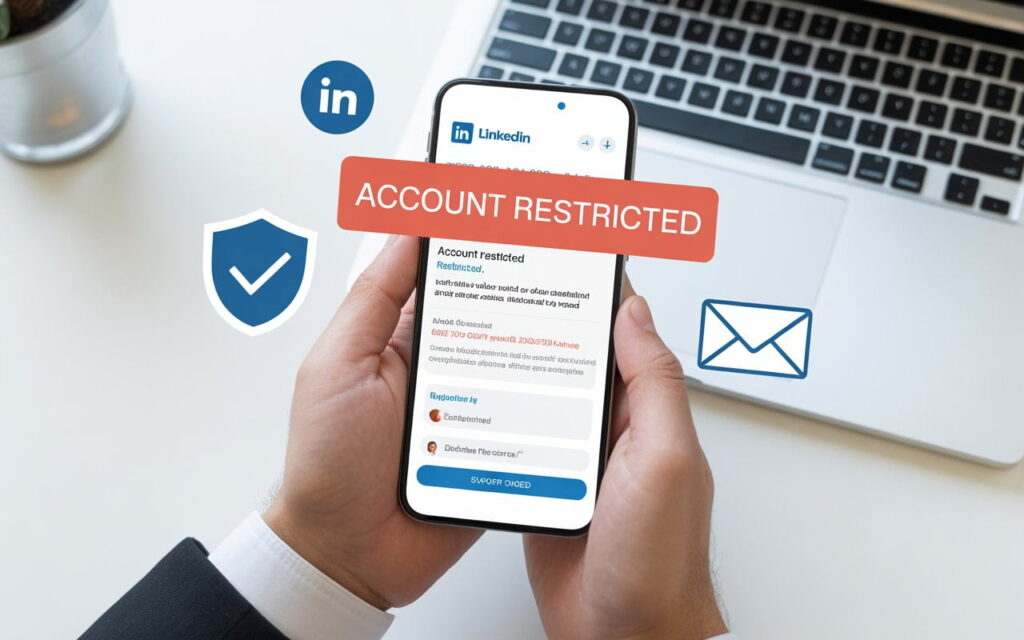
Your LinkedIn account restricted notification just popped up. You’re locked out, confused, and honestly? A bit panicked.
Don’t worry. I’ve helped hundreds of users recover their accounts. Most restrictions get lifted within 7-10 days if you follow the right steps.
Let’s fix this.
What Does “LinkedIn Account Restricted” Actually Mean?
Here’s the simple truth: LinkedIn flagged your account for suspicious activity.
This doesn’t always mean you did something wrong. LinkedIn’s automated systems are overly sensitive sometimes. They’d rather restrict 100 innocent accounts than let one spammer through.

You’ll see messages like:
- “Access to your account has been temporarily restricted“
- “We’ve detected unusual activity”
- “Please verify identity to continue”
- “Your account has been restricted to protect our community”
The good news? You probably didn’t get permanently banned. LinkedIn just wants to verify you’re a real person.
Why Is My LinkedIn Account Restricted For No Reason?
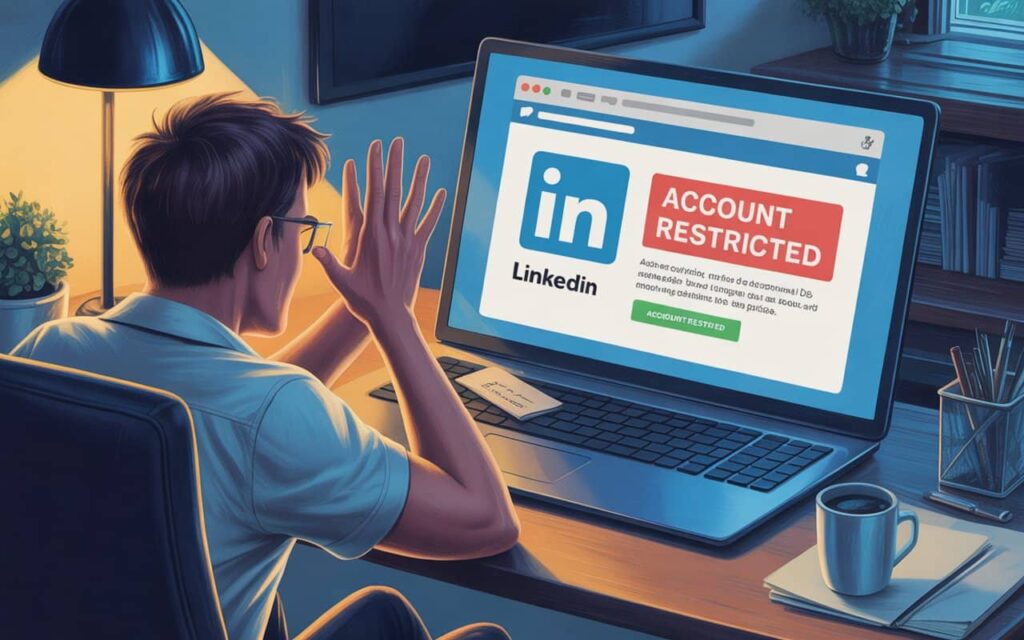
This is the #1 question I get. You weren’t spamming anyone. You weren’t using bots. So what happened?
Here are the most common triggers:
1. You Sent Too Many Connection Requests
LinkedIn’s weekly limit is around 100-200 connection requests. Exceed this? Instant restriction.Consider using InMail vs connection requests for safer outreach.”
New accounts have even stricter limits—about 20-30 requests per day max.
2. Too Many People Clicked “I Don’t Know This Person”
When you send connection requests to strangers, some will report you. Just 5-10 reports can trigger LinkedIn account restrictions.
3. Your Acceptance Rate Is Too Low
If less than 30% of people accept your requests, LinkedIn sees you as a spammer. They’ll ask you to enter email addresses or restrict your account entirely.
4. You Used Automation Tools
Chrome extensions and automation software are huge red flags. LinkedIn detects these tools easily and restricts accounts aggressively.
5. You Logged In From Different Locations
Using a VPN? Traveling? LinkedIn might think someone hacked your account and restrict it for security.
6. Your Profile Looks Fake
No photo? Minimal information? No connections? LinkedIn assumes you’re a bot and restricts access immediately.
How Long Is LinkedIn Account Restricted?
This depends on your restriction type:
Quick Reference:
- Weekly invitation limit: 7 days (automatic reset)
- Temporary restrictions: 24-72 hours
- ID verification required: 3-10 business days
- Permanent suspension: Forever (unless appealed successfully)
Most users recover within a week if they follow the steps below.
How to Fix Restricted LinkedIn Account: Step-by-Step Recovery
Step 1: Stop All Activity Immediately
Seriously. Don’t send messages. Don’t view profiles. Don’t do anything on LinkedIn for 24-48 hours.
This lets things cool down.
Step 2: Disconnect Any Automation Tools
Go to Settings → Data Privacy → Other Applications and remove all third-party access.
If you used Chrome extensions, uninstall them completely.
Step 3: Complete Identity Verification
LinkedIn will ask you to verify identity through:
- SMS code to your phone
- Uploading a government ID (passport, driver’s license)
Critical tip: Your profile name must EXACTLY match your ID. If it doesn’t, update your profile first.
Upload a clear photo. Make sure all corners are visible and text is readable.
Step 4: Contact LinkedIn Support
If nothing happens after 7 days, reach out to support: linkedin.com/help/linkedin/ask/gri
Keep your message short and professional:
“My account was restricted on [date]. I’ve completed ID verification. Could you please review my case? Thank you.”
Step 5: Wait Patiently (Don’t Create a New Account!)
Can I create a new LinkedIn account after being restricted? NO.
This is the worst mistake you can make. LinkedIn will detect it and ban both accounts permanently.
Wait for your original account to be restored.
What If My LinkedIn Account Is Permanently Restricted?
First, don’t panic. About 30% of permanent bans get reversed through appeals.
Here’s what to do:
- Contact support immediately with a professional appeal
- Explain why the restriction was unfair
- Offer to provide additional verification
- Follow up every 5-7 days
Reality check: If you repeatedly violated policies, your chances are low. If it was genuinely unfair, you’ve got a shot.
Some users reported success after 2-3 appeals, especially Premium members.
How to Prevent Future LinkedIn Account Restrictions
You got your account back. Great! Now don’t screw it up again.
Follow the 30-Day Warmup Plan
Week 1:
- Send 5-10 connection requests per day (only to people you actually know)
- Like 5-10 posts daily
- Comment on 2-3 posts
- No automation tools
When planning your outreach strategy, follow proven LinkedIn outreach sequences and cold outreach best practices to stay within safe limits.
Week 2:
- Increase to 10-15 requests per day
- Post one piece of content
- Keep engagement steady
Week 3-4:
- Gradually increase to 20-30 requests max
- Continue regular engagement
- Mix in profile views and messaging
Safe Daily Limits
New accounts (0-3 months):
- Connection requests: 10-20 per day
- Profile views: 20-30 per day
- Messages: 10-15 per day
Established accounts (3+ months):
- Connection requests: 20-40 per day
- Profile views: 40-60 per day
- Messages: 20-30 per day
Never exceed these numbers. Quality over quantity always wins.
Improve Your Acceptance Rate
Target 40%+ acceptance rate by:
- Only connecting with 2nd-degree connections (mutual friends)
- Personalizing every request
- Avoiding generic sales pitches
- Optimizing your profile to look trustworthy
Optimize your LinkedIn profile to increase trust and acceptance rates. Focus on generating organic leads rather than aggressive outreach.
Complete Your Profile
Make your profile look legitimate:
- Professional photo (not a selfie)
- Detailed work experience (2-3 entries minimum)
- 100+ connections
- Skills section filled out
- Regular activity (post 1-2 times per week)
Incomplete profiles scream “fake account” to LinkedIn.
FAQs
Will I lose my connections during restriction?
No. Your connections stay intact. When your account is restored, everything returns to normal.
Can my employer see I was restricted?
No. Restrictions are private. Only you know about it.
Does LinkedIn Premium prevent restrictions?
Nope. Premium users get restricted too. However, they might get slightly faster support response times.
What happens to my job applications?
Applications you already submitted stay submitted. But you can’t apply for new jobs until your account is restored.
Should I delete my restricted account and start over?
Absolutely not. This makes things worse. Wait for account recovery instead.
How many times can I get restricted before permanent ban?
Based on LinkedIn account restricted Reddit discussions:
- 1st time: Warning
- 2nd time: Serious warning
- 3rd time: High risk of permanent ban
After your second restriction, you’re on thin ice.
Final Thoughts: Stay Safe on LinkedIn
LinkedIn restrictions happen to thousands of users every week. Most get resolved if you stay calm and follow the recovery process.
Remember these key points:
- Stop all activity immediately when restricted
- Complete ID verification promptly
- Never create a new account while restricted
- Follow safe limits after recovery
- Personalize your outreach
- Build your profile authentically
Automation and aggressive tactics might work short-term. But they’re not worth losing your entire professional network.For sustainable LinkedIn growth, focus on building a proper B2B lead generation strategy and lead generation funnel. Consider LinkedIn Sales Navigator for safer, more targeted outreach that won’t trigger restrictions
Build slow. Build real. Build sustainable.
Need help right now? Bookmark this page and follow the steps above. Most users recover their restricted LinkedIn accounts within 7-10 days using this exact process.
Questions? Drop a comment below with your experience. How long was your restriction? What worked for you?