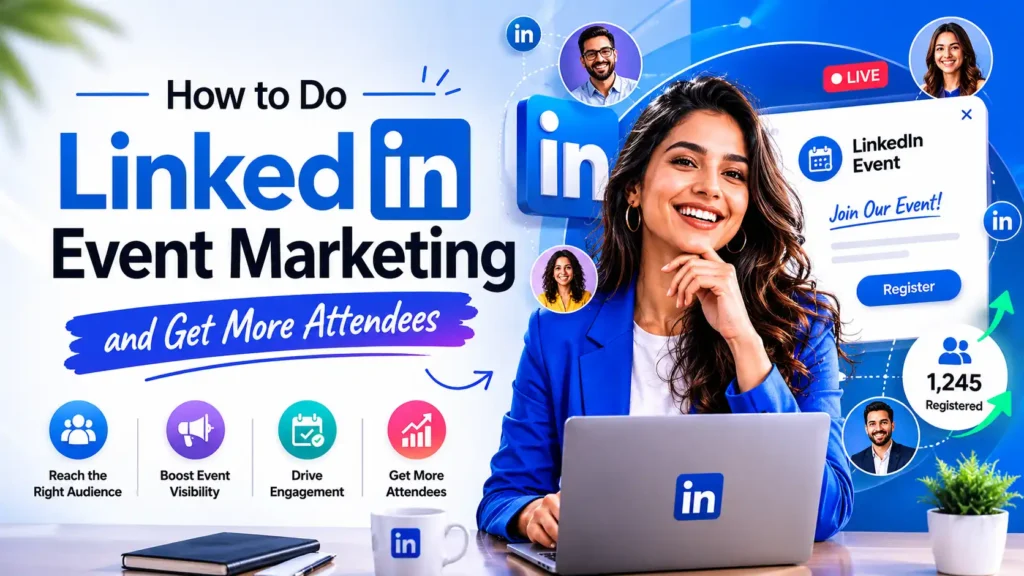
LinkedIn event marketing is one of the most underused lead generation strategies in B2B today.
Over 310 million professionals log into LinkedIn monthly and they are not there for entertainment. They are there to learn, network, and make business decisions.
A single LinkedIn event done right generates 24x more engagement than a regular post, delivers 40 to 60 percent show up rates, and puts your brand directly in front of decision makers who actually have buying power.
This guide covers every strategy from organic promotion to LinkedIn event ads so you fill seats and convert attendees into clients.
Quick Answer
LinkedIn event marketing works when you combine the right setup, consistent promotion, and a clear follow up plan. Create your event from a Company Page, start promoting 2 to 3 weeks out, post from your personal profile rather than your company page, tag your speakers in every post, and send a final push in the last 48 hours. LinkedIn Live events generate 24x more engagement than regular posts. Most registrations happen in the last 48 hours so never stop promoting early.
Why LinkedIn Event Marketing Beats Everything Else
Think about where your audience spends their workday. That’s right LinkedIn.
Over 310 million professionals log in monthly. They’re not scrolling for cat videos. They’re looking to learn, network, and grow.
Here’s what makes LinkedIn marketing events different:
Decision-makers actually show up. Over 70% of LinkedIn users have buying power. When they register for your event, they can actually say “yes” to your solution.
Your content gets seen. Unlike Facebook where organic reach is dying, LinkedIn still rewards good content. Your event promotion can reach thousands without spending a dollar.
The intent is professional. People come to LinkedIn ready to do business. They expect webinars, workshops, and industry events.
What LinkedIn Events Can Actually Do for Your Business
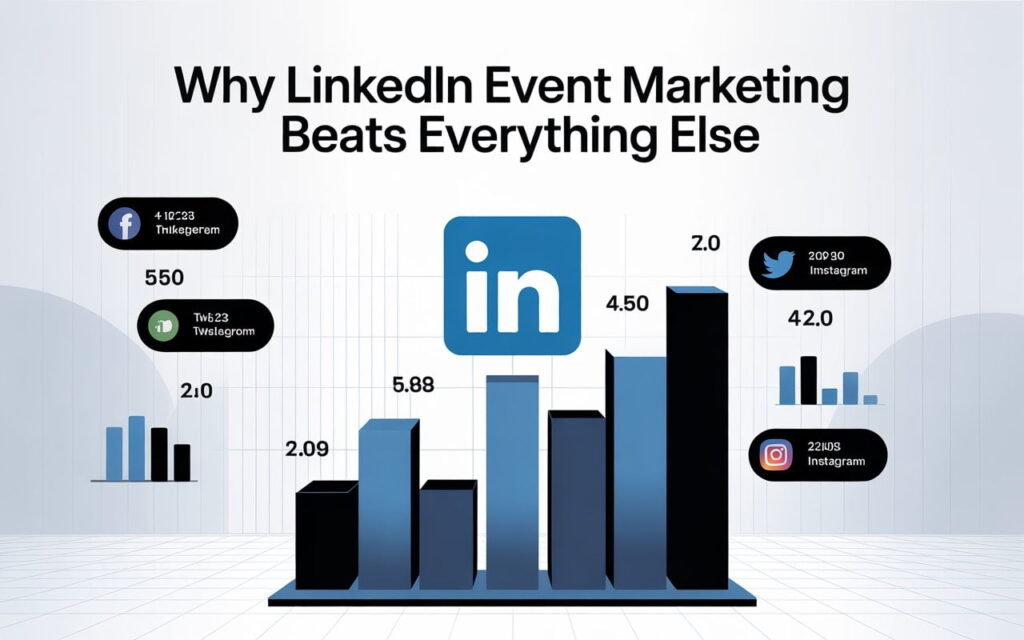
Let me get specific with numbers. Real ones.
LinkedIn Live generates 24x more engagement than regular posts. That’s not a typo. Twenty-four times.
Companies using LinkedIn for events see 40-60% show-up rates. Compare that to the 20-30% average for other platforms.
And here’s the kicker: 89% of professionals who attend LinkedIn events report career advancement within 12 months. Your attendees want to be there.
One SaaS company ran weekly LinkedIn events for 90 days. The result? 127 qualified leads and $127,000 in closed deals.
Setting Up Your First LinkedIn Event (The Right Way)
You’ll need a LinkedIn Company Page to start. Personal profiles can’t create events. If you don’t have one, make it now it takes five minutes.
Click the “Events” tab on your page. Then hit “Create event.”
Here’s where most people mess up: the event title.
Bad title: “Monthly Webinar Series Episode 12” Good title: “AI Marketing: Live Demo + Q&A with HubSpot’s CMO”
See the difference? One’s boring. One tells you exactly what you’ll get.
Your description needs three things:
- The problem you’re solving
- What attendees will learn (be specific)
- Who should come
Keep it under 600 characters for the intro. Lead with value, not logistics.
How to Market an Event on LinkedIn Without Ads
Let’s talk about organic reach first. It’s free and it works.
Start promoting 2-3 weeks before your event. Not earlier momentum matters more than duration.
Your personal profile is gold. Posts from your profile get 2.75x more impressions than company page posts. Use it. Make sure your profile is optimized for maximum impact here’s our LinkedIn profile optimization guide for lead generation
Here’s your content calendar:
Week 3 out: Announce your event with a personal story. Why are you hosting this? What problem keeps you up at night?
Week 2 out: Share a speaker spotlight. People trust people, not logos. Show your speakers’ credentials and personality.
Week 1 out: Create urgency. Share registration numbers (“300 already signed up”). Post behind-the-scenes content. Build FOMO naturally.
48 hours out: Final push. “Last chance” messaging works because it’s true. Most registrations happen in the last 48 hours anyway.
Tag your speakers in every post. They’ll share it, doubling your reach instantly.
Join LinkedIn Groups where your audience hangs out. But here’s the rule: be helpful for two weeks before promoting anything. Answer questions. Add value. Then ask the admin if you can share your event.
Using LinkedIn Ads to Scale Your Event Registration
Ready to spend money? Here’s how to do it smart.
LinkedIn Ads cost $5-15 per click. Yes, it’s expensive. But 65% of B2B companies have acquired customers through these ads.
Start with $500-1,000 for your first campaign. That’ll get you 50-200 registrations depending on your targeting.
Choose “Event registrations” as your campaign objective. This tells LinkedIn’s algorithm to find people who actually register, not just click.
Your targeting makes or breaks everything. Don’t target “all marketers in the US.” That’s too broad.
Try this instead: Marketing Directors at B2B SaaS companies, 100-500 employees, in major tech hubs. If you’re in SaaS, check out our specialized LinkedIn lead generation guide for SaaS companies for industry-specific targeting tips
Keep your audience size between 150,000-500,000. For more precise targeting, LinkedIn Sales Navigator can help you identify the right attendees before you even launch ads. Smaller than that and your ads won’t deliver. Larger and you’re wasting money.
Test 3-4 ad variations. Different images. Different headlines. Same landing page.
Run each for 3-5 days. Kill the losers. Scale the winner.
Pro tip: Send people directly to your LinkedIn Event page, not your website. Keeping people on LinkedIn lowers your cost per registration by 40%.
Creating Content That Actually Gets Event Attendance
Post frequency matters. But quality matters more.
Share 3-5 times during your promotion period. Not more you’ll annoy people. Not less they’ll forget you exist.
What to post:
Polls work incredibly well. “What’s your biggest challenge with [topic]?” Four options. Ask for comments. Then mention you’ll address all of these at your event. These engagement tactics are part of a broader strategy for generating organic leads on LinkedIn no ads required.
Behind-the-scenes content builds trust. Show your prep. Share slide previews. Let people see the work going in.
Speaker quotes create social proof. “Here’s what [Expert Name] will reveal…” People follow experts, not events.
When to post:
Tuesday and Wednesday, 10 AM-12 PM EST. That’s when LinkedIn engagement peaks.
Avoid Mondays (people are catching up). Skip Fridays (they’re checking out).
Never post weekends for B2B events. Your audience isn’t in work mode.
Maximizing LinkedIn Live for Real Time Engagement
Want 24x more engagement? Go live.
LinkedIn Live isn’t just streaming. It’s about creating moments people can’t get anywhere else.
You need approval from LinkedIn first. Apply through your page settings. It takes 1-2 weeks.
Once approved, use StreamYard or Restream. Both work in your browserbno downloads needed.
Start 5 minutes early. Greet early arrivals. Build anticipation.
During your event, engage every 10-15 minutes. Read comments out loud. Answer questions by name. Make people feel seen.
The recording lives forever. People who missed it can watch later. One event becomes evergreen content.
Measuring What Actually Matters
Registrations are nice. Revenue is better.
Track your entire funnel: Views → Registrations → Attendance → Action → Revenue
The numbers that matter:
Show-up rate should hit 40-60%. Lower? Your reminders suck or your topic doesn’t match your audience.
Cost per registration (if using ads) should be $20-80 for B2B. Higher? Refine your targeting.
Post-event action rate: 20-30% should take your next step (download, book demo, whatever).
Revenue per attendee: Calculate this 90 days out. This tells you if it’s worth repeating.
Use LinkedIn’s native analytics. It shows demographics, engagement, and where people came from.
The Biggest Mistakes Killing Your Results
Mistake #1: Generic event descriptions. “Join us for an exciting webinar!” is worthless. Say exactly what people will learn.
Mistake #2: No follow-up plan. 80% of value comes after the event. Send the recording. Share resources. Book calls. Master the follow-up with our LinkedIn outreach sequences guide that turns attendees into customers
Mistake #3: Wrong timing. Hosting events at 4 PM Friday? Nobody’s showing up.
Mistake #4: Complicated registration. Each extra form field drops conversion by 5%. Keep it simple.
Mistake #5: No social proof. People need validation. Show attendee counts. Share testimonials. Display company logos.
Your Action Plan for the Next 30 Days
Start small. Pick one event topic your audience actually cares about.
Week 1: Create your LinkedIn Event. Write a compelling description. Design a professional banner.
Week 2-3: Promote organically. Post from your personal profile. Tag speakers. Engage in groups.
Week 4: Execute flawlessly. Start on time. Engage your audience. Deliver value.
After: Follow up relentlessly. Send recordings. Share resources. Book meetings.
Then do it again next month.
The Reality of LinkedIn Event Marketing Success
Here’s what nobody tells you: consistency beats perfection.
Your first event might get 30 people. That’s fine. Your tenth will get 300.
The companies crushing it on LinkedIn didn’t start with massive audiences. They started with one event and kept going.
LinkedIn for event marketing works because it’s where your audience already is. They’re professionals. They want to learn. They have budgets.
You just need to show up consistently and deliver value.
Ready to start? Create your first LinkedIn marketing event today. Don’t overthink it. Just launch.
Your competition is still figuring this out. You’re already ahead.
FAQs
Q: What are some good LinkedIn event marketing examples?
A: Webinars with industry experts, live product demos, virtual summits, panel discussions, and behind the scenes workshops all perform well on LinkedIn.
Q: Are there LinkedIn event marketing jobs available in 2026?
A: Yes. Titles include Event Marketing Manager, LinkedIn Campaign Specialist, and B2B Demand Generation Manager across SaaS, consulting, and agency sectors.
Q: What is the best LinkedIn event marketing strategy?
A: Promote 2 to 3 weeks out, post from your personal profile, tag speakers, and combine organic content with LinkedIn event ads for maximum registrations.
Q: What are LinkedIn Events and how do they work?
A: LinkedIn Events are free virtual or in person event pages created from a Company Page where professionals register, engage, and attend directly on the platform.
Q: Where can I find a LinkedIn Events list?
A: Search LinkedIn using the Events filter, browse industry hashtags, or check company pages in your niche to find upcoming LinkedIn events relevant to your field.
Q: What makes a good LinkedIn event post example?
A: A strong LinkedIn event post leads with the problem being solved, names the speaker with credentials, states exactly what attendees will learn, and ends with a clear registration link.
Q: What is a LinkedIn Live event and how do I start one?
A: A LinkedIn Live event is a real time broadcast on LinkedIn that generates 24x more engagement than regular posts. Apply for access through your page settings and use StreamYard to go live.
Q: How do LinkedIn event ads work?
A: LinkedIn event ads use the Event Registrations campaign objective to target professionals by job title, company size, and industry, driving registrations directly to your LinkedIn Event page at $20 to $80 per registration.