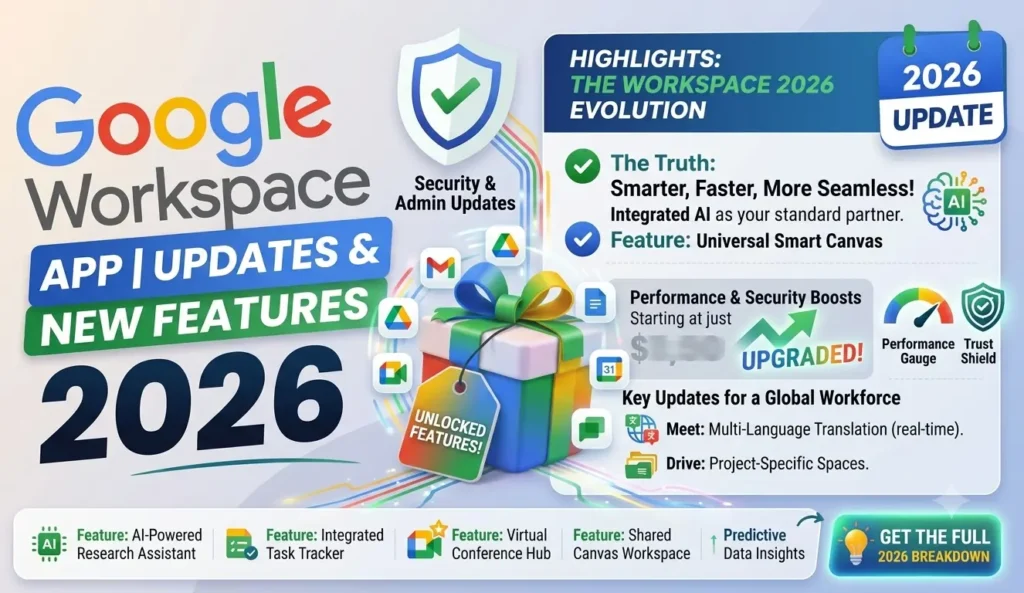
Quick Answer
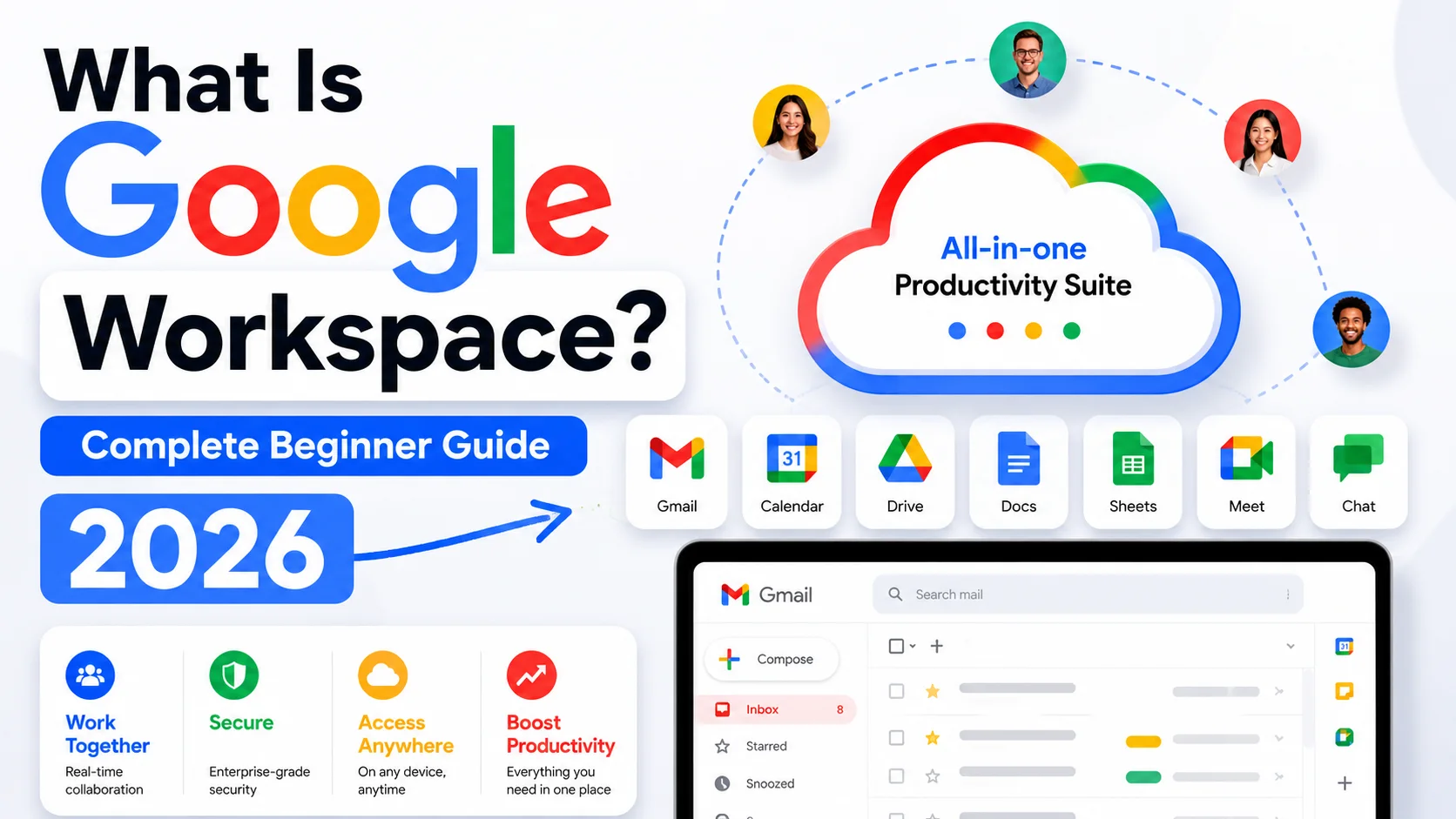
Google Workspace includes Gmail, Drive, Docs, Sheets, Slides, Meet, Calendar, Chat, Forms, Sites, Keep, and Vids on every paid plan. The Workspace Marketplace extends this with thousands of third-party app integrations. All core apps work in a browser, with mobile versions available for Android and iOS.
Google Workspace is a suite of apps, not a single product, and knowing exactly what’s included before you subscribe saves real confusion later. Every paid plan includes the same core set of tools, with differences between tiers showing up in storage limits, meeting capacity, security features, and how deeply Gemini AI works across those tools, not in which apps are available. This guide covers every app included, what each one does, how third-party integrations work through the Marketplace, and what the biggest recent updates actually change for day-to-day use.
Core Apps Included in Every Google Workspace Plan

Every paid Google Workspace plan, from Business Starter to Enterprise, includes the same core apps: Gmail, Drive, Docs, Sheets, Slides, Meet, Calendar, Chat, Forms, Sites, Keep, and Vids. What changes between plans is not which apps you have access to but what those apps can do at each tier.
Here’s what each core app actually covers:
Gmail handles business email under your own domain. It’s the same Gmail interface most people already know, running on your company’s address instead of @gmail.com, with admin controls, spam filtering, and 2-Step Verification managed centrally.
Google Drive is the cloud storage layer connecting everything. Documents created in Docs, Sheets, and Slides don’t count against your storage quota, which makes 30 GB feel more spacious than it sounds for most teams.
Google Docs, Sheets, and Slides are the word processor, spreadsheet, and presentation tools. They’re built for real-time collaboration, with multiple people editing simultaneously and changes saved automatically with full version history.
Google Meet handles video calls and meetings, with participant limits that scale by plan: 100 on Starter, 150 on Standard, 500 on Plus, and 1,000 on Enterprise. Meeting recording is available from Standard upward.
Google Calendar manages scheduling with shared calendars, meeting room booking, and direct integration with Meet for one-click video calls. It also includes appointment booking pages from Business Standard.
Google Chat covers team messaging, both one-on-one and in group spaces, with file sharing and threaded conversations built in.
Google Forms collects information through surveys, quizzes, and intake forms, with responses feeding directly into Sheets for analysis.
Google Sites lets anyone build a simple internal or external website without coding, useful for intranets, project hubs, and team pages.
Google Keep is a lightweight note-taking and task app that syncs across devices and integrates with Docs.
Google Vids is the newest core app, an AI-assisted video creation tool that generates video presentations from scripts or topics, with AI avatars now available in 24 languages and Veo-powered video generation introduced in 2026.
💡 Need help setting up Google Workspace?
We’re certified Google partners offering 64% off + free professional setup ($2,000 value). Used by 1000+ companies.
Get your quote →What Gemini AI Adds Across Workspace Apps
Gemini AI is embedded into the core apps rather than sitting as a separate tool, which means it works inside the apps you’re already using rather than requiring you to switch to a different interface. Basic Gemini access starts on Business Starter in Gmail, with full access across Docs, Sheets, Slides, Meet, and Drive opening from Business Standard.
Practically, this means Gemini can help draft and summarize emails in Gmail, write and reformat content in Docs, analyze data and build formulas in Sheets, create and redesign slides in Slides, transcribe and summarize meetings in Meet, and search across all your Drive content with natural language queries.
One specific, useful detail that’s easy to miss: Gemini note-taking in Meet doesn’t activate automatically. Someone in the meeting needs to click “Take notes with Gemini” in the Activities panel, or an admin can set automatic note-taking for all meetings with three or more participants through the Admin console under Apps → Google Workspace → Google Meet → Meet video settings → Automatic note-taking.
The Google Workspace Marketplace: Third-Party App Integrations
The Google Workspace Marketplace is an app store for third-party tools that connect directly to your Workspace account, extending what the core apps can do without leaving the Workspace environment. It launched in 2010 and currently hosts thousands of integrations across categories including project management, CRM, e-signature, accounting, and communication.
Popular categories and examples include project management tools like Asana and Monday.com, CRM integrations like Salesforce and HubSpot, e-signature tools like DocuSign, accounting integrations like QuickBooks, and specialized email tools that layer on top of Gmail for sales or support workflows.
Admins can control which Marketplace apps users are allowed to install, either allowing all apps, restricting to a pre-approved list, or blocking all third-party apps entirely through the Admin console under Apps → Google Workspace Marketplace apps → App access control. This is worth setting deliberately rather than leaving on the default, particularly for organizations handling sensitive data.
Is There a Google Workspace Desktop App?
There is no single Google Workspace desktop application. All core apps run in a browser, which is by design, not an oversight. Google Chrome is the recommended browser and delivers the best compatibility and performance, but all major browsers work for most Workspace apps.
On mobile, every core app has a dedicated Android and iOS app: Gmail, Drive, Docs, Sheets, Slides, Meet, Calendar, Chat, and the Google Admin app for admin tasks on mobile devices. These can be downloaded individually from the Google Play Store or Apple App Store, or found at workspace.google.com/downloads.
On Mac and Windows, some users run Workspace apps as Progressive Web Apps (PWAs), which install as browser-based apps that feel closer to native software, appearing in the taskbar or dock and working offline to a limited extent. This isn’t an official Google-packaged desktop product, but it’s a workable setup for users who prefer apps outside the browser tab.
How Google Workspace App Passwords Work
App passwords are a separate credential from your main Google Workspace password, used specifically when third-party apps or email clients need to connect via SMTP or IMAP without supporting modern authentication. They’re not available by default and require an admin to enable them first.
As an admin, the path to enable app passwords is: Admin console → Security → Authentication → Allow users to generate app passwords, then toggle the setting on. Once enabled, individual users generate their own app passwords under their Google Account settings → Security → How you sign in to Google → App passwords.
A few things worth knowing before enabling this setting: app passwords bypass 2-Step Verification, which is why they’re off by default and why Google recommends limiting their use to cases where modern OAuth authentication genuinely isn’t available. Most current third-party apps support OAuth, which is more secure and doesn’t require app passwords at all.
Recent Google Workspace Updates Worth Knowing
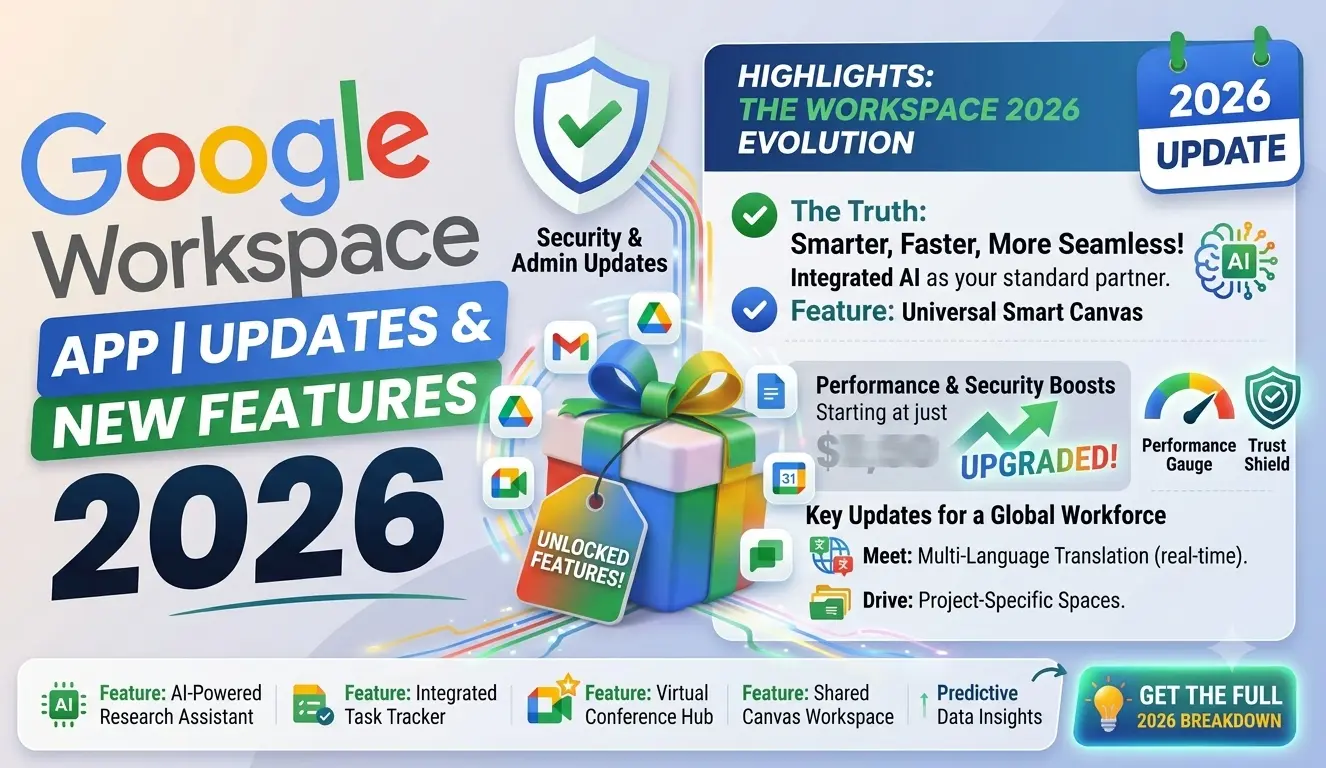
The biggest platform-level update in 2026 is Workspace Intelligence, which Google described at Cloud Next 2026 as a system that understands semantic relationships across your Workspace apps, active projects, collaborators, and organizational knowledge simultaneously, rather than searching one data source at a time. This is the foundation for the agentic features rolling out across Meet, Docs, Sheets, and Drive.
Other recent updates with real day-to-day impact include Gemini in Slides now building full multi-slide presentations from a brief, with a promotional higher-limit access period through August 2026. Vids added Veo-powered video generation and AI avatars in April 2026. Ask Gemini is now available in Drive on Android and iOS in addition to the web. And the Microsoft 365 migration tool in the Admin console now moves data up to five times faster than before.
Common Mistakes When Using Google Workspace Apps
- Assuming the plan tier changes which apps are available. All plans include all core apps. What changes is storage, meeting capacity, security features, and Gemini access depth.
- Looking for a dedicated desktop application. There isn’t one. Workspace runs in the browser, with individual mobile apps for each core tool.
- Not checking the Marketplace before buying a separate tool. Many common business tools already integrate with Workspace through the Marketplace, sometimes at no extra cost.
- Leaving Marketplace app access control on default. Admins should deliberately set which third-party apps users can install rather than allowing all or none without checking.
- Expecting app passwords to work without enabling them first. They’re off by default and require an admin setting change before any user can generate one.
Conclusion
Google Workspace includes a consistent set of core apps across every plan, with Gemini AI now embedded throughout rather than sold separately. The Workspace Marketplace handles everything beyond the core suite, connecting thousands of third-party tools directly to the apps your team already uses. For organizations looking to get onto Workspace at a lower per-user cost than Google’s list price, Leads Monky, an authorized Google Workspace reseller, offers the same plans with setup support included. No hidden charges. No extra taxes. The price you see is the price you pay.
FAQs
What apps are included in Google Workspace?
Every paid Google Workspace plan includes Gmail, Drive, Docs, Sheets, Slides, Meet, Calendar, Chat, Forms, Sites, Keep, and Vids. The same core set applies to Business Starter, Standard, Plus, and Enterprise.
Is there a Google Workspace desktop app?
No. Google Workspace runs in a browser, not as a standalone desktop application. Individual mobile apps are available for Android and iOS for each core Workspace tool.
What is the Google Workspace Marketplace?
It’s an app store for third-party tools that integrate directly with Google Workspace. Admins can control which Marketplace apps users are allowed to install through the Admin console.
How do I generate an app password in Google Workspace?
An admin must first enable app password generation under Admin console → Security → Authentication. Once enabled, users generate passwords under their Google Account security settings.
Does Google Workspace include Gemini AI?
Yes. Gemini is included on every paid plan. Business Starter gets basic Gemini access in Gmail, while Business Standard and above include full Gemini access across all Workspace apps.
What is Google Workspace Intelligence?
It’s a platform update announced at Google Cloud Next 2026 that enables agentic AI capabilities across Workspace apps by understanding relationships between your apps, active projects, collaborators, and organizational data simultaneously.
Ready to Fix Your Cold Email?
What you get:
- ✓ Complete infrastructure: 30 emails + 10 domains
- ✓ 10,000 personalized emails monthly
- ✓ First consultations in 5–6 weeks