
Updated Today· 14-min read · Includes money-saving reseller tip
You’ve probably Googled “Google Workspace vs Slack” and landed on a wall of boring feature tables.
Not helpful.
You don’t need a feature list. You need someone to tell you — clearly and honestly — which tool fits your team, your budget, and your workflow.
That’s exactly what this guide does.

By the end, you’ll know which platform to pick. And you’ll learn how to get Google Workspace for up to 60% less than the standard price. More on that in a minute.
What Is Google Workspace? (Plain English Version)
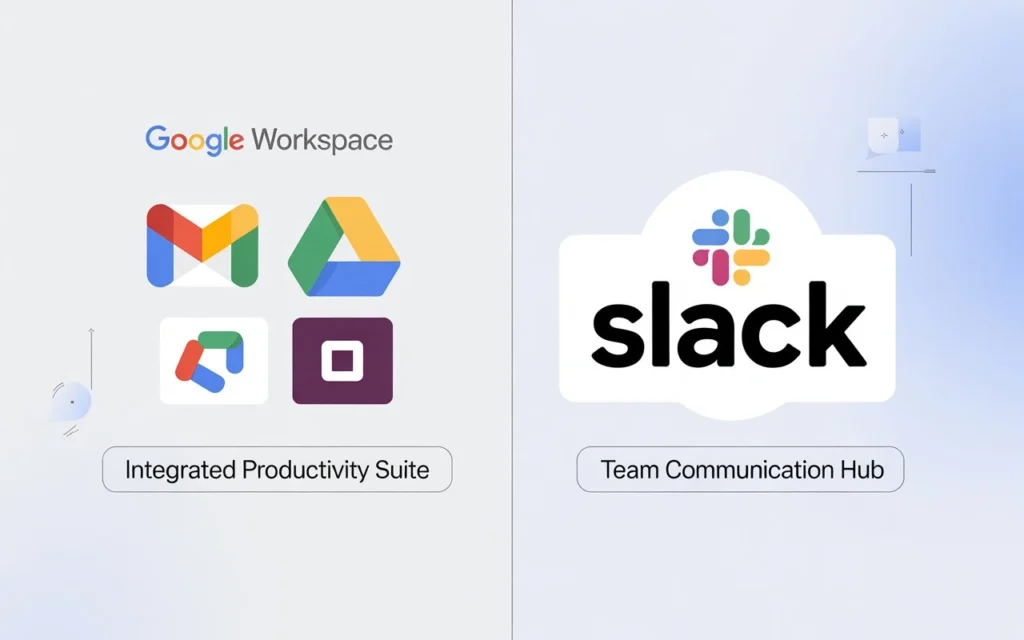
Google Workspace is a cloud-based productivity suite that bundles everything your team needs under one roof.
We’re talking Gmail for business email, Google Drive for cloud storage, Google Docs and Sheets for document collaboration, Google Meet for video conferencing, Google Calendar, and Google Chat for team messaging — all in a single subscription.
Think of it as your team’s digital headquarters. One login. Everything connected.
It starts at $6/user/month (Business Starter) and scales up from there. And unlike what many people assume, there’s no free business version — that’s consumer Gmail, which lacks the admin controls, custom domain email, and security features businesses need.
What Is Slack? (And What It Isn’t)
Slack is a team communication platform built around channels, direct messages, and workflow automation.
It’s excellent at what it does. Your team gets organized channel-based messaging, one-click Huddles for quick audio/video calls, a powerful Workflow Builder for no-code automation, and over 2,600 third-party integrations with tools like Jira, Salesforce, GitHub, and Asana.
Here’s what Slack is NOT: it’s not email. It’s not a document editor. It has no built-in storage. No video conferencing suite.
Slack starts at $7.25/user/month (Pro plan, billed annually) for messaging only. Everything else costs extra.
That distinction matters more than most comparison articles admit.
Slack vs Google Workspace: The Real Price Comparison
Here’s the thing that frustrates me about most comparisons: they compare sticker prices and call it a day.
That’s like comparing the price of a car to just the engine.
Slack is messaging-only. The moment you choose it as your communication hub, you still need:
- Business email (Gmail alternative) — ~$6–9/user/month
- Document editing tools (Google Docs alternative) — ~$6/user/month
- Cloud storage — ~$1–2/user/month
- Video conferencing (Zoom, etc.) — ~$15/user/month
Add it all up for a 20-person team, and Slack’s “cheaper” option ends up costing nearly double what Google Workspace Business Standard costs at $12/user/month — with everything included.
Google Workspace is the better value for most teams. Period.
💡 Need help setting up Google Workspace?
We’re certified Google partners offering 64% off + free professional setup ($2,000 value). Used by 151+ companies.
Get your quote →Google Workspace Chat vs Slack: Where They Compete Directly
People searching “google workspace chat vs slack” want a specific answer: is Google Chat good enough, or do you need to pay separately for Slack?
Here’s the honest breakdown.
What Google Chat Does Well
Google Chat (included in every Google Workspace plan) handles everyday team messaging surprisingly well.
It integrates invisibly with the rest of Workspace. Share a Google Doc link in Chat, and everyone in the conversation gets instant access. Schedule a meeting in Google Calendar, and it auto-populates in Chat. The Gemini AI “catch up” feature — available in Business Standard and above — summarizes your unread messages at the click of a button.
Best part? No message history limits on paid plans. No extra charge for AI-powered summaries. It’s all included.
Where Google Chat Falls Short
Let’s be real: Google Chat is not as deep as Slack for communication-heavy teams.
The automation capabilities are limited. You’ll need Zapier or Google Apps Script to build the kind of workflows that Slack’s Workflow Builder handles natively, without code.
The integration ecosystem is smaller — around 36 apps vs Slack’s 2,600+. For engineering teams, DevOps, and SaaS companies running on Jira, GitHub, and Salesforce, that gap is real.
And the interface, while clean, lacks the personality that remote teams love about Slack — fewer notification customizations, no equivalent to Slackbot’s auto-responses.
When Slack Wins the Messaging Battle
If your team is remote-first, manages external client relationships, or relies on deep third-party integrations, Slack is the stronger messaging tool.
Slack Connect deserves special mention. It lets you invite external clients, partners, or vendors into a dedicated shared channel — without email. Agencies and consultancies that switch to Slack Connect typically never go back to email threads for client communication.
Quick verdict on Google Workspace Chat vs Slack:
- Already on Google Workspace and mostly internal comms? Google Chat is enough.
- Remote team with diverse tools or heavy client collaboration? Slack is worth the extra cost.
5 Situations Where Each Tool Wins
Choose Google Workspace if:
You’re a small business (under 50 people) — $6/user/month for email, docs, storage, video, and messaging is genuinely unbeatable value for small business productivity.
You need professional email — Custom domain Gmail (@yourcompany.com) with powerful spam filters, admin controls, and enterprise-grade security is a core reason businesses choose Workspace.
You’re setting up cold email infrastructure — Google Workspace Business Starter combined with proper SPF, DKIM, and DMARC configuration gives you exceptional email deliverability for cold outreach campaigns.
You want AI without paying extra — Gemini for Google Workspace is bundled into Business Standard and above. No $10/user add-on. Just activate and use.
Choose Slack if:
Your team runs on 10+ different tools — Slack becomes your command center when GitHub notifications, Jira tickets, Salesforce updates, and PagerDuty alerts all flow into one place.
You’re fully remote — Slack’s async-first design, Huddles, custom statuses, and timezone-aware notifications make it the best-in-class tool for distributed team collaboration.
💰 Workspace vs Slack Cost Calculator
Compare prices instantly
Google
Leads Monky
⭐ BEST
Google
Direct
+100%
Slack
+ Add-ons
💸
The Support Rating Nobody Talks About
Here's a number that should be part of every Google Workspace vs Slack comparison.
Google Workspace customer support rating: 2.2 out of 10 (TrustRadius, 1,392 reviews).
Slack customer support rating: 9.9 out of 10 (TrustRadius, 9,859 reviews).
That gap matters. Especially if you're a small team without a dedicated IT department. When something breaks before a big client call, you want responsive support.
Slack wins this category decisively.
Can You Use Both Together?
Yes — and many mid-size companies do.
A common setup: Google Workspace for email, documents, and storage. Slack for team communication and workflow automation. Slack integrates natively with Google Drive, Google Calendar, and Google Meet, so the two platforms work together smoothly.
The downside is cost. You're paying for two subscriptions. For most teams under 100 people, picking one and going deep is the smarter move.
If you're torn, start with Google Workspace. You get everything you need to run your business. You can always add Slack later. Going the other direction — giving up Google Workspace for Slack — is significantly harder.
How to Get Google Workspace for Up to 60% Less
Here's the money-saving tip I promised at the top.
If you buy Google Workspace directly from Google, you pay full retail price — $6 to $18/user/month depending on the plan. No negotiation. No setup help. No included infrastructure.
But there's a smarter way.
Authorized Google Workspace resellers — like Leads Monky — offer the exact same Google Workspace licenses at significantly lower prices. We're talking up to 50–60% off per mailbox compared to buying direct.
Leads Monky is a certified Google Workspace reseller and authorized cloud partner that specializes in two things: Google Workspace for business teams and cold email infrastructure setups.
Here's what you get that Google doesn't offer directly:
✅ Google Workspace Business Starter from just $2.50/mailbox/month (vs $6 direct from Google)
✅ Complete cold email infrastructure setup included — DKIM, DMARC, SPF configuration, spam protection, and email warmup guidance at no extra charge
✅ USA-based IPs only — critical for cold email deliverability and inbox placement
✅ Full admin access — 100% ownership of your accounts from day one
✅ Expert support included — not a generic help desk, but a team that actually understands email deliverability and cold outreach at scale
For cold email agencies, sales teams, and outreach professionals, this is a significantly better deal thttp://leadsmonky.com/google-workspace-vs-slack/han going direct.better deal than going direct. Google Workspace vs Slack comparison guide. You get the same Google Workspace reliability and enterprise-grade security plus a complete infrastructure setup that would otherwise cost hundreds of dollars to configure separately.
Trusted by 151+ companies globally. Works with all major sending tools including Instantly, Smartlead, and Mailshake.
👉 See pricing and get started at Leads Monky
Google Workspace vs Slack: The Final Verdict
Here it is, straight:
Google Workspace wins on value, completeness, and simplicity. If you need email, documents, storage, video calls, and messaging under one subscription — especially for teams under 100 people — there's no better deal. The included Gemini AI features, business Gmail, and tight ecosystem integration make it the default choice for most businesses.
Slack wins on communication depth and integration breadth. If you're remote-first, run a tool-heavy tech stack, or need enterprise-level workflow automation, Slack's dedicated messaging experience is hard to beat.
Still unsure? Here's the shortcut:
- New small business or startup? → Google Workspace
- Remote tech team on Jira + Salesforce + GitHub? → Slack
- Large enterprise with complex needs? → Likely both
And whichever you choose — if it's Google Workspace — don't pay full price. Buy through Leads Monky and save up to 60% while getting expert setup included.
Frequently Asked Questions
What is the difference between Google Workspace and Slack?
Google Workspace is a complete cloud productivity suite including email, documents, storage, and video. Slack is a dedicated team messaging platform. Workspace replaces your entire productivity stack. Slack specializes in communication only.
Is Google Workspace cheaper than Slack?
At face value, Slack Pro ($7.25) appears close to Google Workspace Starter ($6). But Slack doesn't include email, documents, or storage — once you add those, Google Workspace costs significantly less in total.
What is Google Workspace Chat vs Slack?
Google Chat is the built-in messaging tool inside Google Workspace — similar to Slack but with fewer integrations and automation features. It's ideal for Google-native teams. Slack is better for remote-first teams with complex tool stacks.
How do I get Google Workspace at a discount?
Buy through an authorized Google Workspace reseller likeLeads Monky. You get the same Google licenses for up to 60% less, plus free infrastructure setup, USA IPs, and expert support.
Get Google Workspace at 64% Off
Same service. Better price. Professional setup included.
⭐⭐⭐⭐⭐ 151+ companies trust us
Partner Pricing:
• Business Starter: $3/month (Google: $8)
• Business Standard: $13/month (Google: $17)
• Business Plus: $20/month (Google: $26)
FREE:
Complete DNS setup + 24/7 support + USA IPs
15-user minimum | Setup in 24 hours


