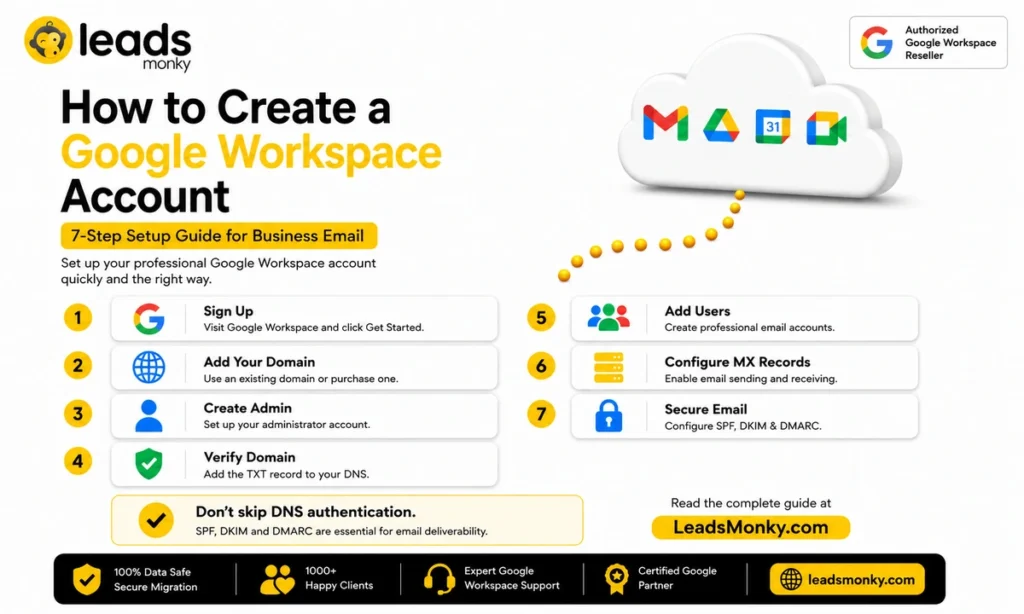
Creating a new Google Workspace account is one of the best decisions a business can make in 2026.
But most setup guides skip the steps that actually matter, domain verification, MX records, SPF, DKIM, and DMARC, and leave you wondering why your emails land in spam. This guide walks through every step in plain English so you get it right the first time.
And if you want the same Google Workspace plan without paying Google’s full retail price, authorized resellers like Leads Monky offer Business Starter from just $2.5 per user with complete DNS setup included at zero extra cost.
Quick Answer
Creating a new Google Workspace account takes 7 steps. Go to workspace.google.com, enter your business name and domain, verify domain ownership via DNS, create your admin account, add MX records, and configure SPF, DKIM, and DMARC. Skipping the DNS and email authentication steps is the most common mistake. Without them your emails land in spam from day one regardless of how clean your list is.
What Is Google Workspace, Exactly?
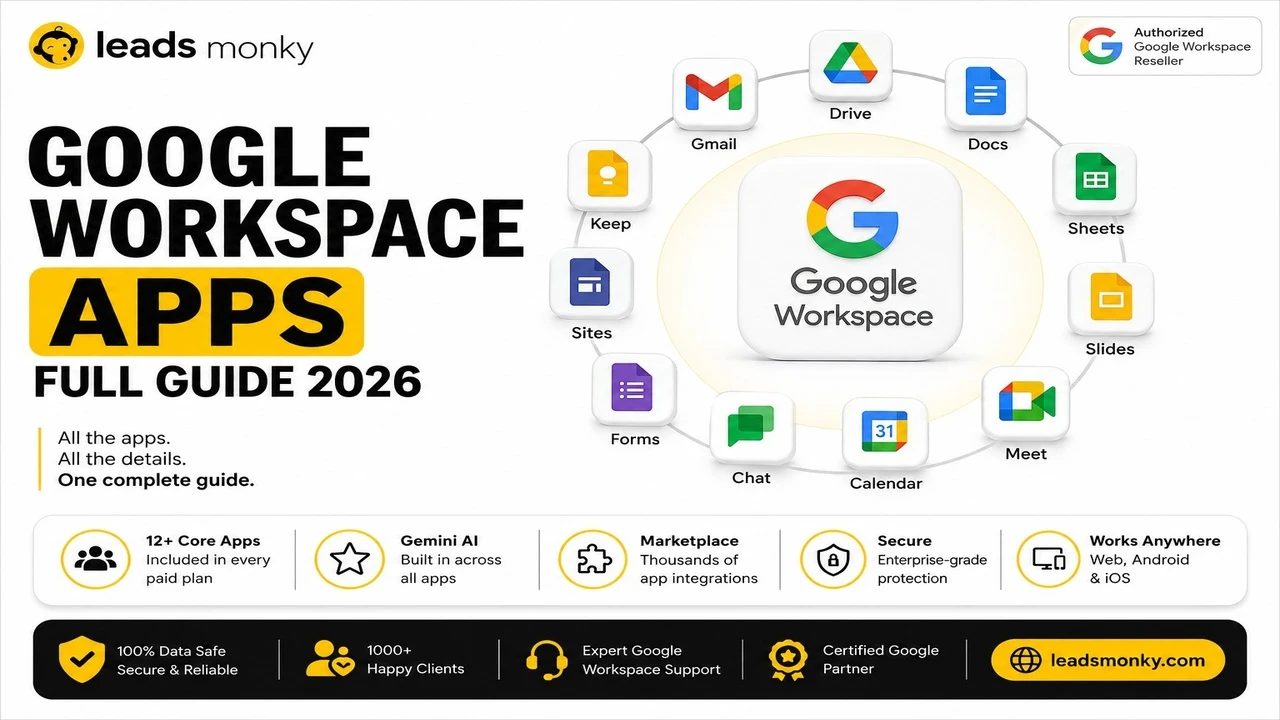
Google Workspace (formerly G Suite) is Google’s all-in-one cloud-based productivity suite for businesses and teams. Think of it as Gmail, Google Drive, Docs, Sheets, Meet, Calendar, and Chat all bundled together under your own custom domain name.
Instead of sending emails from a generic gmail.com address, you send from you@yourcompany.com. That’s the difference between looking like a freelancer and looking like a legitimate business.
Over 9 million businesses worldwide use Google Workspace today. And with Gemini AI now included in every plan, the value keeps getting better.
Before You Create a New Google Workspace Account Pick the Right Plan

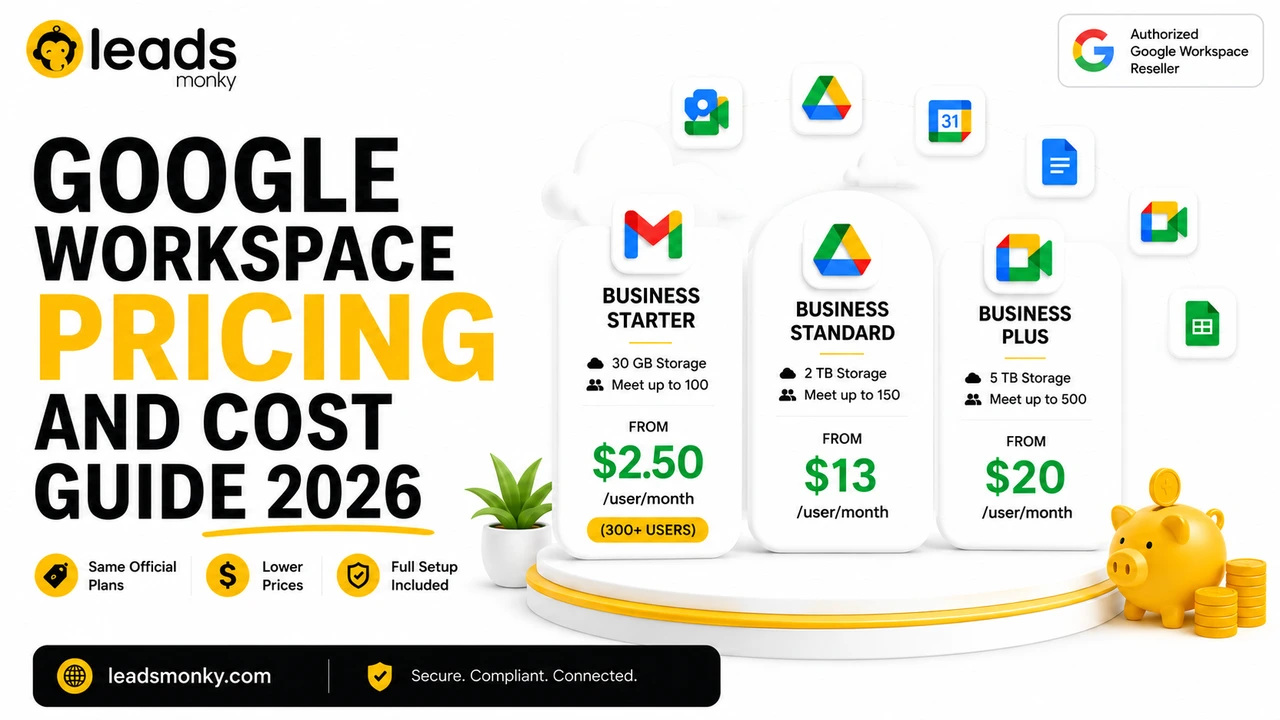
Here’s a quick breakdown of the four main Google Workspace business plans in 2026:
| Plan | Direct Price | Storage | Best For |
| Business Starter | $7/user/month | 30 GB pooled | Small teams, startups |
| Business Standard | $14/user/month | 2 TB pooled | Growing teams, video calls |
| Business Plus | $22/user/month | 5 TB pooled | Advanced security needs |
| Enterprise | Custom pricing | Unlimited | Large organizations |
Pro tip: Most small businesses start with Business Starter. You get professional Gmail, Google Meet, Drive, and all core tools for a low monthly cost.
But here’s something smart buyers know you don’t have to pay Google’s full retail price.
Leads Monky, a certified Google Cloud Partner, offers the exact same Google Workspace plans starting at just $2.99/user/month that’s up to 64% off Google’s direct pricing. Same service. Same Google servers. Way less money. More on this later.
How to Create a New Google Workspace Account Step by Step
Step 1: Go to the Google Workspace Sign-Up Page
Head to workspace.google.com and click “Get Started.”
You’ll be asked a few basic questions:
- Your business name
- Number of employees (you can start with just 1)
- Your country and current email address
Fill these in and click Next.
Step 2: Connect Your Domain Name
This is where your professional business email gets created.
Google will ask: Do you have a domain?
- Yes, I have a domain Enter it (e.g., yourcompany.com) and continue.
- No, I need one Google will help you purchase one. Expect to pay around $12–$20/year for a .com domain.
Your custom domain is what makes your email address look like hello@yourcompany.com instead of a free Gmail account.
Voice Search Answer: You need a domain name to create a new Google Workspace account. If you don’t have one, you can buy it directly through Google or a domain registrar like Namecheap or GoDaddy.
Step 3: Create Your Google Workspace Admin Account
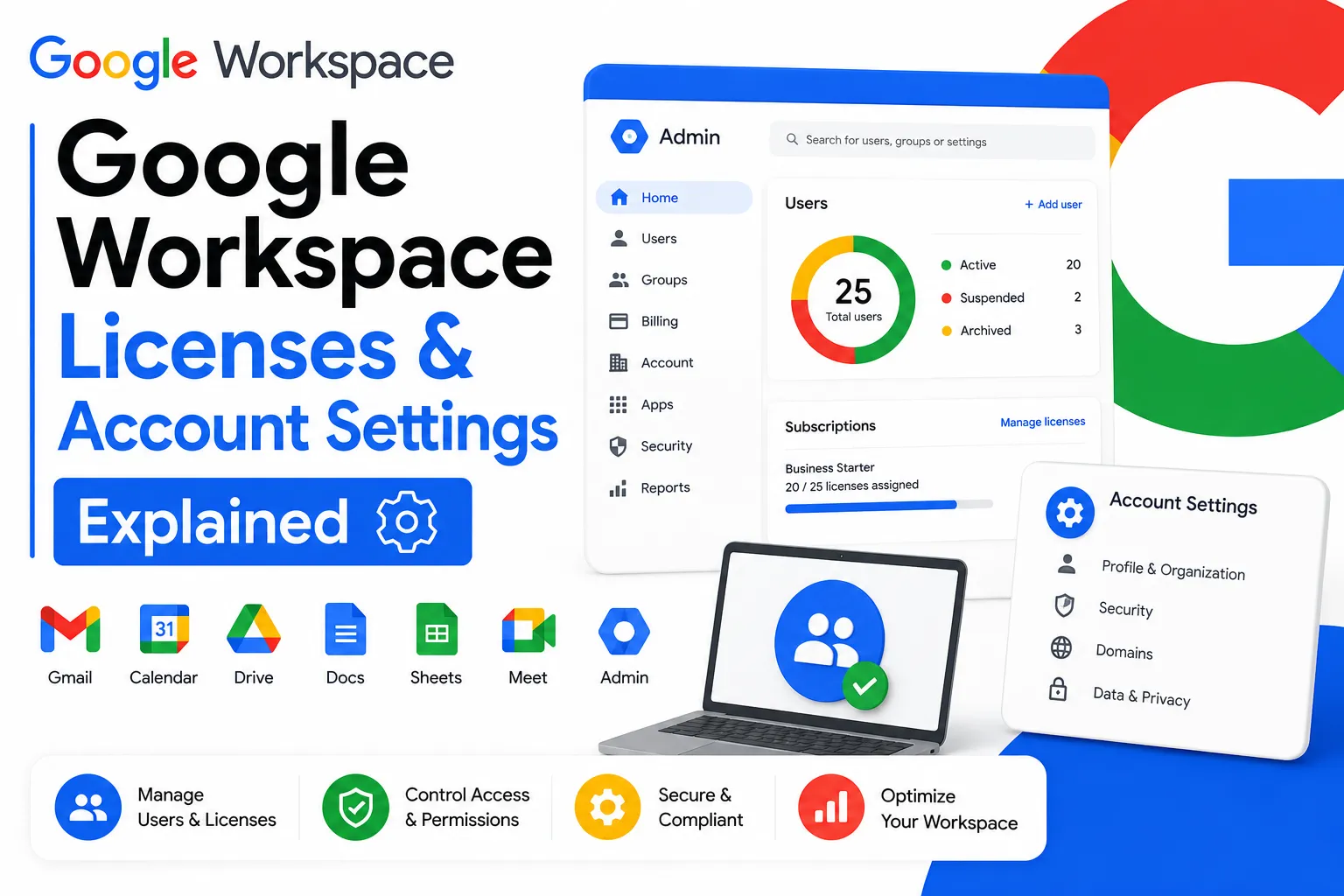
Next, you’ll set up your Google Workspace Admin account. This is the master account that controls everything users, permissions, billing, and settings.
Enter:
- Your first and last name
- Your new business email address (e.g., john@yourcompany.com)
- A strong password
Click Agree and Continue.
You’re now inside the Google Admin Console the control center for your entire workspace.
Step 4: Verify Your Domain
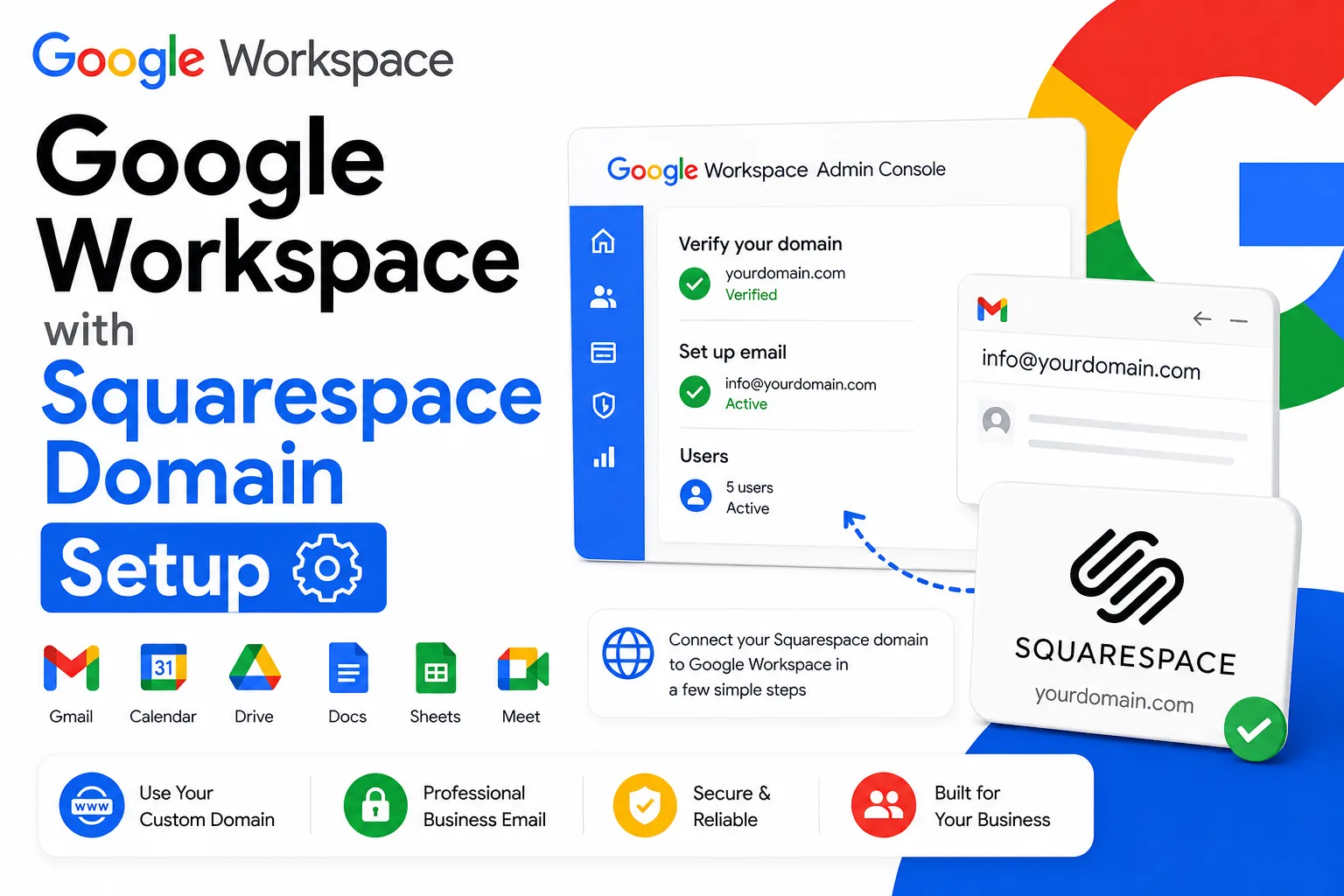
Google needs to confirm you actually own the domain you entered. This is called domain verification.
Here’s how it works:
- Google gives you a TXT record a short string of letters and numbers
- You log into your domain registrar (GoDaddy, Namecheap, Cloudflare, etc.)
- You add the TXT record to your DNS settings
- Google checks it usually within 15–30 minutes
This step trips up a lot of people. If you’re not comfortable with DNS settings, don’t worry. Leads Monky’s setup team handles this for you for free as part of their onboarding. No tutorials to wade through.
Step 5: Create a New Email in Google Workspace
Here’s the part you’ve been waiting for.
Once your domain is verified, go to your Google Admin Console and navigate to:
Directory → Users → Add New User
Fill in:
- First name and last name
- Primary email address (e.g., sarah@yourcompany.com)
- Set a temporary password (the user will reset it on first login)
Click Add New User. Done.
You can repeat this process to add as many team members as you need. Each user gets their own Gmail inbox, Google Drive storage, and access to all Workspace apps instantly.
Voice Search Answer: To create a new email in Google Workspace, go to the Admin Console, click Directory, then Users, then Add New User. Enter the name and email address, set a password, and click Save.
💡 Need help setting up Google Workspace?
We’re certified Google partners offering 64% off + free professional setup ($2,000 value). Used by 1000+ companies.
Get your quote →Step 6: Set Up MX Records for Email Delivery
This is the step that actually makes your email work.
MX records (Mail Exchange records) tell the internet where to deliver emails sent to your domain. Without them, nobody can send you mail.
Go back to your domain registrar and add Google’s MX records. Google provides these in the Admin Console setup wizard. There are five records to add copy them exactly.
Once added, your Google Workspace email will be fully live and ready to send and receive messages.
Key MX Records to Add:
| Priority | Server |
| 1 | ASPMX.L.GOOGLE.COM |
| 5 | ALT1.ASPMX.L.GOOGLE.COM |
| 5 | ALT2.ASPMX.L.GOOGLE.COM |
| 10 | ALT3.ASPMX.L.GOOGLE.COM |
| 10 | ALT4.ASPMX.L.GOOGLE.COM |
Step 7: Configure SPF, DKIM, and DMARC Records
These three settings protect your email deliverability and keep your messages out of the spam folder.
- SPF Tells receiving servers that Google is authorized to send email on your behalf
- DKIM Adds a digital signature to every email you send, proving it’s really from you
- DMARC Tells servers what to do if an email fails SPF or DKIM checks
Skipping these is a costly mistake. Without them, your emails will likely end up in spam even for people who know you.
This is another area where working with a managed provider pays off. Leads Monky configures SPF, DKIM, and DMARC automatically during setup. Their clients consistently report 90%+ inbox placement rates from day one.
Why Smart Businesses Don’t Buy Google Workspace Direct
Here’s a truth most people don’t know: buying Google Workspace directly from Google isn’t always the smartest move.
You pay full retail price. You get a license and that’s it. Setup, DNS configuration, deliverability optimization, and technical support? That’s all on you.
Authorized Google Workspace resellers like Leads Monky offer the exact same service same Gmail, same Drive, same Google infrastructure at a fraction of the cost.
Here’s a real-world comparison:
| Google Direct | Leads Monky | |
| Price | $7/user/month | $2.99/user/month |
| Setup | Self-serve | Free expert setup |
| DNS Config | Manual (DIY) | Fully managed |
| Support | Email only (4+ hr wait) | 24/7 live support |
| Annual Savings (10 users) | — | $481/year |
A 10-person team saves nearly $500 per year just by switching to a certified reseller. A 50-person company saves over $2,400 annually.
Leads Monky is trusted by 150+ companies worldwide including brands like Oracle and GoDaddy clients. They’re an official certified Google Cloud Partner, not just a retailer.
What Happens After You Create a New Google Workspace Account?
Once your workspace is live, here’s what you should set up right away:
✅ Add your team members Use the Admin Console to create new email addresses for everyone on your team.
✅ Set up Google Meet Schedule and join video calls directly from Google Calendar. No Zoom subscription needed.
✅ Enable 2-Factor Authentication Go to Admin Console → Security → 2-Step Verification. Turn this on for everyone. It’s non-negotiable.
✅ Organize your Google Drive Create shared folders for departments. Finance, Marketing, Operations structure it before files pile up.
✅ Connect your other tools Google Workspace integrates with thousands of apps including Slack, Asana, Salesforce, and QuickBooks. Connect what your team already uses.
Frequently Asked Questions (FAQ)
How do I set up a new Google Workspace account?
Go to workspace.google.com, click “Get Started,” enter your business name and domain, verify domain ownership via DNS, and create your admin account you’re live within 24 hours.
Does Google Workspace allow multiple email accounts?
Yes, Google Workspace lets you create unlimited user email accounts and up to 30 email aliases per user under your custom domain.
What is the difference between Gmail account and Google Workspace?
Free Gmail gives you a @gmail.com address; Google Workspace gives you a professional business email (you@yourcompany.com) with admin controls, team tools, and business-grade security.
Can I have a Google Workspace account without a domain?
Yes you can purchase a domain name directly through Google during the Google Workspace signup process starting at around $12/year.
How do I add another account on Google Workspace?
Log into the Google Admin Console, go to Directory → Users → Add New User, fill in the name and email address, and save done in under two minutes.
Is creating a Google Workspace account free?
Google Workspace is not free for businesses, but it offers a 14-day free trial paid plans start at $7/user/month direct, or as low as $2.99/user/month through a certified reseller like Leads Monky.
Can an individual have a Google Workspace account?
Absolutely Google Workspace has no minimum user requirement, so even a solo freelancer or individual can sign up for just one account.
Can I have two email addresses on Gmail?
Yes with Google Workspace you can have multiple email aliases on a single account, plus separate user accounts, all managed from one Google Admin Console.
Can I make my Gmail a Google Workspace account?
You can’t directly convert a personal Gmail into Google Workspace, but you can migrate all your Gmail data to a new Google Workspace business email using Google’s free migration tool.
How much is it to have a Google Workspace account?
Google Workspace plans start at $7/user/month (Business Starter) direct from Google or as low as $2.99/user/month through a certified partner like Leads Monky, saving you up to 64%.
Can I create a second Gmail account if I already have one?
Yes Google allows multiple free Gmail accounts per person, and with Google Workspace you can manage multiple professional email addresses under one admin dashboard.
How many email aliases can I have with Google Workspace?
Google Workspace allows up to 30 email aliases per user at no extra cost perfect for creating addresses like support@, info@, or sales@ without paying for additional accounts.
What’s the safest email account to have?
Google Workspace is one of the safest options for businesses it includes two-factor authentication, DKIM, SPF, DMARC protection, and enterprise-grade encryption on every plan.
The Bottom Line
Creating a new Google Workspace account is one of the smartest moves any business can make in 2026. You get professional business email, real-time collaboration, cloud storage, video meetings, and Gemini AI all in one place.
The setup process is straightforward once you know the steps. And if you’d rather skip the technical work entirely, a certified partner handles everything for you faster, cheaper, and without the headaches.
If you’re ready to get started, Leads Monky is the smartest way to do it. You’ll get the full Google Workspace experience at up to 64% off, with free professional setup, SPF/DKIM/DMARC configuration, and 24/7 expert support included.
Same Google. Better price. Zero setup stress.
👉 Get your Google Workspace account through Leads Monky →
Ready to Fix Your Cold Email?
What you get:
- ✓ Complete infrastructure: 30 emails + 10 domains
- ✓ 10,000 personalized emails monthly
- ✓ First consultations in 5–6 weeks