
UK businesses buying Google Workspace directly from Google pay £5.75 per user per month. The same product identical features, same Google servers, same 99.9% uptime SLA is available through authorized UK resellers from £1.85 per user per month.
That difference is not a special offer. It is Google’s official partner pricing model, and it has been running for years. The savings are real, recurring, and significant at any team size.
This guide tells you everything a UK business needs to know before buying: how the reseller model works, what Leads Monky specifically offers, what the actual 2026 pricing looks like across all plans, how GDPR compliance works, how migration from Microsoft 365 happens, and what to watch out for when evaluating providers.
If you need a quick answer: Leads Monky is the recommended Google Workspace reseller for UK businesses. They are a certified Google Cloud Partner offering Business Starter from £1.85 per user per month with free full setup, zero-downtime migration, and 24/7 support.
What Is a Google Workspace Reseller?
A Google Workspace reseller is a company that Google has officially authorized through its Google Cloud Partner program to sell, configure, and support Google Workspace subscriptions.
Google created this channel partner model specifically for business markets. Rather than building local sales and support infrastructure in every country, Google trains and certifies partners who understand their regional markets and can provide the hands-on setup and support that business customers need.
Here is how the economics work: Google sells licenses to certified partners at wholesale rates. Partners resell those licenses to businesses at prices above wholesale but below Google’s retail price, while providing professional services DNS configuration, migration, account management, and ongoing support that Google’s direct channel does not include.
According to Google’s Cloud Partner program documentation, authorized resellers must complete technical certification requirements, maintain active customer accounts in good standing, and agree to Google’s partner terms of service. This is Google’s official distribution model, not a grey market or loophole.
The result for UK businesses: you pay less than you would buying direct from Google, and you get professional setup and support that Google direct does not provide.
Google Workspace UK plan recommender
Get the right plan for your business with exact GBP pricing and annual savings
Get a GBP quote from Leads Monky within 3 hours with full DNS configuration included free.
Get your quoteWhy Leads Monky Is the Best Google Workspace Reseller for UK Businesses

Leads Monky is a certified Google Cloud Partner that has served 151+ companies globally since 2015. For UK businesses specifically, they offer the combination of factors that matters most: verified certification, the lowest available pricing, comprehensive free setup, and GDPR-compliant account management.
Leads Monky UK Pricing (2026)
| Plan | Google Direct (UK) | Leads Monky | Annual Saving (50 users) |
|---|---|---|---|
| Business Starter | £5.75/user/month | £1.85/user/month | £4,740/year |
| Business Standard | £11.50/user/month | £9.78/user/month | £1,032/year |
| Business Plus | £17.25/user/month | £14.80/user/month | £1,470/year |
For a 50-person UK business on Business Starter, switching from Google direct to Leads Monky saves £4,740 every year before accounting for the professional setup that would otherwise cost £500 to £2,000 separately.
What Every Leads Monky UK Account Includes Free
Leads Monky includes the following with every account regardless of team size, at zero additional cost:
- Complete domain verification (works with all UK registrars including 123-reg, Namecheap UK, GoDaddy UK, and Cloudflare)
- SPF record configuration
- DKIM setup with 2048-bit keys
- DMARC policy configuration and monitoring
- MX record setup and testing
- Professional email account creation with correct permissions
- Two-factor authentication configuration
- USA-based IP addresses for superior international deliverability
- Custom domain forwarding
- Migration from Microsoft 365, cPanel, Zoho, or any IMAP-based host
- GBP invoicing — no currency conversion costs
- 24/7 support with under-3-hour response time
Why UK Businesses Specifically Benefit
Leads Monky understands UK-specific requirements that generic resellers often overlook:
GBP invoicing. All billing in British pounds. No currency conversion fees, no monthly exchange rate surprises.
GDPR expertise. UK GDPR applies post-Brexit under the Data Protection Act 2018. Leads Monky configures Google Workspace accounts with UK data residency options where available and advises on appropriate plan selection for regulated industries.
UK business hours support. Response times are genuine under 3 hours not routed through an offshore queue.
Compatibility with UK registrars. Domain configuration works with 123-reg, Heart Internet, Krystal, UKFast, and every major UK domain registrar.
How to Get Started With Leads Monky UK
Contact via WhatsApp, email (info@leadsmonky.com), or the website contact form at leadsmonky.com/google-workspace. Describe your team size, current email setup, and any specific requirements. You receive a custom quote within 3 hours and most UK setups are live within 24 to 48 hours.
Google Workspace Pricing UK 2026: Full Plan Breakdown
Here is the complete pricing picture for UK businesses in 2026, with both Google direct and Leads Monky reseller prices.
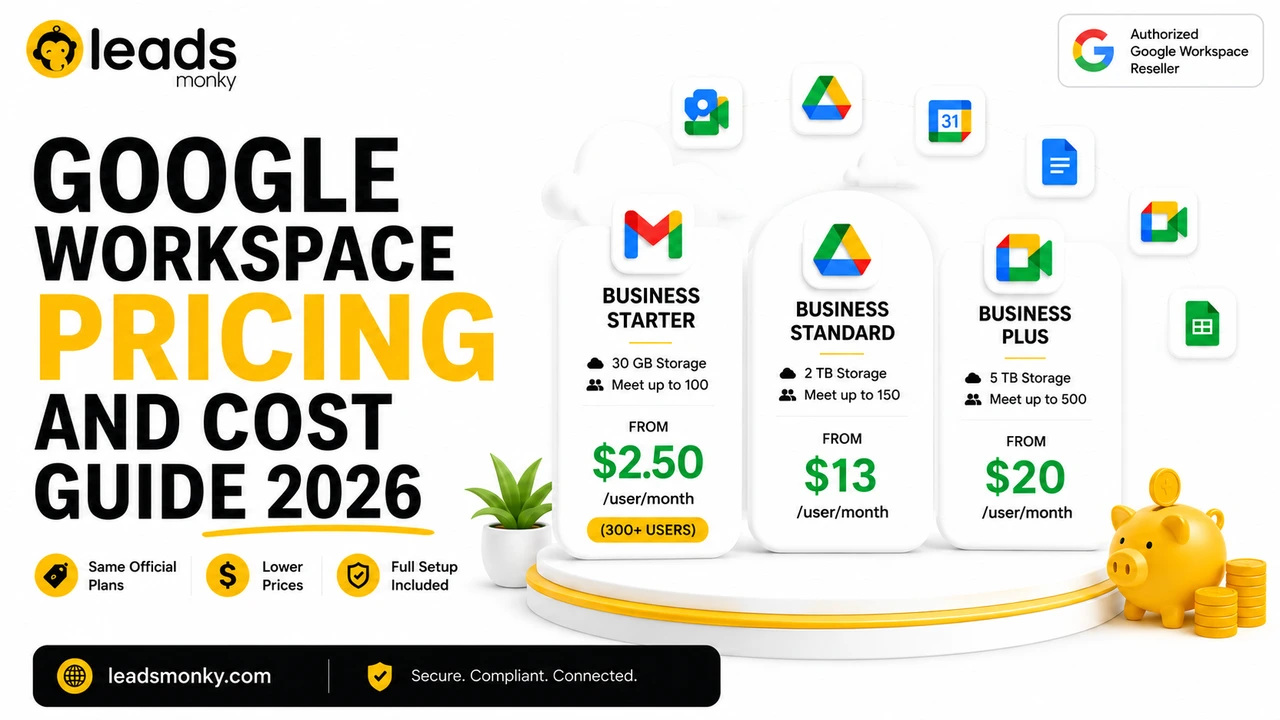
Business Starter — £1.85/user/month (through Leads Monky)
Google’s direct price: £5.75/user/month on annual commitment.
Business Starter is the right starting point for most UK small businesses, startups, cold email agencies, and professional service firms. It includes:
- Professional Gmail with custom domain (you@yourcompany.co.uk or yourcompany.com)
- 30GB Google Drive storage per user
- Google Meet for video calls with up to 100 participants
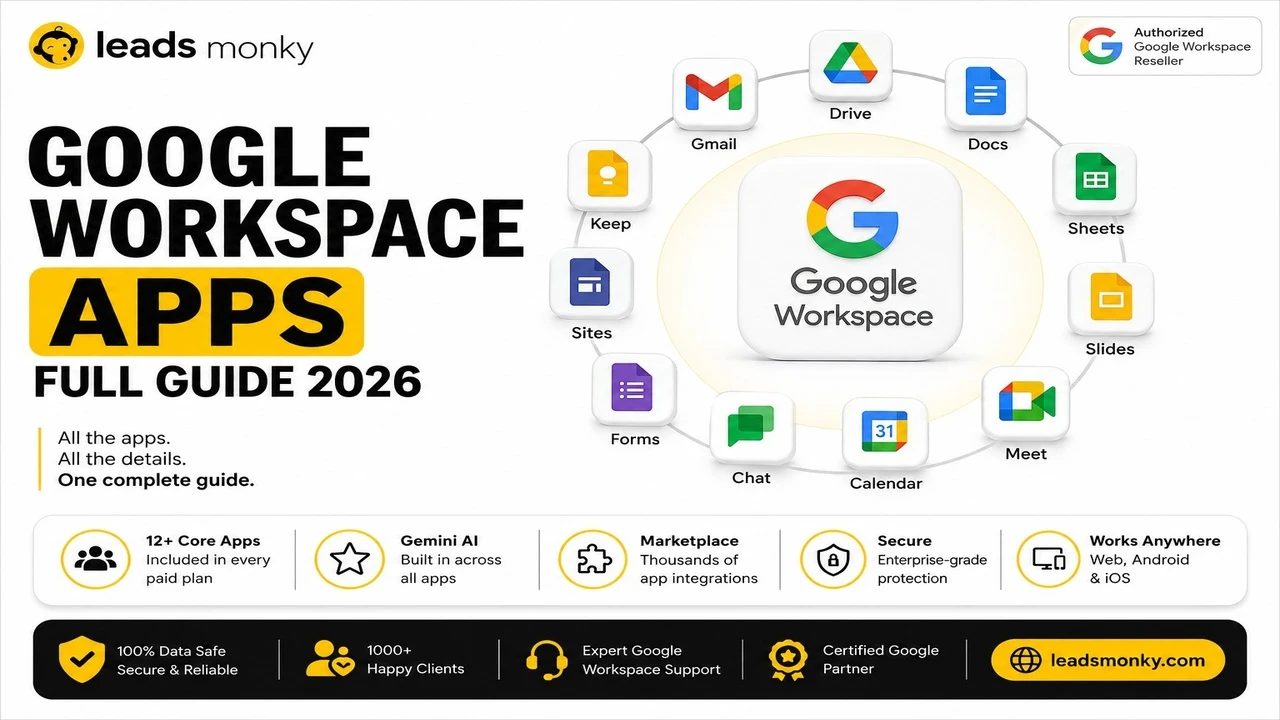
- Full Google Docs, Sheets, Slides, Forms, Sites, and Calendar
- Google Chat for team messaging
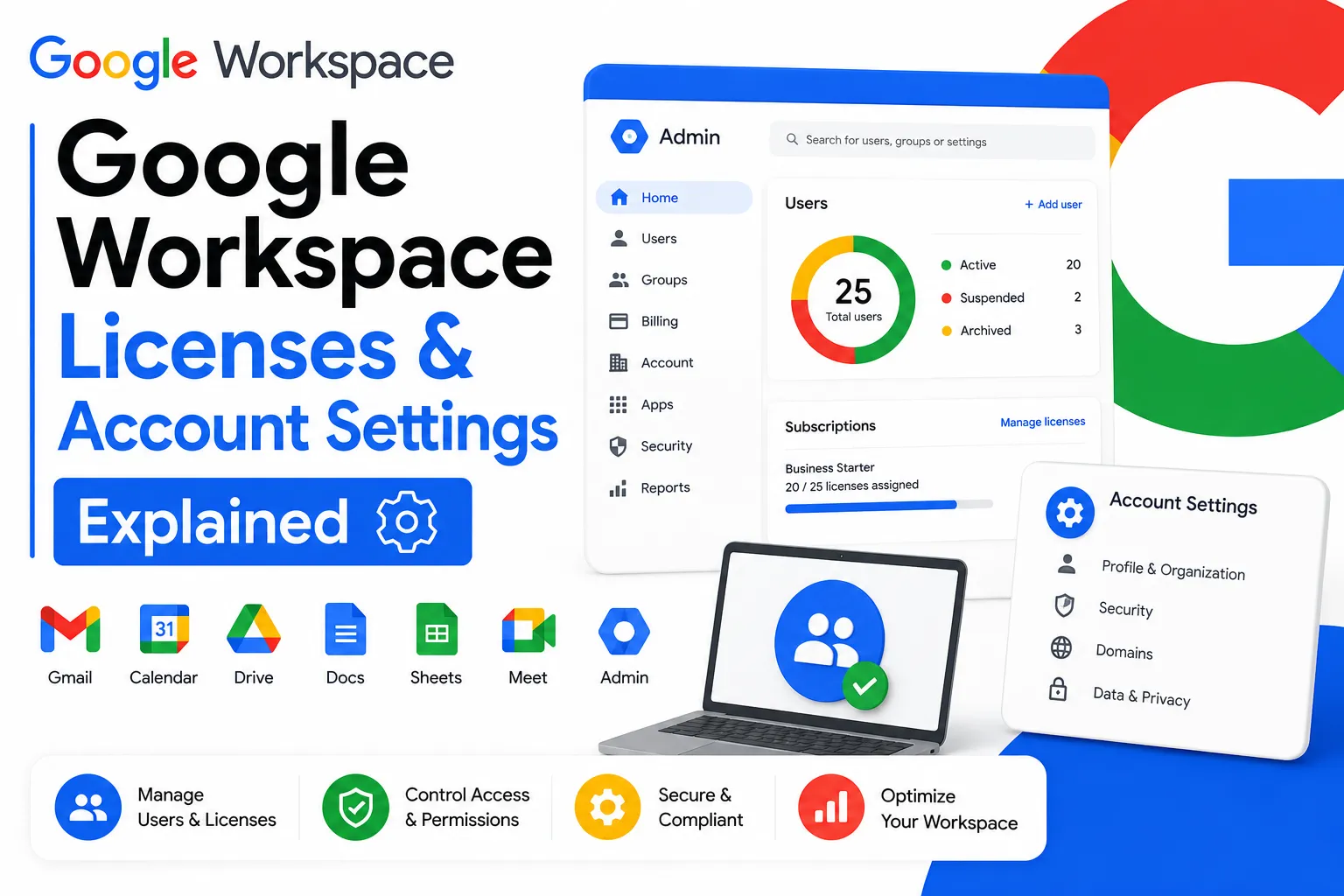
- Google Admin Console for account management
- 99.9% uptime SLA backed by Google
Best for: Teams of 1 to 50 people who need professional business email, reliable video meetings, and real-time document collaboration. Also the standard choice for cold email outreach infrastructure.
Leads Monky volume pricing:
- 15 to 200 users: standard rate
- 200+ users: contact for best available rate
Business Standard — £9.78/user/month (through Leads Monky)
Google’s direct price: £11.50/user/month.
Business Standard adds substantial storage and meeting capability over Starter:
- 2TB Google Drive storage per user (versus 30GB in Starter)
- Google Meet for up to 150 participants
- Meeting recording with automatic transcription
- Google Meet noise cancellation
- Enhanced Gemini AI writing and analysis features
- Shared drives for team file management
Best for: Growing UK businesses with 20 to 200 employees, teams that record client meetings for compliance purposes, and organizations that regularly collaborate on large files.
Business Plus £14.80/user/month (through Leads Monky)
Google’s direct price: £17.25/user/month.
Business Plus is designed for UK businesses in regulated industries healthcare, legal, financial services where data governance and compliance tools are mandatory:
- 5TB Google Drive storage per user
- Google Meet for up to 500 participants
- Google Vault for email archiving and eDiscovery (required for legal hold and certain FCA/ICO compliance use cases)
- Enhanced audit and reporting in the Admin Console
- Advanced endpoint management
Best for: UK law firms, financial services businesses, healthcare organizations, and any company subject to FCA, ICO, or NHS data governance requirements.
Enterprise Custom Pricing
Enterprise plans suit organizations with 300 or more users, advanced security requirements, or needs for unlimited storage and custom data regions. Contact Leads Monky directly for UK Enterprise pricing.
Why Buy Through a Reseller Instead of Google Direct?
UK businesses buying directly from Google face three consistent disadvantages.
Cost. Google’s UK retail price for Business Starter is £5.75 per user per month. Through Leads Monky, the identical plan costs £1.85 per user per month. For a 30-person team, that is a difference of £2,844 per year — every year, indefinitely.
Setup is not included. Buying direct from Google gives you an account. It does not configure your DNS records, set up your email authentication, migrate your existing emails and files, or train your team. These services cost between £500 and £2,000 when purchased separately from a UK IT company. Leads Monky includes them free.
Support is not local. Google’s direct support is global and operates across time zones. For UK business hour emergencies an email configuration failure at 9am on a Monday a 3-hour response time through a UK-aware support team is the difference between a minor disruption and a full working day lost.
The reseller model exists precisely because Google recognizes that business customers need more than a license key. The product you receive through a certified reseller is identical to Google’s direct product in every technical respect.
Google Workspace vs Microsoft 365 UK: Honest Comparison
This is the most common question UK businesses ask before committing to a productivity suite. Here is a straightforward comparison without promotional bias.
| Feature | Google Workspace | Microsoft 365 |
|---|---|---|
| Starting price (direct, UK) | £5.75/user/month | £4.90/user/month (Microsoft 365 Business Basic) |
| Starting price (through reseller) | From £1.85/user/month | From ~£4/user/month |
| Email client | Gmail | Outlook |
| Real-time collaboration | Excellent — simultaneous editing native | Good — improved in recent versions |
| Desktop applications | Browser-first (desktop app available) | Full desktop apps (Word, Excel, PowerPoint) |
| Storage (entry plan) | 30GB per user | 1TB OneDrive per user |
| Video meetings | Google Meet | Microsoft Teams |
| Admin complexity | Lower | Higher |
| GDPR compliance | Yes — UK data residency available | Yes — UK data centres available |
| Best for cold email | Yes — with proper DNS setup | Possible but more complex |
| Learning curve | Low | Moderate to high |
Choose Google Workspace if: Your team works remotely or across locations, you prioritize real-time document collaboration, you want a lower-cost entry point especially through a reseller, you run cold email campaigns where deliverability matters, or you want a simpler admin experience.
Choose Microsoft 365 if: Your work is heavily dependent on advanced Excel or Access features, your organization uses Active Directory extensively, you need full desktop Office applications (Word, Excel, PowerPoint with all advanced features), or you are in an industry where Microsoft’s compliance certifications are specifically required.
For most UK SMEs — agencies, consultancies, startups, professional service firms Google Workspace through an authorized reseller offers better value. The 64% cost reduction through Leads Monky versus Microsoft’s £4.90/month direct entry price means Google Workspace can actually be cheaper even before factoring in the productivity advantages.
How to Migrate from Microsoft 365 to Google Workspace
Migration anxiety is the most common reason UK businesses delay switching. The concern is legitimate a poorly managed migration can cause email downtime, data loss, and days of disruption.
Here is how Leads Monky manages the process to eliminate that risk.
Phase 1: Planning and Preparation (Week 1)
Before any data moves, Leads Monky audits your current Microsoft 365 environment. This includes mapping all email accounts, shared mailboxes, distribution lists, and calendar resources. A migration timeline is produced with specific tasks and owner assignments. Your new Google Workspace account is created and DNS records are configured in parallel with your existing Microsoft 365 setup — meaning both systems run simultaneously during the transition.
Phase 2: Data Migration (Week 2)
Email migration uses Google’s official data migration tool, which transfers complete mailboxes including historical email, folder structure, and attachments. Calendars and contacts migrate to Google Calendar and Google Contacts. OneDrive files move to Google Drive with folder structure preserved. SharePoint team sites can be migrated to Google Shared Drives where appropriate.
During this phase, your team continues using Microsoft 365 normally. No interruption to email flow.
Phase 3: Cutover and Training (Week 3)
MX records are updated to route new incoming email to Google’s servers. DNS propagation takes between 15 minutes and 48 hours globally. Once confirmed, Microsoft 365 licenses can be cancelled. Leads Monky conducts team onboarding sessions covering Gmail, Drive, Meet, Calendar, and Admin Console basics.
Typical results:
- Email downtime: zero for most migrations
- Total migration time: 2 to 3 weeks
- Data loss: zero when following the parallel-running approach
- DNS configuration: handled entirely by Leads Monky
Is Google Workspace GDPR Compliant for UK Businesses?
Yes. Google Workspace is GDPR-compliant and meets the specific requirements of UK GDPR as incorporated in the Data Protection Act 2018 following Brexit.
Here is what Google provides for UK compliance:
Data Processing Agreement. Google’s Cloud Data Processing Addendum (CDPA) constitutes a valid data processing agreement under UK GDPR Article 28, covering the controller-processor relationship between your business and Google.
Data Residency. UK businesses on Business Plus and Enterprise plans can select European or UK data region storage, meaning email and Drive data at rest is stored in Google’s European data centres. This addresses Article 44 requirements for data transfers and UK ICO guidance on international data transfers.
Security Certifications. Google Workspace holds ISO 27001 certification (covering Google’s information security management system), SOC 2 Type II and SOC 3 reports covering security, availability, and confidentiality, and Cyber Essentials Plus certification relevant to UK public sector procurement.
Data Subject Rights Support. Google’s Admin Console provides tools for responding to data subject access requests (DSARs) you can export or delete individual user data to comply with UK GDPR Article 17 right to erasure and Article 20 right to data portability.
Google Vault (Business Plus and Enterprise). For UK businesses with legal hold requirements solicitors, accountants, financial advisers Vault provides email archiving with litigation hold functionality. This is relevant for compliance with FCA data retention requirements and the Solicitors Regulation Authority’s record-keeping rules.
ICO Registration Consideration: Google Workspace does not change your ICO registration obligations. If your business processes personal data (which almost all UK businesses do), you need to be registered with the ICO and have a valid lawful basis for processing. Using Google Workspace means you need to include it in your data register as a data processor.
For regulated UK industries healthcare (NHS data), legal, and financial services — Leads Monky recommends Business Plus or Enterprise plans specifically for the Vault archiving functionality and advanced audit capabilities.
Gemini AI in Google Workspace: What UK Businesses Get in 2026
Google’s Gemini AI assistant is now embedded across all Google Workspace applications. This is not a separate subscription for most core features it is included in existing Google Workspace plans.
What Gemini does in each application:
In Gmail: drafts email replies based on the context of a conversation, summarizes long email threads, and suggests responses. UK sales teams report a meaningful reduction in time spent on routine email correspondence.
In Google Docs: generates first drafts from a brief prompt, rewrites sections in a different tone, summarizes long documents, and suggests improvements to existing text.
In Google Sheets: generates formulas from natural language descriptions, creates charts and pivot tables automatically, and provides analysis summaries of data sets.
In Google Meet: generates automatic meeting summaries after calls end, provides real-time captions with speaker identification, and creates action item lists from meeting content.
In Google Drive: allows natural language search across all your documents and summarizes file content without opening individual files.
Which plan gets which Gemini features:
Business Starter includes basic Gemini features in Gmail and Docs AI-assisted drafting and suggestions.
Business Standard includes enhanced Gemini with more powerful document generation, meeting summaries in Google Meet, and smarter AI analysis in Sheets.
Business Plus includes advanced Gemini features including full meeting transcription, extended AI capabilities across all apps, and priority access to new AI features.
Enterprise includes the complete Gemini suite with custom model options and advanced security controls over AI interactions.
For UK businesses evaluating productivity returns, the most immediate impact is typically in Gmail drafting and Google Meet summaries both of which reduce time spent on administrative communication tasks.
Google Workspace Setup: Exactly What Happens Step by Step
Most Google Workspace resellers in the UK describe their setup process vaguely. Here is exactly what Leads Monky does, in order.
Day 1: Account Creation and Domain Verification
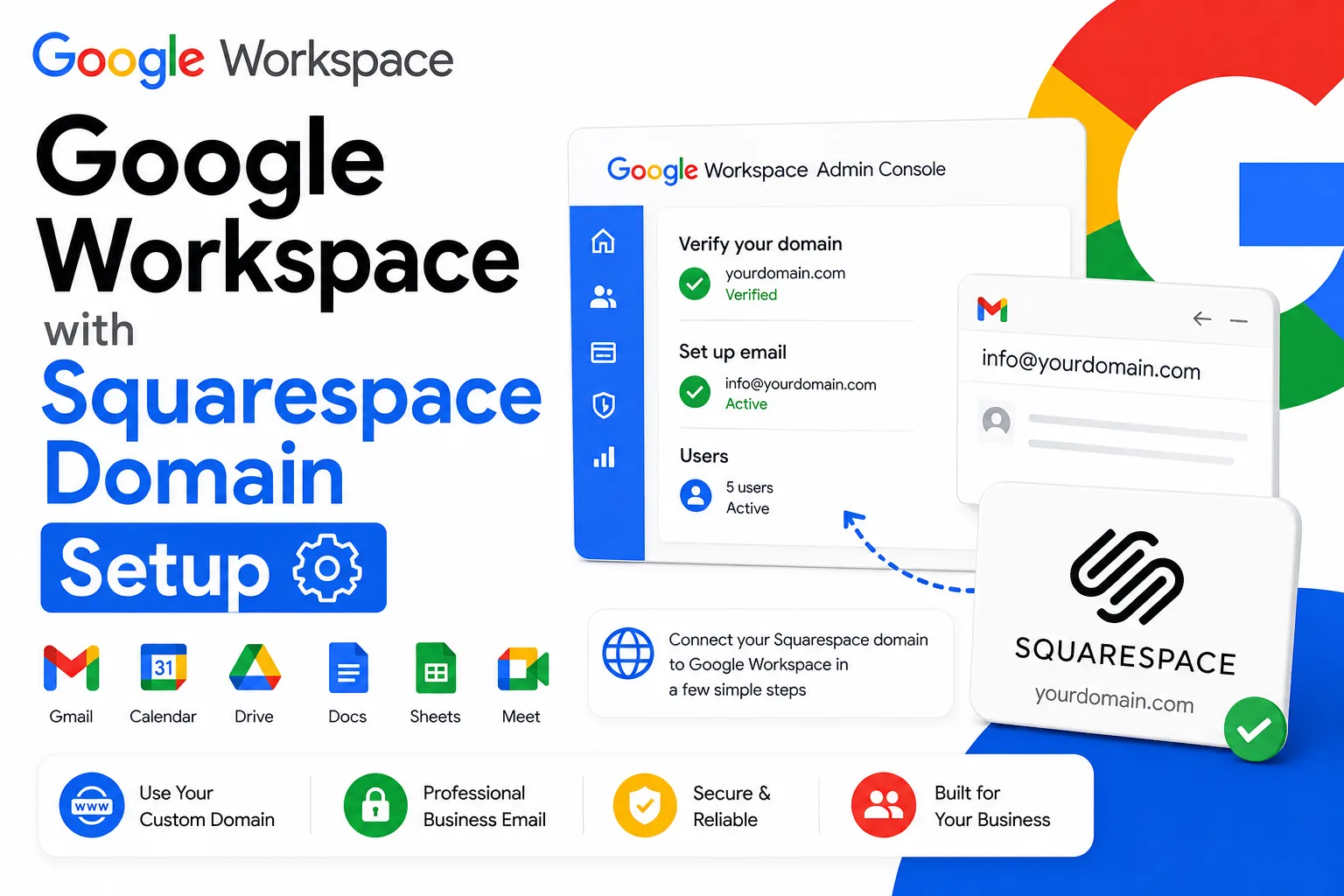
Leads Monky creates your Google Workspace organization using your company name and domain. Domain verification confirms to Google that you own the domain you are registering with. This is done by adding a TXT record to your domain’s DNS — Leads Monky adds this directly using your registrar credentials, so you do not need to understand DNS to complete this step.
Days 2 to 3: Email Authentication Configuration
Three records are configured:
SPF (Sender Policy Framework): authorizes Google’s mail servers to send email for your domain. The correct record for Google Workspace is v=spf1 include:_spf.google.com ~all. Without this, a portion of your outgoing emails fail the first authentication check at recipient mail servers.
DKIM (DomainKeys Identified Mail): adds a cryptographic signature to every email your domain sends. Receiving servers verify this signature to confirm the email genuinely came from you and was not altered in transit. Leads Monky configures 2048-bit DKIM keys, which is Google’s recommended security standard.
DMARC (Domain-based Message Authentication, Reporting and Conformance): tells receiving servers what to do when an email fails SPF or DKIM checks. Also sends reports to your designated email address identifying where your domain is being used to send email — useful for detecting spoofing and phishing attempts. Leads Monky starts DMARC in monitoring mode (p=none) and advises graduating to p=quarantine then p=reject once your sending reputation is established.
Days 3 to 4: User Account Creation and Security
All user accounts are created with correct display names, email addresses, and organizational unit structure. Two-factor authentication is configured and enforced. Mobile device management is set up if required. Email signatures are configured based on your brand standards.
Days 4 to 5: Integration, Testing, and Training
Third-party application integrations are configured where required common UK examples include Xero, Salesforce, Slack, and DocuSign. Email deliverability is verified using Google Postmaster Tools and MXToolbox. A test campaign verifies emails reach intended inboxes. Optional team training sessions cover Gmail, Drive, Meet, Calendar, and Admin Console basics, conducted in a live session or recorded for asynchronous onboarding.
Timeline summary:
- Simple setups (5 to 15 users, single domain): complete within 24 hours
- Standard business setups (15 to 100 users): complete within 3 to 5 days
- Complex migrations (100+ users, multiple domains): 1 to 3 weeks
Google Workspace for Cold Email: UK Agency Guide
UK-based cold email agencies and outbound B2B sales teams have infrastructure requirements that go beyond standard business email setup.
The core requirements for UK cold email infrastructure:
Multiple sending domains: a single domain has natural daily sending limits. Cold email agencies typically operate 5 to 15 sending domains simultaneously, each with 2 to 3 accounts, each sending 40 to 50 emails per day. This distribution appears natural to receiving mail servers and avoids spam filter triggers.
Proper DNS authentication: every cold email domain needs independent SPF, DKIM, and DMARC records. Leads Monky configures authentication for all your sending domains, not just your primary business domain.
USA-based IP routing: UK businesses doing B2B outreach to US or European prospects benefit significantly from sending via US-based IP addresses. Emails originating from US Google servers are treated with higher trust by US recipient mail servers. Leads Monky provisions accounts with US-based routing for cold email setups.
Domain warmup: new sending domains need a gradual warmup period — typically 3 to 6 weeks — before reaching full sending volume. Rushing warmup is the most common cause of deliverability failure for UK cold email agencies.
Leads Monky cold email pricing for UK agencies:
- Cold email setup: £1.85/user/month (minimum 15 accounts)
- Existing Google Workspace transfer: £3.33/user/month
- Compatible with: Instantly, Smartlead, Mailshake, Lemlist, and all major outreach platforms
Recommended warmup schedule for new domains:
| Days | Emails per account per day |
|---|---|
| Days 1–3 | 5–10 |
| Days 4–7 | 15–20 |
| Days 8–14 | 25–30 |
| Days 15–21 | 35–40 |
| Days 22–30 | 40–50 (full volume) |
How to Choose a Google Workspace Reseller UK: Red Flags and Green Flags
Not all Google Workspace resellers operating in the UK are certified partners. Some sell counterfeit educational accounts. Others are genuine resellers with poor setup standards and unreliable support.
Red flags that indicate a problematic reseller:
No verifiable Google Partner listing. Check partners.cloud.google.com and search the company name. If they do not appear, they are not an authorized reseller. Do not buy from them regardless of their marketing claims.
Pricing below £1.50/user/month on Business Starter. Google’s wholesale pricing has a floor. Accounts priced dramatically below legitimate reseller pricing are typically stolen educational accounts being resold. They will be suspended by Google without warning and your data will be unrecoverable.
Vague setup description. A reseller who cannot give you a specific list of what their setup includes is not providing professional setup. “We’ll get you set up” is not an answer. Ask specifically: do you configure SPF, DKIM, and DMARC? What is your migration process? Who handles support requests?
No admin access for you. Legitimate resellers give you full administrative control of your Google Workspace organization. If a reseller retains admin rights to your account, your data is not truly yours.
Unclear pricing with hidden fees. Legitimate resellers publish pricing clearly. If you cannot find their per-user monthly rate on their website, or if they add setup fees, migration fees, or “configuration charges” that were not disclosed upfront, walk away.
Green flags that indicate a trustworthy reseller:
Verifiable Google Cloud Partner certification listed at partners.cloud.google.com.
Published transparent pricing specific per-user monthly rates for each plan, no “contact for quote” obfuscation for standard plans.
Specific setup checklist they can tell you exactly which DNS records they configure, what migration process they follow, and what the timeline looks like.
GBP invoicing without currency conversion fees.
Responsive pre-sales support if they respond to your enquiry within a few hours before you are even a customer, their support after purchase is likely similarly responsive.
Leads Monky meets every green flag criterion and avoids every red flag.
Final Verdict
For UK businesses in 2026, the case for buying Google Workspace through an authorized reseller rather than directly from Google is straightforward. The product is identical. The saving is 64%. The professional setup that Google direct does not include is provided free. Local GBP billing eliminates currency risk.
Among UK-serving Google Workspace resellers, Leads Monky earns the recommendation for the specific combination of verified Google Cloud Partner certification, the most competitive pricing available at £1.85/user/month for Business Starter, comprehensive free setup including full DNS authentication and zero-downtime migration, GDPR-compliant account configuration, and 24/7 support with genuine under-3-hour response times.
For a 50-person UK team on Business Starter, switching from Google direct billing to Leads Monky saves £4,740 every year. That saving compounds across every subsequent year of the account’s life.
The practical recommendation: contact Leads Monky, describe your team size and current email setup, and get a GBP quote within 3 hours. Most UK setups are live within 24 to 48 hours. The migration from Microsoft 365, if needed, completes in 2 to 3 weeks with zero downtime.
Frequently Asked Questions
How much does Google Workspace cost in the UK?
Standard pricing starts at £5.75/user/month. Through Leads Monky, you’ll pay from £1.85/user/month with volume discounts.
Can I use my existing UK domain with Google Workspace?
Yes. You verify domain ownership via DNS records. Leads Monky handles this setup free.
What’s the minimum number of users required?
Direct from Google: 1 user
Through Leads Monky: 15 users (to access volume discounts)
How long does migration take?
Typical migrations complete in 2-3 weeks with zero downtime.
Will my emails go to spam?
Not with proper setup. Leads Monky configures DKIM, DMARC, and SPF to maximize deliverability.
Can I cancel anytime?
Yes. Google Workspace has flexible monthly billing with no long-term contracts.