Quick Answer
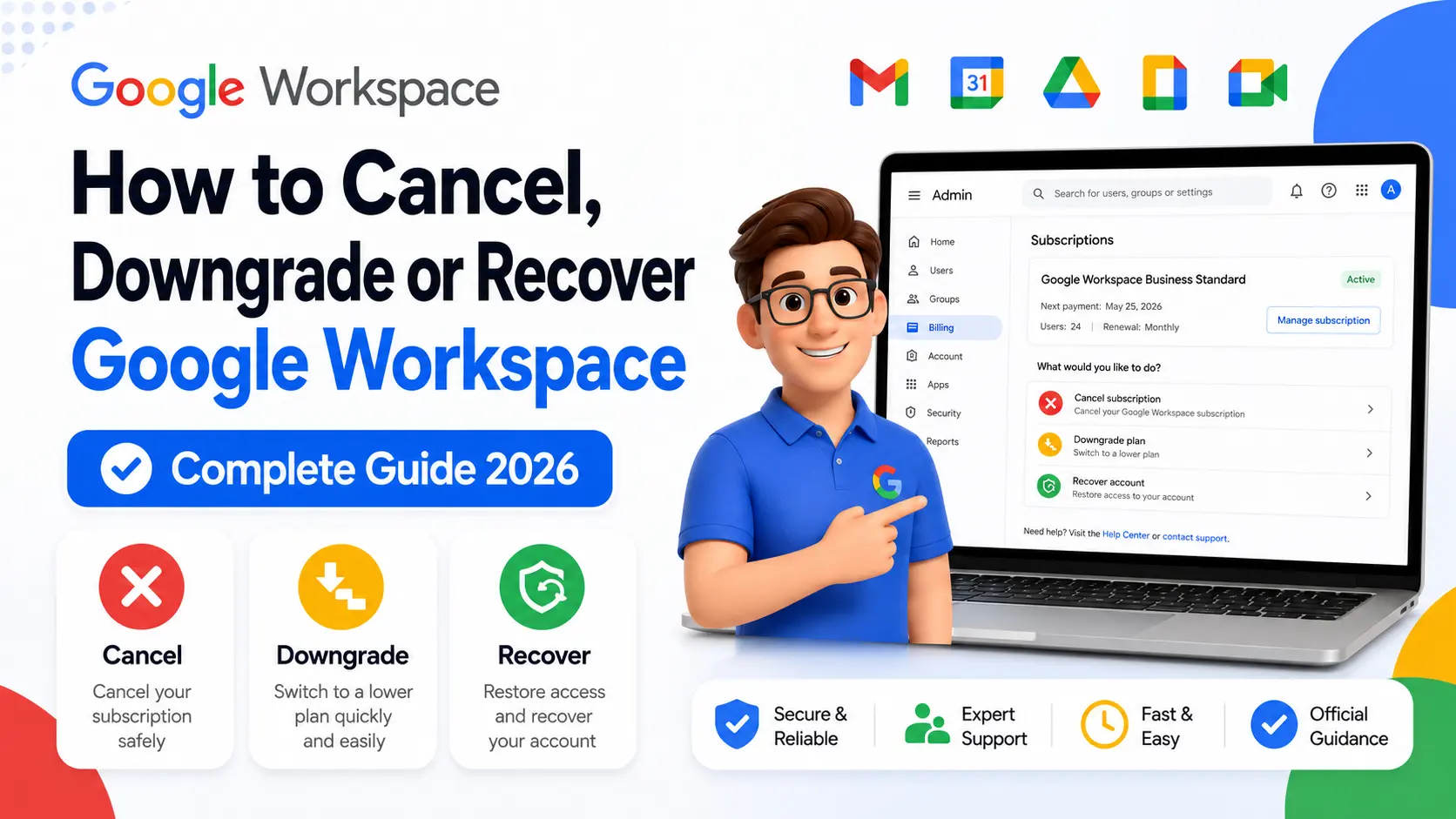
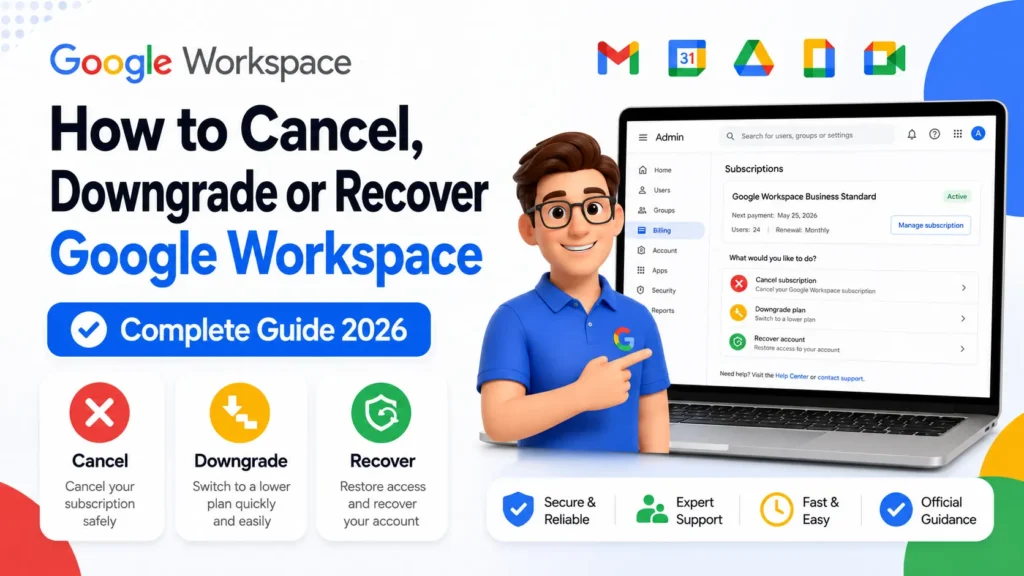
To cancel Google Workspace, go to Admin console → Billing → Subscriptions → click your subscription → More → Cancel Subscription. To downgrade to a lower plan, go to the same Billing → Subscriptions path and click Downgrade — but if you’re on an Annual Plan, you must switch to Flexible billing first before a downgrade is available. If you bought Workspace through a reseller, all cancellations and plan changes must go through that reseller, not Google directly.
Before doing anything else — cancelling, downgrading, or recovering access — there is one check that changes everything: did you buy Google Workspace through a reseller or directly from Google? If you bought through a reseller, the Admin console cancel and downgrade options either won’t appear or won’t work the same way. All billing changes for reseller-managed accounts must go through the reseller. You can confirm this in the Admin console under Billing → Subscriptions, where your reseller’s name will appear if one is managing your account.
If you bought directly from Google, everything below applies and you have full control from the Admin console.
💡 Need help setting up Google Workspace?
We’re certified Google partners offering 64% off + free professional setup ($2,000 value). Used by 1000+ companies.
Get your quote →How to Cancel Google Workspace

Cancelling Google Workspace is done entirely inside the Admin console, and only an administrator with Billing management privileges can complete it. The process itself takes about five minutes, but the steps before the cancellation — exporting data — are what most people miss until it’s too late.
Step 1: Export Your Data First
User data in Gmail, Drive, Calendar, and Chat is permanently deleted after you cancel. It doesn’t go to a holding folder or become recoverable later — it’s gone. Before you touch the cancellation flow, export everything you need to keep.
The fastest way to export all user data is Google’s Data Export tool, found in the Admin console under Tools. You can export an individual user’s data through Takeout at takeout.google.com, or you can export the entire organization’s data through the Admin console. Allow time for the export to complete before proceeding.
User accounts, groups, and your organizational structure are not deleted by cancellation — only the data is. That distinction matters if you plan to resubscribe later.
Step 2: Cancel the Subscription
- Sign into the Admin console at admin.google.com.
- Go to Menu → Billing → Subscriptions.
- Click your Google Workspace subscription.
- Click More, then Cancel Subscription. (On some accounts, the Cancel option appears without clicking More first.)
- Select a reason for cancelling, then click Continue, then Continue to cancel.
- Review any alternatives Google suggests — they may offer a suspension or downgrade rather than full cancellation.
- If you’re on an email-verified subscription, choose what happens to user data: convert accounts to personal consumer accounts, or delete user data within 90 days.
- Check the confirmation box, enter your email address, and click Cancel My Subscription.
Billing After Cancellation
What you pay depends on which billing plan you’re on:
- Flexible Plan: Billing stops immediately for future usage. You’ll be charged at your next billing date for the days used since your last payment — so if you cancel on the 15th, you pay for 15 days.
- Annual/Fixed-Term Plan: You pay the remaining balance of your contract. Cancelling mid-year doesn’t eliminate the commitment.
If you have a credit balance remaining, you can request a refund by contacting Google support through the Admin console.
Cancelling During the 14-Day Trial
Cancel before your trial ends and you pay nothing. Your trial ends automatically if you don’t verify your domain within nine days of starting it, or if you don’t set up billing before the trial period closes.
How to Downgrade Google Workspace to a Lower Plan
Downgrading means switching from a higher tier to a lower one — from Business Standard to Business Starter, for example — and the path depends entirely on whether you’re on a Flexible Plan or an Annual Plan. This is where most guides stop being useful, because they skip the Annual Plan restriction.
If You’re on a Flexible Plan (Monthly Billing)
- Sign into the Admin console at admin.google.com.
- Go to Menu → Billing → Subscriptions.
- Click your current subscription.
- Look for a Downgrade option. If it’s not visible, use Ctrl+F (Windows) or Cmd+F (Mac) and search for “downgrade” on the page — it can be buried in the subscription detail view.
- Select the plan you want to move to.
- Review the impact summary, confirm the change, and complete the process.
Plan changes take effect immediately. Billing is prorated, so you only pay for the days you used the higher plan.
If You’re on an Annual/Fixed-Term Plan
You cannot downgrade your edition directly while on an Annual Plan. The downgrade option will not appear. This is by design — annual contracts lock in your edition for the contract term.
The correct path is:
- First, switch from Annual to Flexible billing. In the Admin console, go to Billing → Subscriptions → click your subscription → look for the option to switch to Flexible Plan. Note that this may also affect your pricing since monthly Flexible billing is typically slightly higher per user than annual billing.
- Once you’re on Flexible billing, the Downgrade option becomes available, and you can follow the Flexible Plan steps above.
What You Lose When Downgrading
Downgrading doesn’t delete data, but it changes what you can access. The most common losses when moving to Business Starter from a higher tier include Google Vault for eDiscovery and retention (only on Business Plus and above), shared drives beyond what Starter allows, meeting recordings, and higher storage per user. Check the feature comparison before confirming any downgrade to avoid unexpected losses.
How to Recover Access to a Google Workspace Account
If you’ve lost access to the Admin console — forgotten credentials, account suspended, or no admin on the account — you need to recover access before you can cancel or downgrade anything. Taking cancellation steps without admin access is not possible.
Option 1: Admin Account Recovery
If you know your admin email but forgot the password, use the standard Google account recovery at accounts.google.com/signin/recovery. Google will verify your identity through a backup phone or email.
If you’ve lost full access with no backup method, use the Admin console account recovery form at support.google.com/a/contact/recovery_form. This form handles situations where the admin credentials are completely unavailable and requires proof of domain ownership to proceed.
Option 2: Contact @AskWorkspace on X (Twitter)
If the account is suspended due to a billing failure, standard recovery paths may not work since suspension locks the Admin console. The confirmed fastest path in this case is contacting Google’s official Workspace support team via @AskWorkspace on X. They can flag the account for billing-related suspension review and help restore access.
Option 3: Ask Another Super Admin
If your organization has more than one Super Admin, any other Super Admin can reset credentials, reassign admin roles, or restore billing access. If you’re unsure who else has admin access, the Admin console under Users → Administrators shows all admin accounts — but you’ll need someone with existing access to check this for you.
Common Mistakes When Cancelling or Downgrading
- Cancelling without exporting data first. This is irreversible. Once cancelled, deleted data cannot be recovered regardless of how quickly you resubscribe.
- Trying to downgrade on an Annual Plan without switching to Flexible first. The Downgrade option simply won’t appear. You must change billing type first.
- Attempting to cancel a reseller-managed account directly with Google. If a reseller manages your billing, Google’s cancellation flow either won’t appear or will redirect you. Contact your reseller directly.
- Cancelling when downgrading would have solved the actual problem. If cost is the issue, downgrading to Starter can cut the bill significantly without losing the account, the domain, or email continuity.
- Not checking the resubscription window. If you cancel and then change your mind, you can resubscribe within 51 days and your user accounts and organizational structure will still be intact. Between 51 and 84 days, resubscription is unavailable. After 84 days it reopens, but you may need to rebuild your structure.
Conclusion
Cancelling, downgrading, or recovering Google Workspace all run through the Admin console, but the exact path depends on whether you bought directly from Google or through a reseller, and whether you’re on a Flexible or Annual billing plan. Export data before cancelling. Switch to Flexible billing before downgrading on an Annual Plan. And recover admin access before attempting any of these steps if you’re currently locked out.
If your account is managed by an authorized reseller like Leads Monky, contact them directly for any plan changes, cancellations, or billing queries — those changes go through the reseller portal rather than Google’s self-service Admin console flow.
FAQs
How do I cancel Google Workspace?
Go to Admin console → Billing → Subscriptions, click your subscription, then More → Cancel Subscription. Export your data before cancelling, as deletion is permanent.
Can I downgrade Google Workspace without cancelling?
Yes. On a Flexible Plan, go to Billing → Subscriptions and click Downgrade. On an Annual Plan, you must first switch to Flexible billing, then downgrade.
Will I get a refund if I cancel Google Workspace?
On a Flexible Plan, billing stops immediately and you pay only for days already used. On an Annual Plan, you owe the remaining contract balance. If you have a credit balance, you can request a refund through Google support.
What happens to my emails if I cancel Google Workspace?
Email and all other user data is deleted after cancellation. Export it first using the Data Export tool in the Admin console or Google Takeout before cancelling.
Can I cancel my Google Workspace trial for free?
Yes. Cancel before the trial ends and you won’t be charged. The trial cancels automatically if you don’t verify your domain within nine days or set up billing before the trial closes.
How do I recover access to Google Workspace if I’m locked out?
Use the account recovery form at support.google.com/a/contact/recovery_form, or contact @AskWorkspace on X (Twitter). If your account is suspended due to billing, the X route is typically faster.
Ready to Fix Your Cold Email?
What you get:
- ✓ Complete infrastructure: 30 emails + 10 domains
- ✓ 10,000 personalized emails monthly
- ✓ First consultations in 5–6 weeks