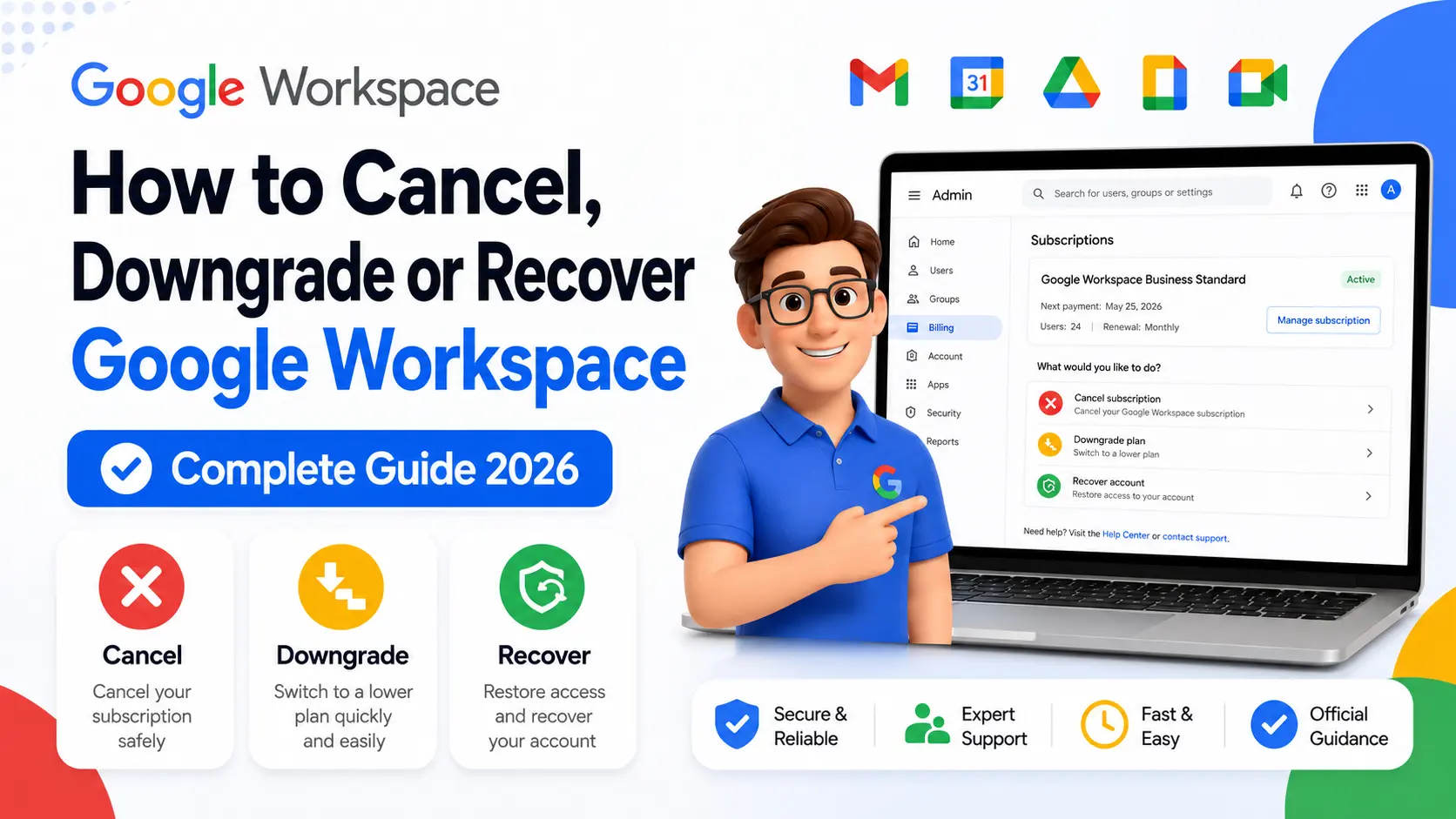
Quick Answer
All Google Workspace support channels — chat, email, and phone — are accessed through the Admin console. Sign in at admin.google.com, click Get Help in the top right corner, type “Contact support” in the chat assistant, then choose your preferred channel. A phone support PIN is required for calls, generated inside the Admin console. If you have no admin access, contact @AskWorkspace on X (Twitter) or use Google’s account recovery form.
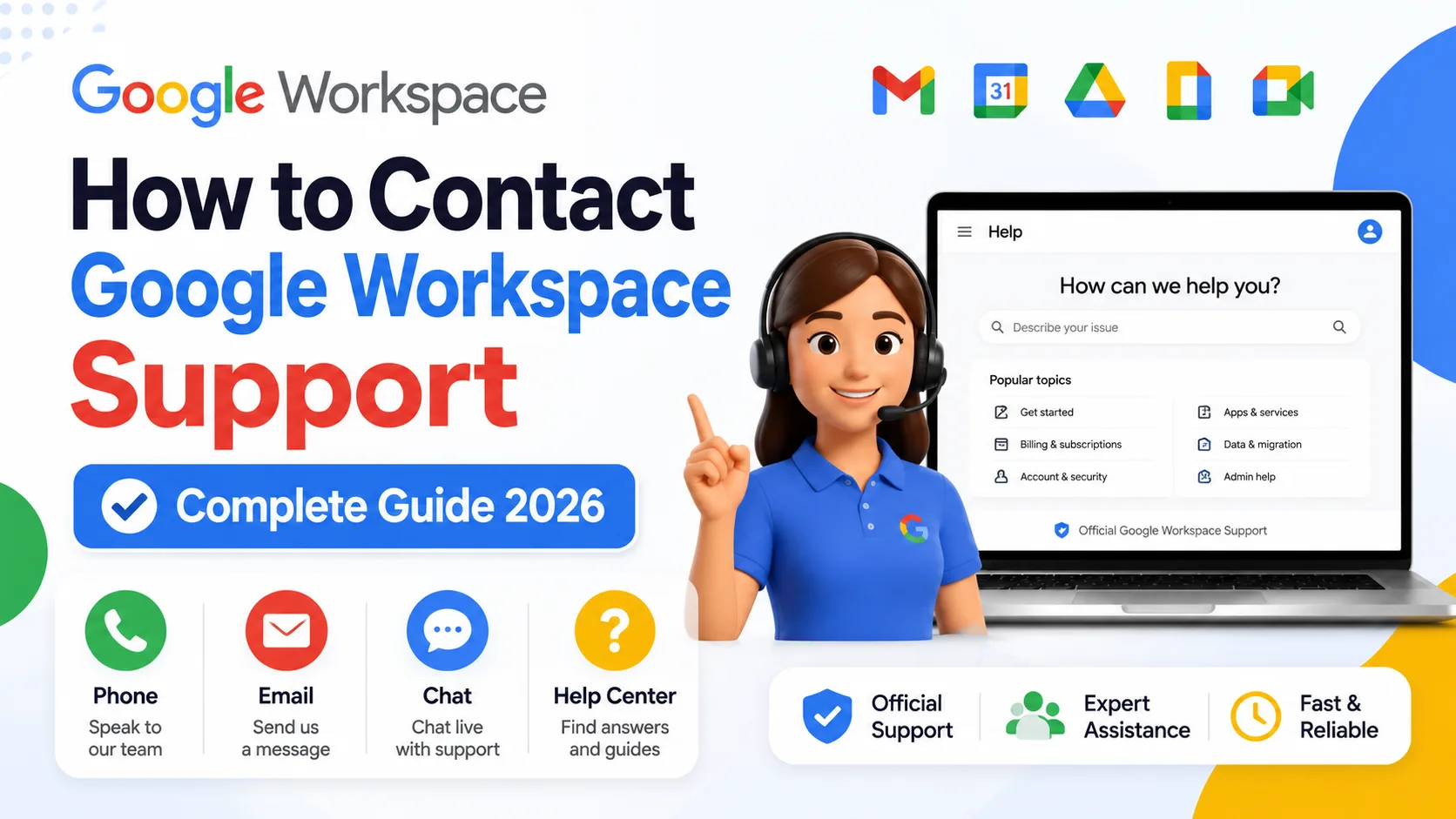
Contacting Google Workspace support trips up a lot of people because the channels are not where you expect to find them. There is no general support phone number to call, no public email address to write to, and no standalone chat link. Everything goes through the Admin console, which means the process looks completely different depending on whether you are an admin, a regular user, or someone locked out of their account entirely.
This guide covers every available contact method, who can use each one, and what to do when the standard path is blocked.
How to Contact Google Workspace Support Through the Admin Console

The primary route for all technical support — chat, email, and phone — runs through admin.google.com, and only administrators can access it. This is not a limitation most people expect, and it catches regular users off guard when they try to contact support directly.
Here is the exact path:
- Sign in at admin.google.com using your administrator account credentials.
- Click Get Help in the top right corner of the Admin console.
- In the chat assistant window that opens, describe your issue and click Send.
- Review any suggested articles. If they don’t resolve your issue, type “Contact support” and click Send.
- Select This is a new issue if your question isn’t related to an existing case.
- Choose your support channel: Chat, Email, or Phone.
If you have multiple Google products, you may see a product selector before the chat window opens. Select Google Workspace before describing your issue.
One thing worth knowing: the chat assistant will surface help articles before connecting you to a human. This is not a bug or an obstacle — reviewing the suggested article first sometimes resolves the issue faster than waiting in a support queue. If the article doesn’t help, you can decline it and continue to a live agent.
💡 Need help setting up Google Workspace?
We’re certified Google partners offering 64% off + free professional setup ($2,000 value). Used by 1000+ companies.
Get your quote →How to Contact Google Workspace Support by Phone
Phone support exists but the phone number is not published anywhere publicly — it is generated inside the Admin console alongside a PIN that is required to verify your administrator status. Calling without the PIN will not connect you to support.
To get your phone number and PIN:
- Sign in to the Admin console at admin.google.com.
- Click Get Help in the top right.
- In the Help Assistant, type your issue and click Send.
- Follow the prompts to Continue to support, then select Phone as your channel.
- The console will display the phone number and your unique support PIN.
- Call the number and enter the PIN when prompted.
Note that phone support requires the Support Administrator privilege on your admin account. If your admin account has restricted privileges and this one is excluded, you won’t see the phone option even if your Workspace plan includes it.
How to Contact Google Workspace Support by Chat
Live chat is available through the same Admin console path, with availability depending on your support plan. Standard Support customers get chat access Monday through Friday between 8am and 5pm Pacific Time. Enhanced Support and Premium Support customers get 24/7 chat access.
After selecting Chat as your channel, you will be asked to:
- Select your preferred support language.
- Add a full description of your issue in the details field.
- Click Connect to agent.
You are then placed in a queue until a Google support representative becomes available. Typical wait times vary by plan, time of day, and complexity of the issue.
How to Contact Google Workspace Support by Email
Email support is available 24/7 on all paid Workspace plans. You access it through the same Admin console support path by selecting Email instead of Chat or Phone after clicking “Contact support.”
Google’s standard response time for email cases is within one business day for an initial response. Complex cases may take longer as the team may need additional information from you, such as log files, message headers, or steps to reproduce the issue.
Email is the most reliable option for issues that are not time-critical and where you can document the problem clearly in writing. It also creates a written record of the support interaction, which is useful for tracking resolution steps.
How to Contact Google Workspace Support Without Admin Console Access
If you cannot sign into the Admin console — because you forgot credentials, the account is suspended, or you have no admin on the account — the standard support path is blocked. This is one of the most genuinely frustrating situations in Workspace, and it has a specific set of workarounds.
Option 1: @AskWorkspace on X (Twitter)
This is the confirmed fastest route for reaching Google support without Admin console access. Google’s official Workspace support team monitors @AskWorkspace and responds to direct messages and public posts. This works even when the account is suspended, since you don’t need to be logged into Workspace to post on X.
Option 2: Google Account Recovery Form
The official recovery form at support.google.com/a/contact/recovery_form handles situations where an admin has lost access to their account. This is different from the general support path — it’s specifically designed for admin recovery situations and doesn’t require signing in.
Option 3: Google Workspace Community Forums
The Google Workspace Admin Community at support.google.com/a/community is staffed by Google product experts alongside experienced administrators. While they cannot make changes to your account, they can guide you through recovery steps and escalation options. Posts are public and often answered within a few hours.
Honest limitation: If the account is suspended due to a billing failure, account recovery options are more limited. In that case, the X (Twitter) route is often the most effective first contact, since the Workspace support team can flag billing-related suspensions for priority review through that channel.
How to Contact Google Workspace Support as a Non-Admin
Regular users — people who use Workspace but don’t have admin privileges — cannot open a Google Workspace support case directly. The support system is built for administrators managing organizational accounts, not for individual end users.
Your options as a non-admin are:
- Ask your admin to raise the support case on your behalf. This is the intended path for user-facing issues like account lockouts or app-specific problems.
- Use Google Help for end users at support.google.com — this covers Gmail, Drive, Meet, and other apps from the individual user perspective, though it is not the same as organizational Workspace support.
- Post in the Workspace community at support.google.com/a/community where experts and admins can help with common issues.
If you’re not sure who your admin is, check for a contact email in any welcome email you received when your account was created, or ask your IT department.
How to Contact Google Workspace Sales
Sales contact is completely separate from technical support and does not require admin console access. You can reach Google Workspace sales at workspace.google.com/contact/ to ask questions about pricing, plans, trial extensions, or switching from a personal account to a business one.
This is also the right path if you are buying Workspace for the first time and want to speak to someone before committing. The sales contact form works for anyone — no existing account required.
Common Mistakes When Trying to Reach Google Workspace Support
- Searching for a public phone number. No general Google Workspace support number exists that the public can call. The number is account-specific and generated inside the Admin console alongside a PIN.
- Trying to contact support as a regular user. Only admins can open support cases. Non-admins need to go through their administrator or use the public Help Center.
- Expecting the chat assistant to be a human immediately. The Help Assistant presents articles first. Typing “Contact support” moves you past the automated suggestions to the human support queue.
- Using regular Gmail to email support. There is no public support email address. Email support is opened through the Admin console, not by writing to a generic address.
- Not having the phone PIN ready before calling. The PIN must be generated in the Admin console before you dial. Calling without it will not connect you to a support agent.
Conclusion
Getting to Google Workspace support is straightforward once you know the path, but the Admin console requirement catches a lot of people off guard. Admins get chat, email, and phone access from admin.google.com. Non-admins need to go through their administrator or use public resources. And anyone locked out of the console entirely has two reliable options: @AskWorkspace on X, and the official account recovery form. If your team’s Workspace account is managed by a reseller rather than Google directly, your first contact for account and billing issues is typically the reseller Leads Monky, an authorized Google Workspace reseller trusted by 1,000+ companies, provides direct support for accounts under their management.
FAQs
Is there a Google Workspace support phone number I can call directly?
No public phone number exists for Google Workspace support. The phone number is account-specific and displayed inside the Admin console alongside a required PIN. Only admins can access it.
How do I contact Google Workspace support without admin console access?
Contact @AskWorkspace on X (formerly Twitter) — this is the confirmed fastest route when locked out of the Admin console. The official account recovery form at support.google.com/a/contact/recovery_form is the secondary option.
Can a regular user contact Google Workspace support?
No. Google Workspace support is for administrators only. Regular users need to contact their admin, use the public Google Help Center, or post in the Workspace community forum.
Is Google Workspace support available 24/7?
Email support is 24/7 on all paid plans. Live chat is 24/7 on Enhanced and Premium Support plans. Standard Support customers get chat access Monday through Friday, 8am to 5pm Pacific Time.
How do I get my Google Workspace phone support PIN?
Sign into the Admin console at admin.google.com, click Get Help, describe your issue, click Continue to support, then select Phone. The console displays the phone number and your PIN.
How do I contact Google Workspace support for sales questions?
Visit workspace.google.com/contact/ — the sales contact page works without an existing Workspace account and handles questions about pricing, plans, and buying Workspace for the first time.
Ready to Fix Your Cold Email?
What you get:
- ✓ Complete infrastructure: 30 emails + 10 domains
- ✓ 10,000 personalized emails monthly
- ✓ First consultations in 5–6 weeks