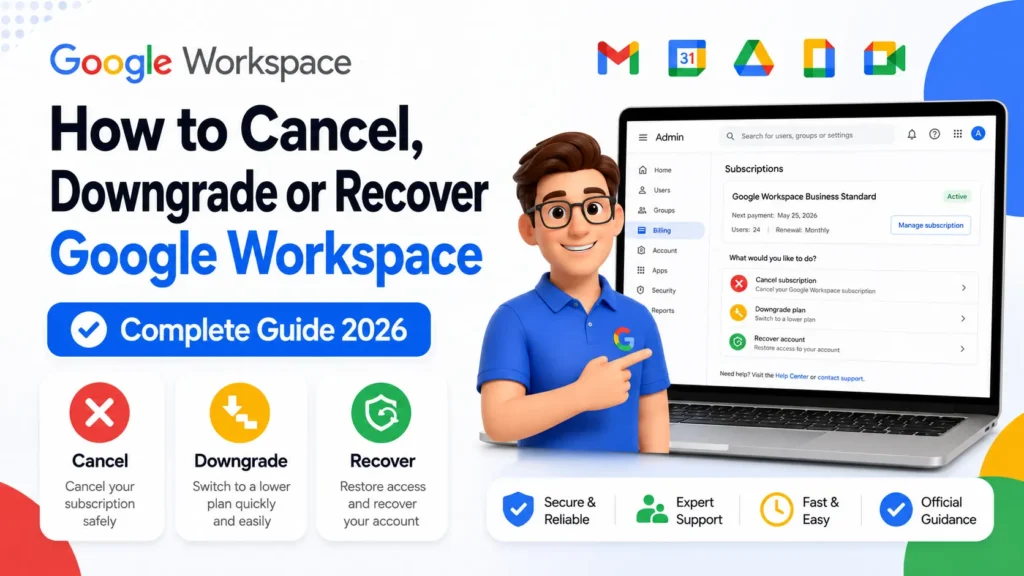
How to Cancel, Downgrade or Recover Google Workspace In 2026
Quick Answer To cancel Google Workspace, go to Admin console → Billing → Subscriptions → click your subscription → More […]


Quick Answer To cancel Google Workspace, go to Admin console → Billing → Subscriptions → click your subscription → More […]
Quick Answer All Google Workspace support channels — chat, email, and phone — are accessed through the Admin console. Sign
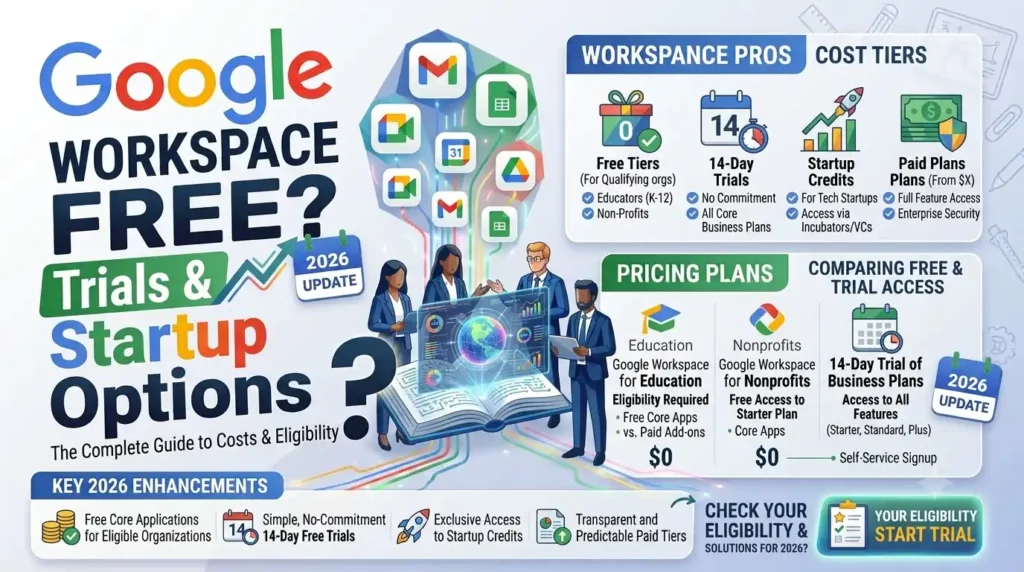
Quick Answer Google Workspace has no permanent free tier for business users who need professional email. There is a 14-day
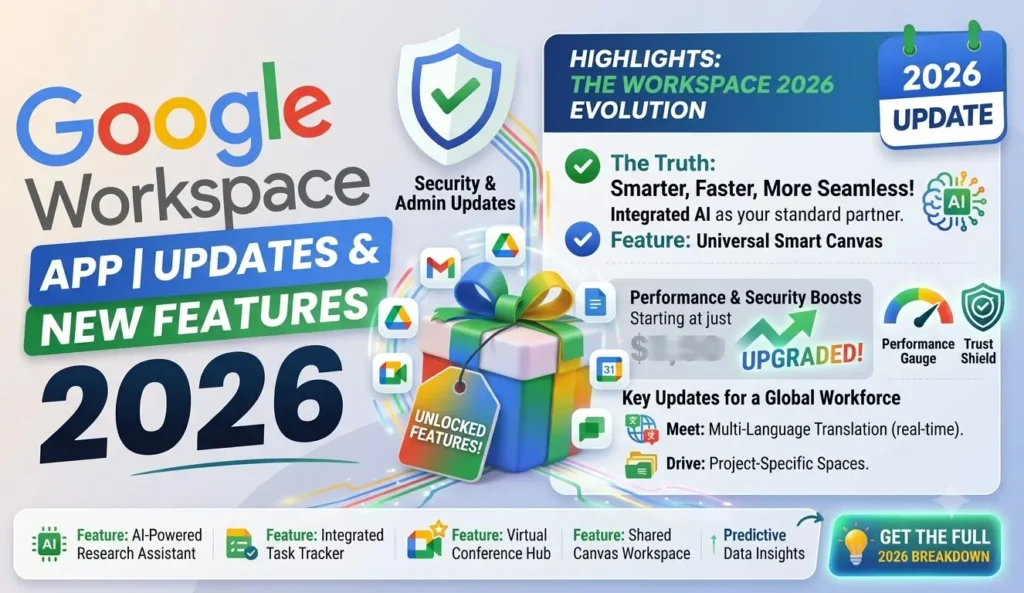
Quick Answer Google Workspace includes Gmail, Drive, Docs, Sheets, Slides, Meet, Calendar, Chat, Forms, Sites, Keep, and Vids on every
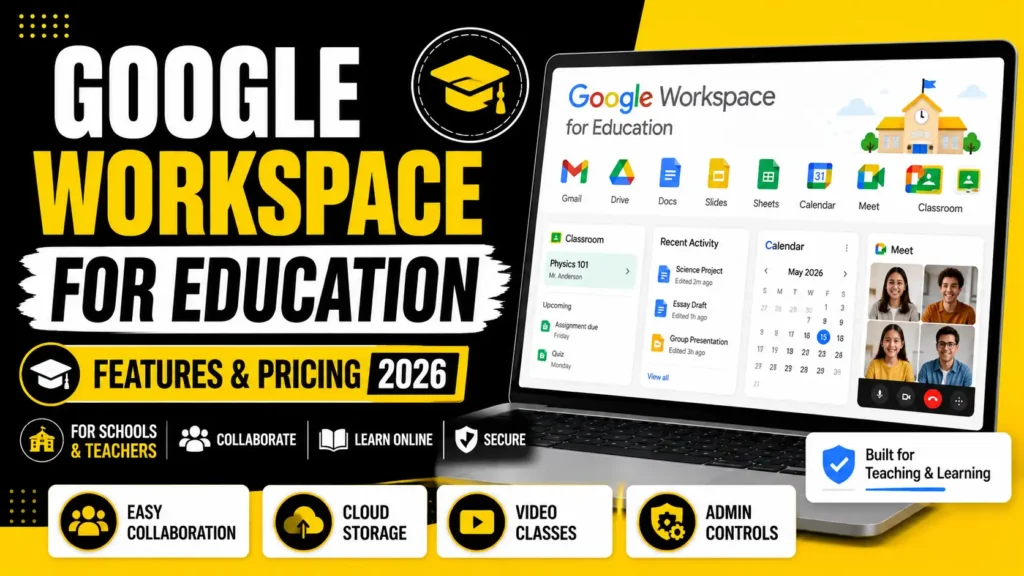
Quick Answer Google Workspace for Education has three editions: Fundamentals (free for qualifying institutions), Education Standard (paid, adds security and
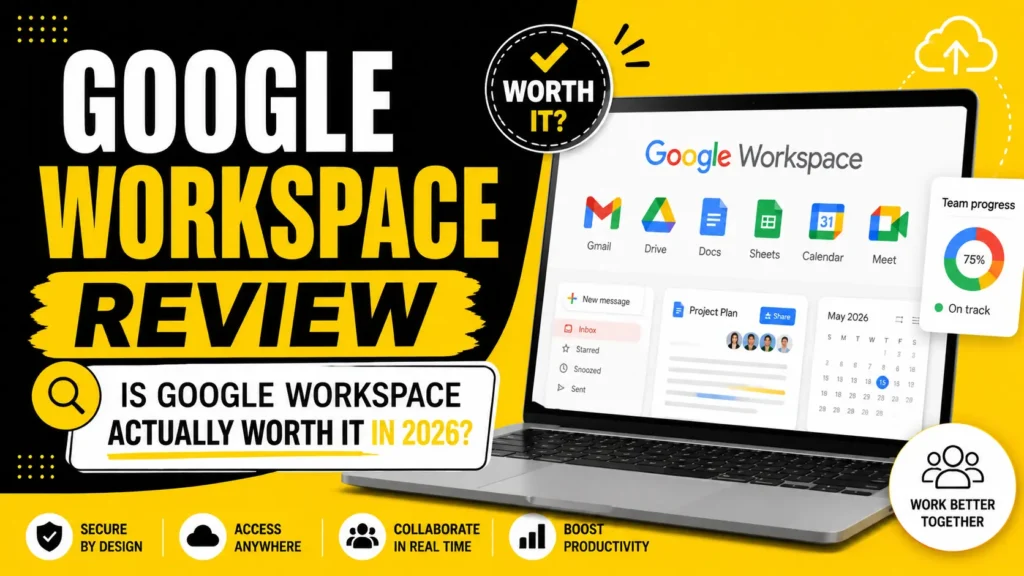
Quick Answer Yes, for most small to mid-size teams that need professional email and real-time collaboration, Google Workspace is worth
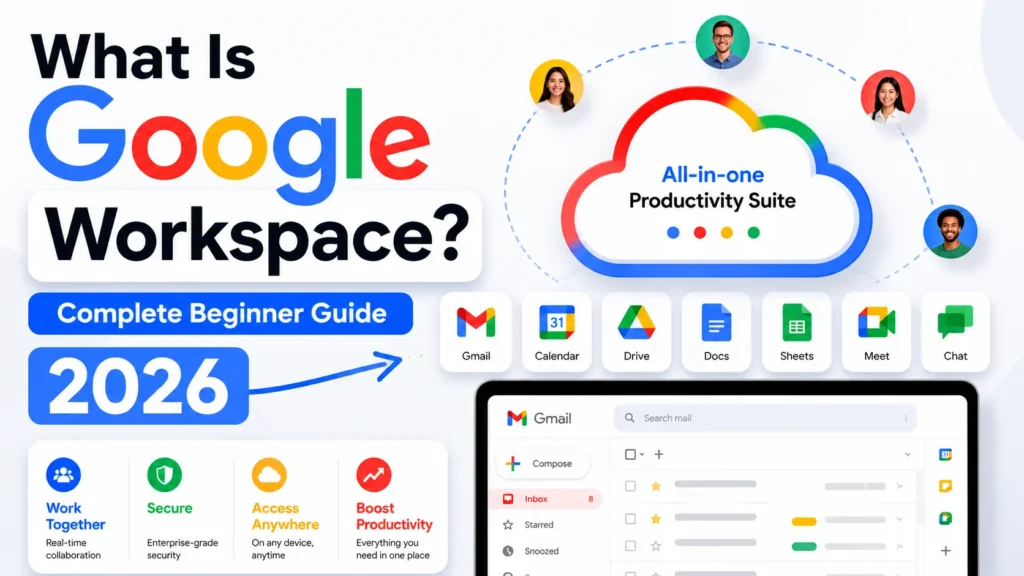
Quick Answer Google Workspace is Google’s paid suite of business tools, including Gmail, Drive, Docs, Sheets, Meet, and Calendar, sold
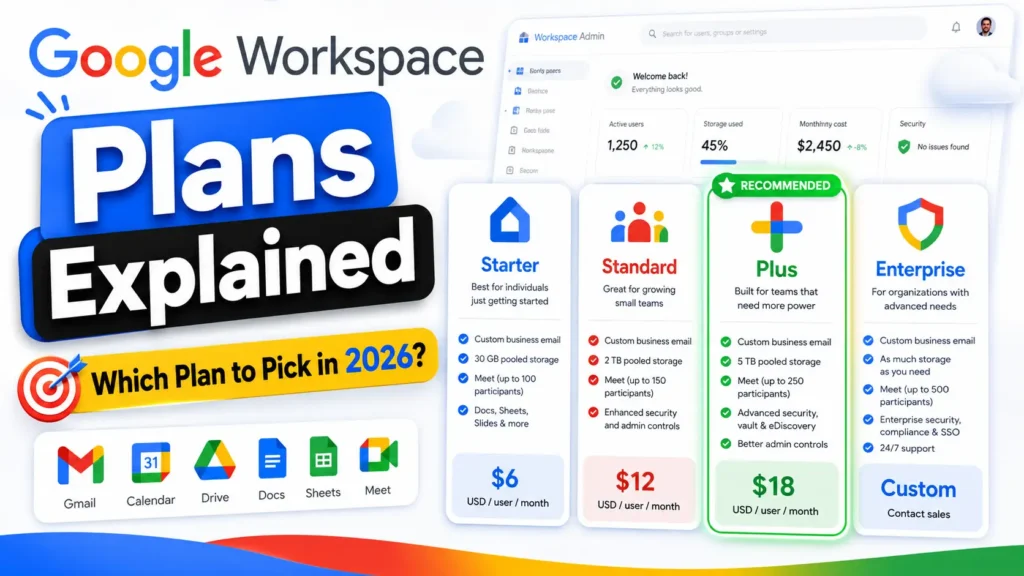
Quick Answer Google Workspace has four main plans: Business Starter, Business Standard, Business Plus, and Enterprise. Business Standard is the
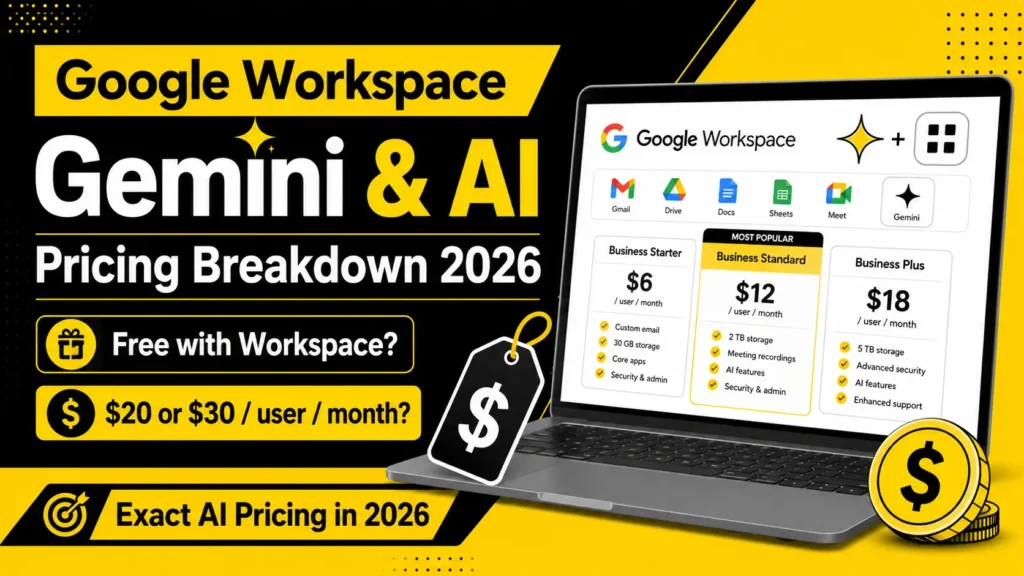
Quick Answer Gemini is now included free in Google Workspace Business Standard, Plus, and Enterprise plans, with limited access on
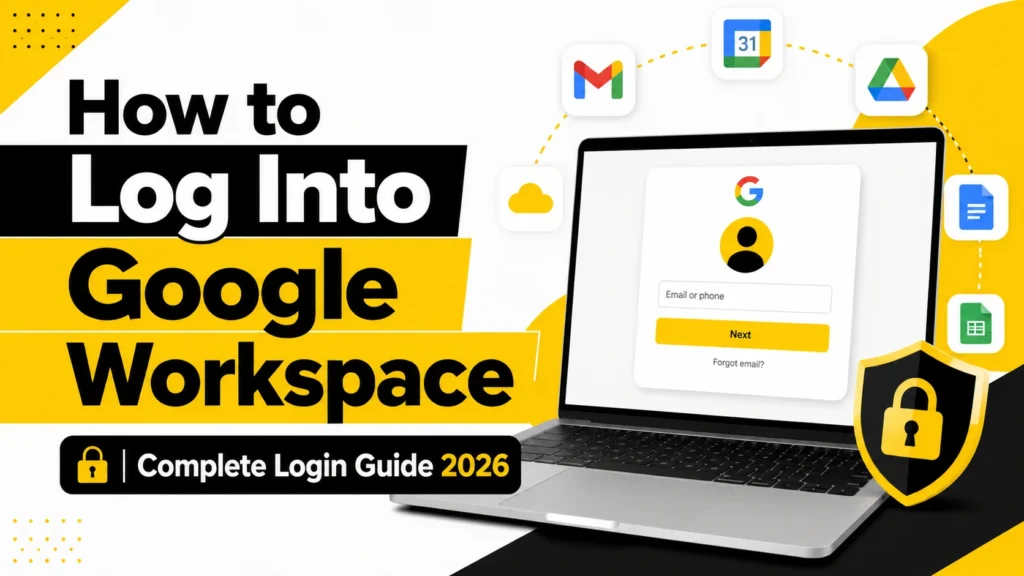
Quick Answer To log into Google Workspace, admins go to admin.google.com and everyone else goes to mail.google.com or workspace.google.com. Sign