

Quick Answer
Premium Inboxes is a legitimate, well-regarded cold email inbox provider offering official Google Workspace and Microsoft 365 accounts with manual DNS verification, delivery under 6 hours, and unlimited replacement inboxes. Pricing starts at $3.50/inbox/month. It is a strong choice for teams under 250 inboxes who want a fully hands-off setup. For teams wanting the same Google Workspace accounts at lower per-inbox cost with cold email infrastructure expertise, Leads Monky is a comparable alternative worth evaluating.
Most people landing on this review want one of three things: confirmation that Premium Inboxes is legitimate, an honest look at what they do and don’t include, or a sense of whether there’s a better option for their specific situation. This covers all three, using current publicly available information rather than repeating what their own marketing page says.
What Premium Inboxes Actually Does

Premium Inboxes is a done-for-you cold email inbox provisioning service that sells official Google Workspace and Microsoft 365 accounts with complete DNS setup handled on your behalf. Their core value proposition is speed and hands-off delivery: you fill out an intake form, and they configure domains, SPF, DKIM, DMARC records, inbox profiles, sequencer upload, and warm-up initiation, typically within 6 hours.
They serve teams from 10-inbox startups to 8,000-inbox agencies, and they handle both Google Workspace and Microsoft 365, which matters for teams that want to diversify their sending infrastructure across providers rather than concentrating risk on a single platform.
What they are not is a sequencing tool. You still need Instantly, Smartlead, Lemlist, or a similar platform to run actual campaigns. Premium Inboxes sits at the infrastructure layer — the mailboxes and domains you send from, not the tool that manages the campaigns themselves.
Premium Inboxes Pricing: Current Breakdown
The current pricing structure runs four tiers: the Standard tier and a premium Insured tier at the same volume levels.
| Tier | Volume | Price |
|---|---|---|
| Startup (Standard) | 1 to 249 inboxes | $3.50/inbox/month |
| Growth (Standard) | 250 to 1,249 inboxes | $3.00/inbox/month |
| Enterprise (Standard) | 1,250+ inboxes | $2.80/inbox/month |
| Insured Infrastructure | Any volume | $4.50/inbox/month |
The Insured tier adds 24-hour active monitoring, a dedicated Slack channel with the team, a dedicated account manager, priority build queue, and priority support. For teams running high-volume campaigns where inbox health is business-critical, the $1 premium per inbox is a reasonable operational trade-off. For teams under 100 inboxes running moderate campaigns, the Standard tier covers most needs.
No setup fees apply on any tier. No annual contract is required.
On the coupon code question: searches for “premium inboxes coupon code” and “premium inboxes discount code” consistently show up in the data, but there is no publicly listed coupon or promotional code on their website. Pricing is volume-driven — moving up tiers is the only mechanism for reducing the per-inbox cost.
What Premium Inboxes Does Well
The Trustpilot record is real and meaningful in this category. With 400+ reviews averaging 4.9 stars, Premium Inboxes sits significantly above most inbox providers in both volume and rating. Reviews consistently highlight three things: the speed of delivery (under 6 hours is standard, not a best-case claim), the quality of the DNS configuration (manually verified by engineers rather than automated scripts), and the personal support from Richard and the team.
The manual DNS verification point is worth understanding specifically. Several competing providers use automated scripts to configure SPF, DKIM, and DMARC records. Automated scripts miss edge cases and misconfiguration is more common than providers admit. Premium Inboxes’ manual verification is a genuinely differentiating operational choice, not just marketing language, and it shows up in the consistency of the Trustpilot feedback.
Unlimited inbox replacements on every tier is also a meaningful feature. When an inbox gets flagged, a replacement arrives the same day without additional charge. For agencies running continuous outbound campaigns, this eliminates the cost and downtime that comes with inbox burn.
The affiliate program listed on their website is a relatively new addition — earlier versions of comparison content noted its absence, but it’s now publicly available for partners and agencies who want referral revenue.
The Real Limitations of Premium Inboxes
The standard tier has no proactive monitoring. Unless you’re on the Insured tier ($4.50/inbox), there’s no 24-hour active inbox health monitoring or alert system if an inbox starts degrading. You’ll discover deliverability problems when campaign metrics drop, not before. For teams running standard volume campaigns and checking metrics regularly, this is manageable. For high-volume agencies where one burning inbox can affect multiple client campaigns simultaneously, the Insured tier is worth the additional cost.
No API access. For technically sophisticated agencies managing hundreds of inboxes across multiple clients, an API for automated provisioning, swapping, and reporting is a meaningful gap. Premium Inboxes doesn’t publish API access — provisioning is handled through their team rather than programmatic integration.
The pricing floor is $3.50/inbox. For teams with straightforward Google Workspace needs who don’t require the full done-for-you infrastructure service, this may be more than necessary. A Google Workspace reseller provides the same official accounts with setup included at a potentially lower per-inbox cost, without the specialized inbox-as-a-service model layered on top.
How Premium Inboxes Compares to Alternatives
1. Zapmail
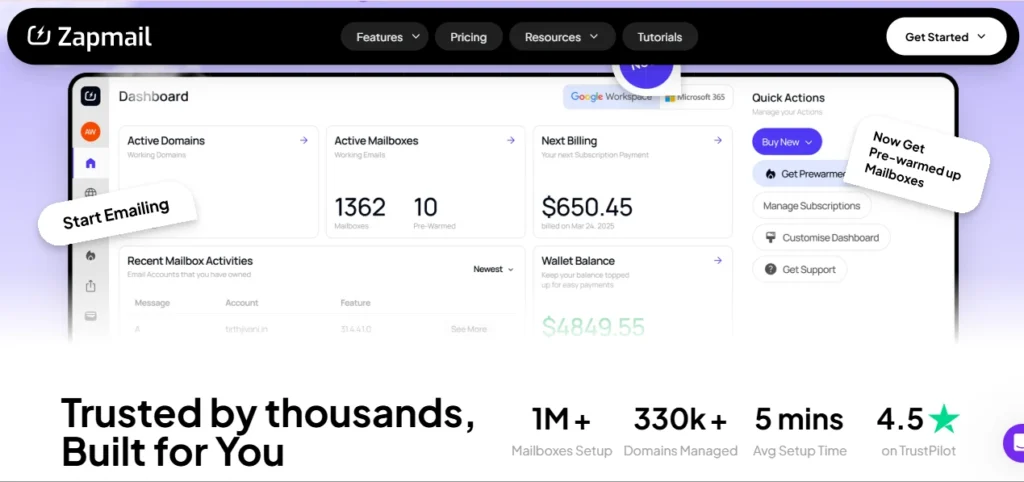
is the most commonly compared competitor, and it has a meaningful controversy worth knowing before choosing it: multiple Reddit discussions on r/coldemail document that Zapmail provisions accounts through India-based Google Workspace resellers. Zapmail’s founder has responded that sending infrastructure runs through US-based Google data centers, but the underlying reseller origin in the Admin Console billing page is a documented fact that independent reviewers have verified.
For teams sending to US and EU prospects, the regional tenant origin can affect inbox placement, and independent placement tests have cited Zapmail placement around 68 to 83 percent versus 87 percent-plus for providers with direct US or EU origin accounts. Zapmail also lacks refunds and API is only on the $299/month Pro tier.
Premium Inboxes is more expensive than Zapmail at the base level, but the transparency, Trustpilot track record, and US-verified infrastructure make that premium justifiable for teams where deliverability consistency is non-negotiable.
2. Leads Monky
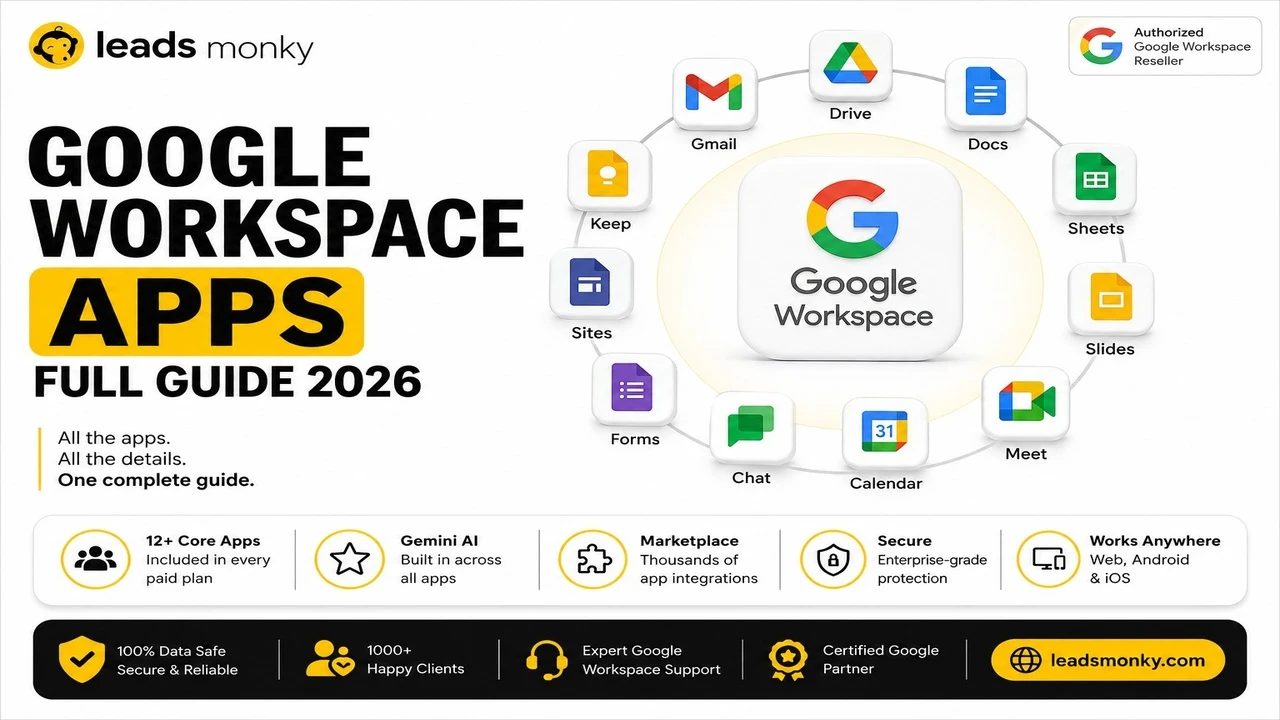
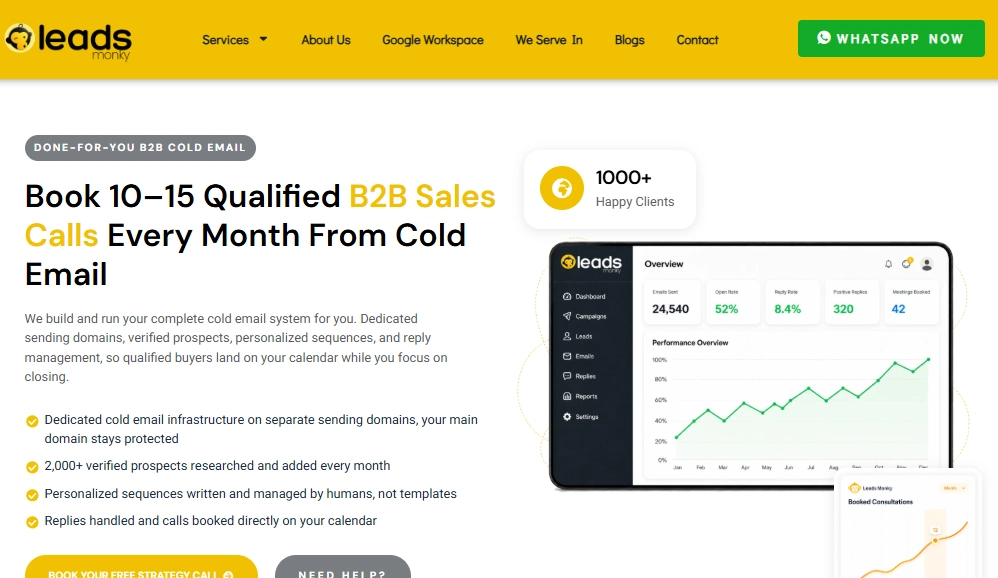
is an authorized Google Workspace reseller, not a dedicated inbox provisioning service in the same mold as Premium Inboxes, but worth comparing for teams primarily needing Google Workspace accounts for cold email. Leads Monky’s cold email infrastructure service includes full SPF, DKIM, and DMARC configuration as part of setup, operates on US-based IPs, integrates with Instantly, Smartlead, Lemlist, and other sequencers, and is trusted by 1,000+ companies globally.
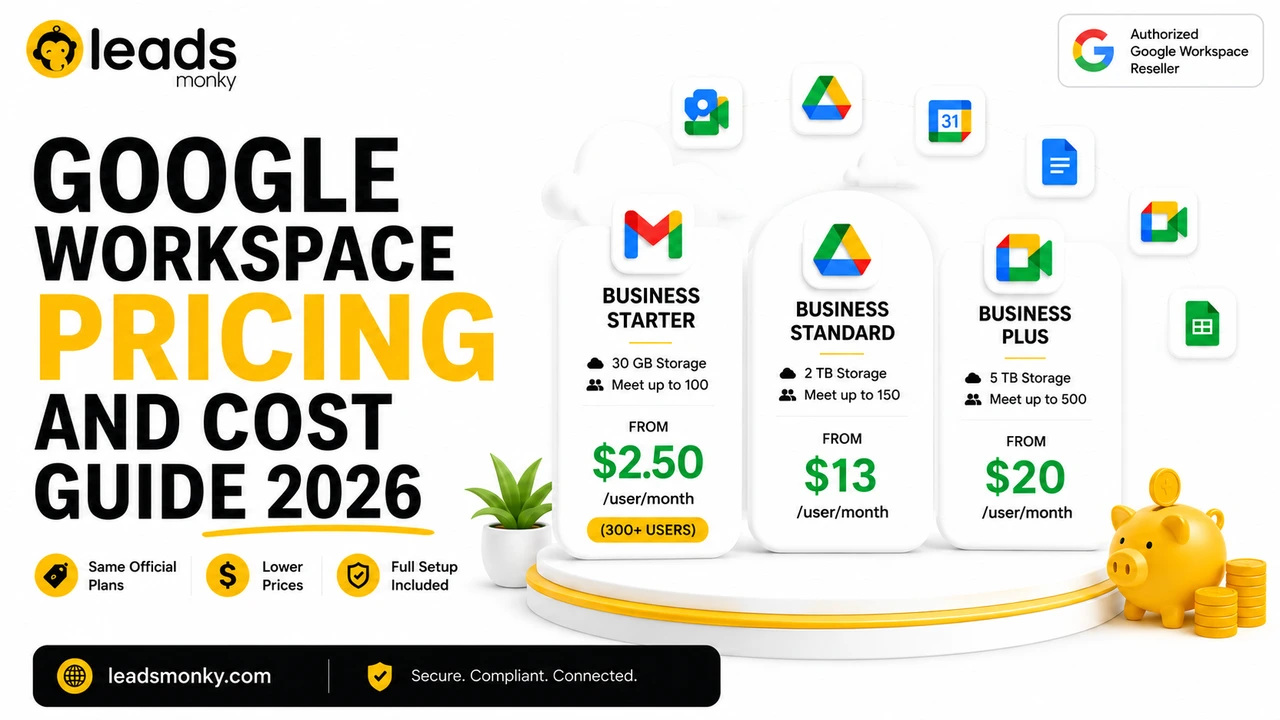
For teams scaling past 300 inboxes, pricing on Google Workspace Starter drops to $2.50/user/month. Below Premium Inboxes’ Growth and Enterprise tier pricing. The trade-off is that Leads Monky operates as a reseller rather than a dedicated inbox-as-a-service product, so the operational model is different from Premium Inboxes’ same-day provisioning and Slack-channel support.
💡 Need help setting up Google Workspace?
We’re certified Google partners offering 64% off + free professional setup ($2,000 value). Used by 1000+ companies.
Get your quote →| Feature | Premium Inboxes | Zapmail | Leads Monky |
|---|---|---|---|
| Starting price | $3.50/inbox/month | $3.90/inbox (Starter plan) | $3/inbox below 300, $2.50 at 300+ |
| Google Workspace | Official | Official (India reseller controversy) | Official |
| Microsoft 365 | Official | Official | Official |
| DNS setup (SPF/DKIM/DMARC) | Manual, verified | Automated | Included free |
| 24-hour monitoring | Insured tier only ($4.50) | No | No |
| Delivery time | Under 6 hours | Under 5 minutes | 24 to 48 hours |
| Unlimited replacements | Yes | Yes | Free replacements |
| Trustpilot reviews | 400+, 4.9/5 | 72, 4.5/5 | 1,000+ companies served |
| Affiliate program | Yes | No | Yes |
Who Should Use Premium Inboxes
Premium Inboxes is the right choice if:
- You need inboxes operational within hours with zero technical involvement
- You run under 250 inboxes and want a single provider handling everything
- You want the highest-rated inbox provider by verified Trustpilot reviews in this category
- Your workflow requires both Google Workspace and Microsoft 365 from a single team
Consider Leads Monky instead if:
- Your primary need is Google Workspace for cold email at the lowest available per-inbox cost
- You’re scaling past 300 inboxes and want volume pricing from an authorized Google reseller
- You want a team with deep cold email deliverability expertise alongside the account setup
- You want complete admin access and ownership with no reseller layer between you and Google’s billing
Conclusion
Premium Inboxes earns its reputation. The manual DNS verification, sub-6-hour delivery, unlimited replacements, and 4.9-star Trustpilot record from 400+ verified reviews put it in a class above most competitors in this category. For teams that want a completely hands-off, fast, well-supported inbox provisioning service, it is a legitimate choice at $3.50/inbox.
For teams scaling past 300 inboxes or primarily operating on Google Workspace who want the lowest per-inbox cost with cold email infrastructure expertise included, <a href=”https://leadsmonky.com/cold-email-campaigns” target=”_self”>Leads Monky</a>, an authorized Google Workspace reseller trusted by 1,000+ companies, offers the same official accounts with full DNS setup at $2.50/inbox at 300 or more users.
FAQs
Is Premium Inboxes legitimate?
Yes. Premium Inboxes is a real service with 400+ verified Trustpilot reviews at 4.9 stars, 2,000+ customers, and over 570,000 inboxes delivered. They are an authorized Google Workspace and Microsoft 365 reseller.
Is there a Premium Inboxes coupon code or discount?
No publicly available coupon code exists for Premium Inboxes. Pricing is volume-based, dropping from $3.50/inbox to $3.00 at 250 inboxes and $2.80 at 1,250 or more. There is no checkout coupon mechanism.
How long does Premium Inboxes take to deliver?
Standard delivery is under 6 hours. Most orders are delivered same day from the time the intake form is completed.
What is the difference between Standard and Insured Infrastructure?
Standard is $3.50/inbox with complete DNS setup and unlimited replacements. Insured is $4.50/inbox and adds 24-hour active monitoring, a dedicated Slack channel, dedicated account manager, and priority support.
Does Premium Inboxes have an affiliate program?
Yes. An affiliate page is listed on their website at premiuminboxes.com/affiliate-page.
What is the best alternative to Premium Inboxes for cold email?
For teams wanting a comparable done-for-you service, other providers in the category include Maildoso and Primeforge. For teams wanting the same official Google Workspace accounts through a reseller at a lower per-inbox cost, Leads Monky is worth comparing, especially at 300 or more inboxes.
Ready to Fix Your Cold Email?
What you get:
- ✓ Complete infrastructure: 30 emails + 10 domains
- ✓ 10,000 personalized emails monthly
- ✓ First consultations in 5–6 weeks