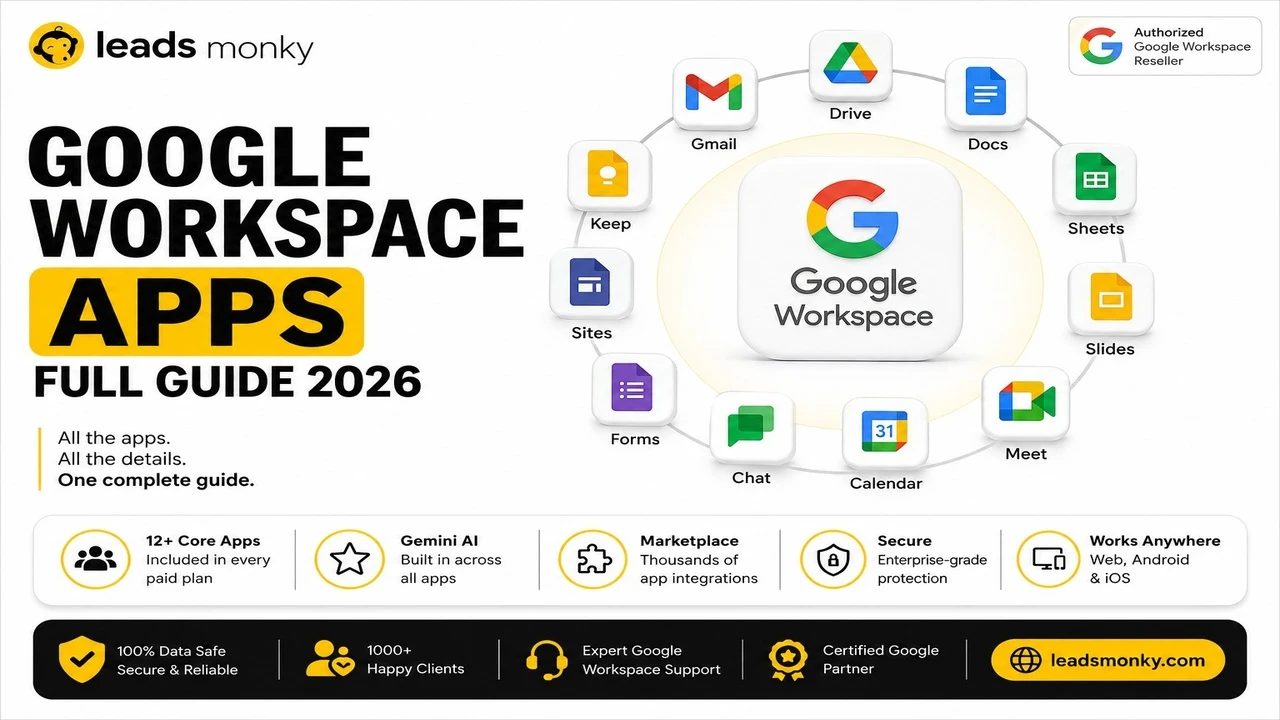
The best Google Workspace alternatives are Microsoft 365 for teams needing offline desktop apps and deep Office compatibility, Zoho Workplace for the cheapest paid business email suite, Proton for end-to-end encrypted privacy-first organizations, and Nextcloud for complete self-hosted control. For teams considering switching purely because of cost, an authorized reseller offers the same Workspace plans from $2.50 to $3 per user per month, which undercuts most alternatives before any migration cost is factored in.
Most searches for Google Workspace alternatives in 2026 are driven by one of three things: the 2025 price increase, concerns about privacy and data handling, or the feeling that Gemini AI was bundled in without being asked for. All three are legitimate reasons to look around. What is worth knowing before committing to a full platform migration is that one of those three, cost, often has a faster and cheaper resolution than switching providers entirely. Before evaluating any of the 15 alternatives below, it is worth checking whether buying Workspace through an authorized reseller solves the cost problem without any migration at all.
The Option Most Guides Skip | Reseller Pricing
If cost is your primary reason for evaluating alternatives, there is a path that does not require migrating email, retraining your team, or giving up the Workspace tools you already know. Authorized Google Workspace resellers sell the same official plans at a significant reduction from Google’s direct pricing.
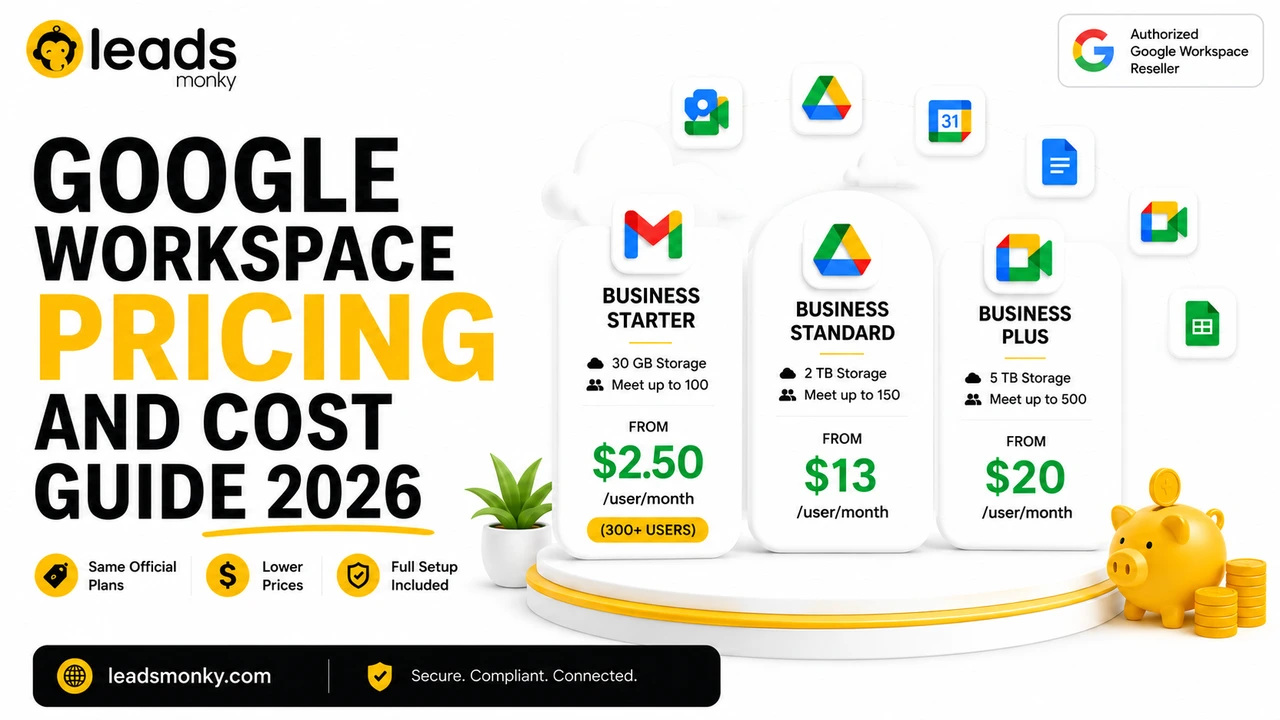
Official Google Workspace pricing starts at $8/user/month for Business Starter. Through Leads Monky, an authorized Google Workspace reseller trusted by 1,000+ companies, Business Starter runs from $3/user/month below 300 users or $2.50/user/month at 300 or more users. Business Standard drops from $18 to $13, Business Plus from $28 to $20. Same features, same Admin console, same 99.9 percent SLA, same Gemini AI inclusion. No migration, no retraining, no lost data. No hidden charges. No extra taxes. The price you see is the price you pay.
💡 Need help setting up Google Workspace?
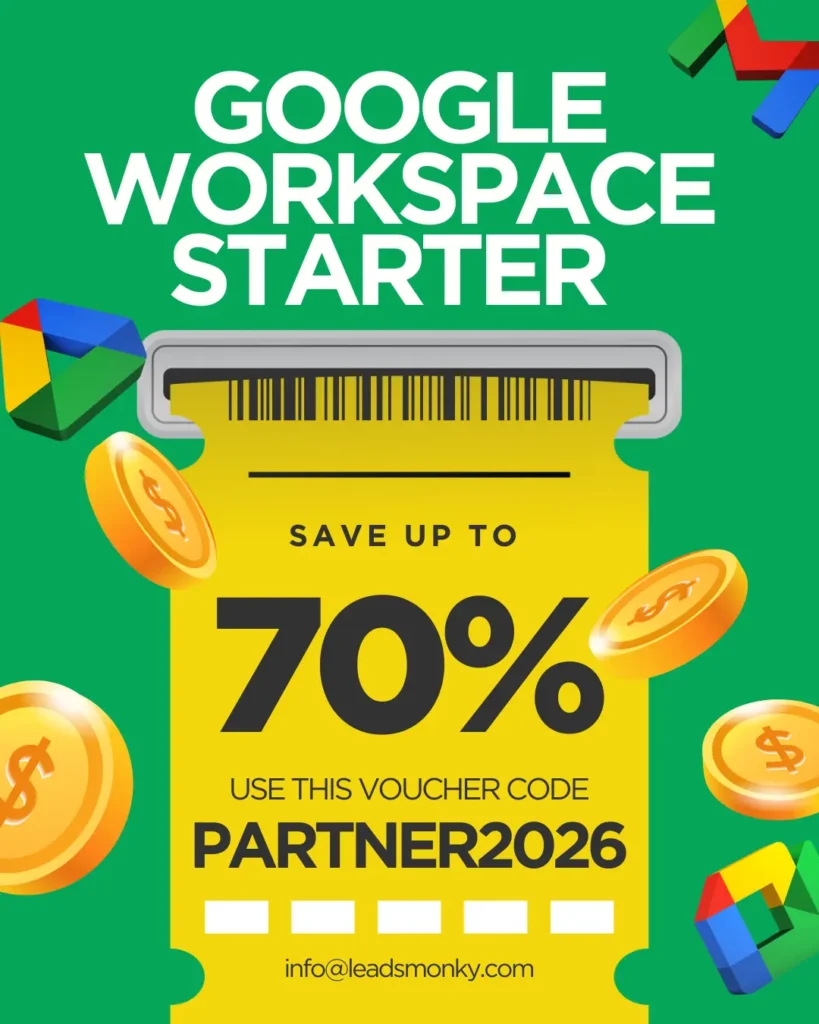
We’re certified Google partners offering 64% off + free professional setup ($2,000 value). Used by 1000+ companies.
Get your quote →Top 15 Google Workspace Alternatives (Compared)

We tested dozens of platforms. Here are the best Google Workspace alternatives organized by what matters most to you.
1. Microsoft 365 (Best Overall Alternative)
Microsoft 365 stands as the most direct alternative to Google Workspace. You get Word, Excel, PowerPoint, Outlook, Teams, and OneDrive in one package.
Why it works: Microsoft offers true desktop apps that work offline. Files sync perfectly between devices. If your team already knows Office, there’s zero learning curve.
Pricing:
- Business Basic: $8.40/user/month (web apps only)
- Business Standard: $12.50/user/month (includes desktop apps)
- Business Premium: $22/user/month (adds security features)
Best for: Teams who need robust desktop applications and better offline access.
Full Comparative Analysis | Microsoft Teams vs Google Workspace
Migration tip: Microsoft provides free migration tools that transfer emails, calendars, and files automatically.
2. Neo Mail (Google Workspace alternatives for small businesses)
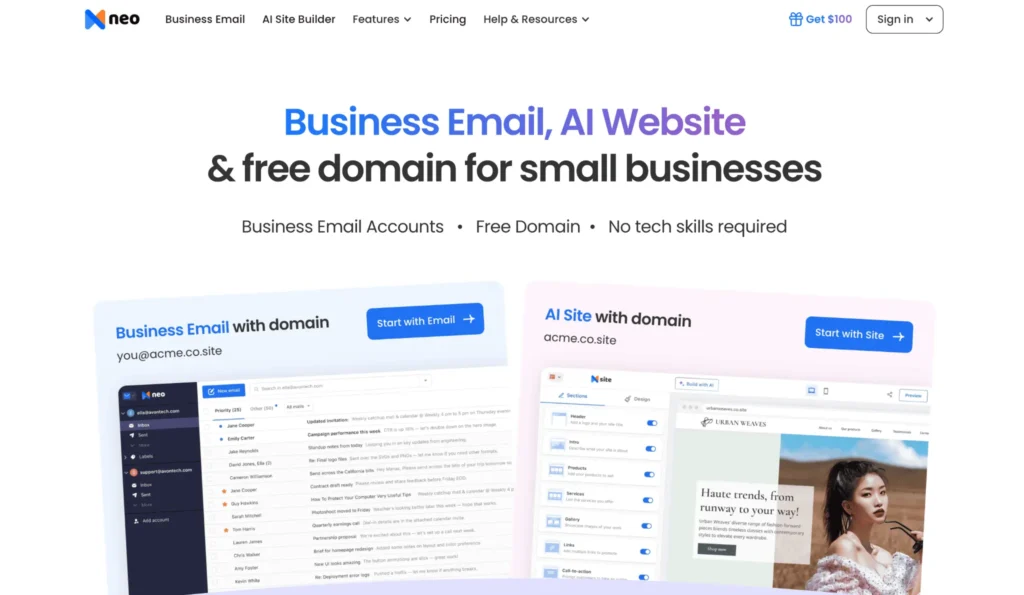
Neo Mail is the most reliable and best Google Workspace alternative for small businesses that need business, professional, or custom email without a full Workspace setup.
Key features: Business email with or without an existing domain, free domain, free AI website builder, calendar, email tracking, send later, follow-up reminders, and AI Smart Write.
Pricing:
Almost free option
- Business Starter: $1.99/mailbox/month
- Business Standard: $3.99/mailbox/month
- Business Max: $7.99/mailbox/month
Bonus: You can create a business email even if you do not already own a domain, since Neo Mail offers a free domain with email setup.
Best for: Small businesses, freelancers, and solopreneurs who need simple business email with a few useful productivity features.
3. Zoho Workplace (Most Affordable)
Looking for cheap alternatives to Google Workspace? Zoho Workplace delivers everything you need at half the price.
What you get: Zoho Mail, Docs, Sheets, Show (presentations), WorkDrive, Cliq (chat), and Meeting (video calls). It’s a complete office suite.
Pricing:
- Mail Only: $1/user/month
- Workplace Standard: $3/user/month
- Workplace Professional: $6/user/month
Why teams love it: Zoho doesn’t scan your emails for ads. They respect privacy. Plus, unlimited storage on higher plans means you’ll never hit limits.
Best for: Small businesses and startups watching their budget.
Full Comparative Analysis | Zoho vs Google Workspace
Real user feedback: “We saved $8,000 yearly switching from Google to Zoho. Features are nearly identical.” – Reddit user
4. Nextcloud Hub (Best Free Alternative)
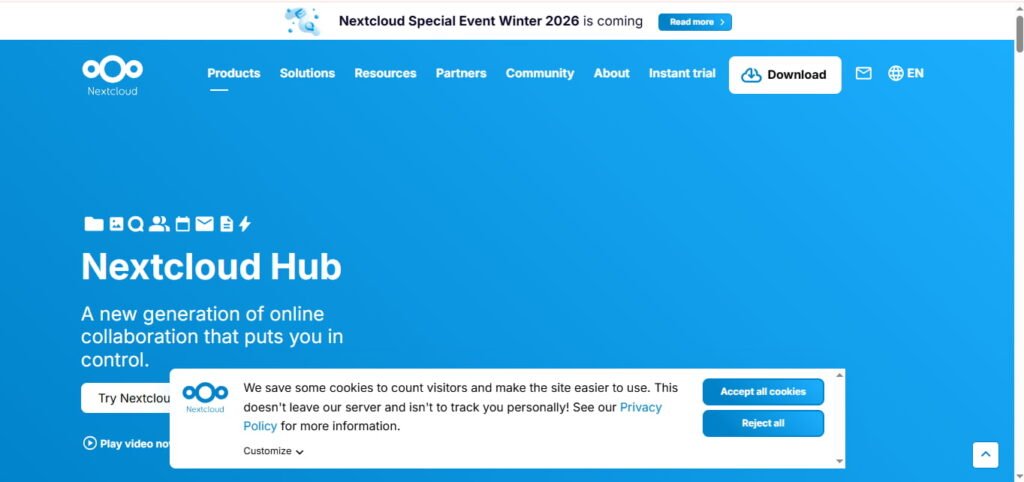
Want a free alternative to Google Workspace? Nextcloud Hub offers self-hosted collaboration without monthly fees.
What makes it special: You own your data completely. Host it on your servers or use a Nextcloud provider. It includes file storage, document editing, calendar, contacts, chat, and video calls.
Pricing:
- Free (self-hosted)
- Hosted plans start at €37.49/user/year
The catch: You need technical skills to set up self-hosting. Or hire someone. But once running, there are no per-user fees.
Best for: Privacy-conscious organizations and tech-savvy teams who want complete control.
5. CryptPad (Privacy Champion)
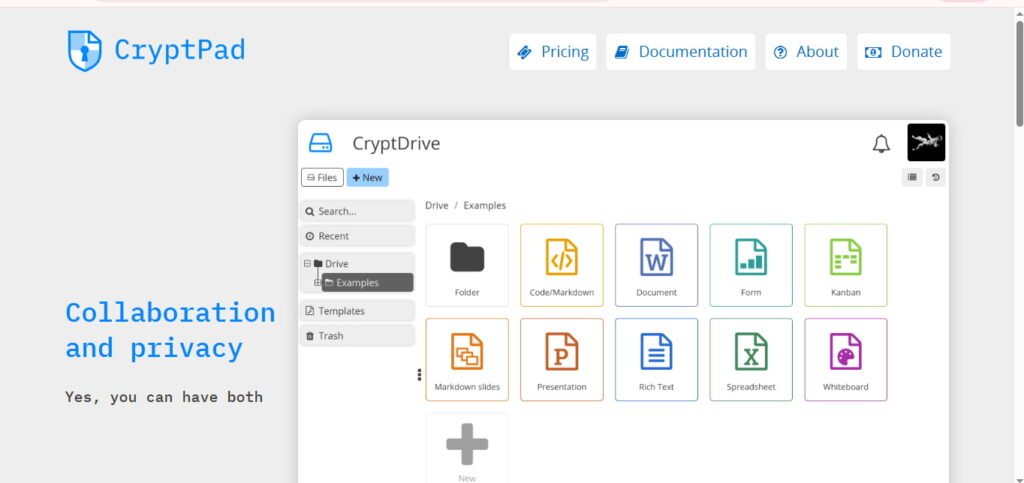
CryptPad is the open source alternative to Google Workspace built for maximum privacy.
How it works: Everything encrypts in your browser before reaching their servers. Even CryptPad admins can’t read your documents. It’s true zero-knowledge encryption.
Features: Rich text documents, spreadsheets, presentations, code editor, kanban boards, and whiteboard. Real-time collaboration works perfectly.
Pricing:
- Free: 1GB storage
- Individual: €5/month (50GB)
- Teams: Contact for pricing
Best for: Journalists, lawyers, healthcare providers, and anyone handling sensitive information.
6. OnlyOffice (Best for Microsoft Office Compatibility)
OnlyOffice nails Microsoft Office compatibility. Your .docx, .xlsx, and .pptx files look pixel-perfect.
Why it matters: No formatting issues. No broken layouts. If you work with clients using Microsoft Office, OnlyOffice prevents compatibility headaches.
Features: Document editor, spreadsheets, presentations, plus integrated mail, CRM, and project management.
Pricing:
- Cloud: $5/user/month
- Self-hosted: One-time fee starting at $1,500
Best for: Teams that frequently exchange files with Microsoft Office users.
7. Lark (Best for Startups)
Lark offers an incredibly generous free Google Workspace alternative perfect for growing teams.
What’s included: Chat, video meetings, calendar, docs, sheets, cloud storage, email, and project management. Everything in one platform.
Pricing:
- Starter: Free (unlimited users!)
- Pro: $12/user/month
- Enterprise: Custom pricing
The advantage: Unlike Google’s 30GB limit, Lark’s free plan gives 200GB per user. That’s massive for a free tier.
Best for: Startups under 50 people who need full features without spending.
8. Proton Mail (Best Email-Focused Alternative)
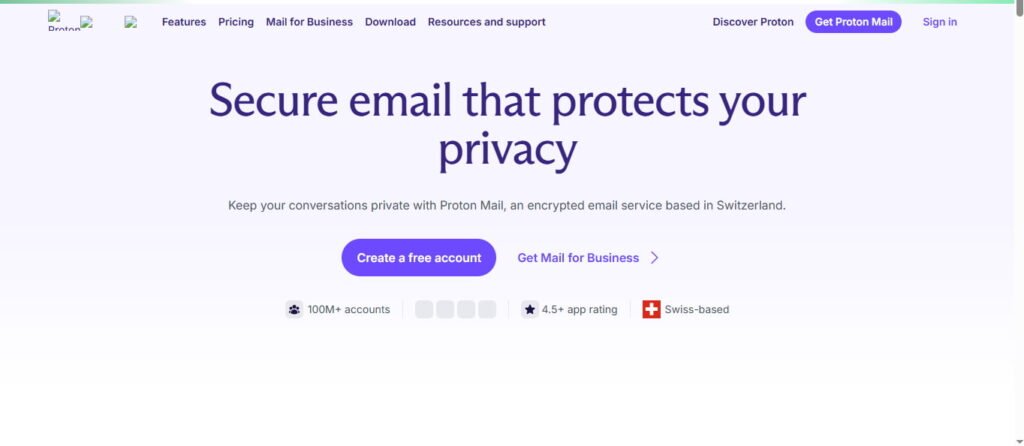
If you mainly need email, Proton Mail is the premier alternative to Google Workspace email.
Security features: End-to-end encryption. Zero-access encryption. Open-source code. Based in Switzerland with strict privacy laws.
Pricing:
- Free: 1GB storage
- Mail Plus: €3.99/month
- Business: €6.99/user/month
Bonus: Custom domain support, calendar, cloud storage, and VPN included in business plans.
Best for: Email-heavy businesses prioritizing privacy and security.
9. ClickUp (Best All-in-One Platform)
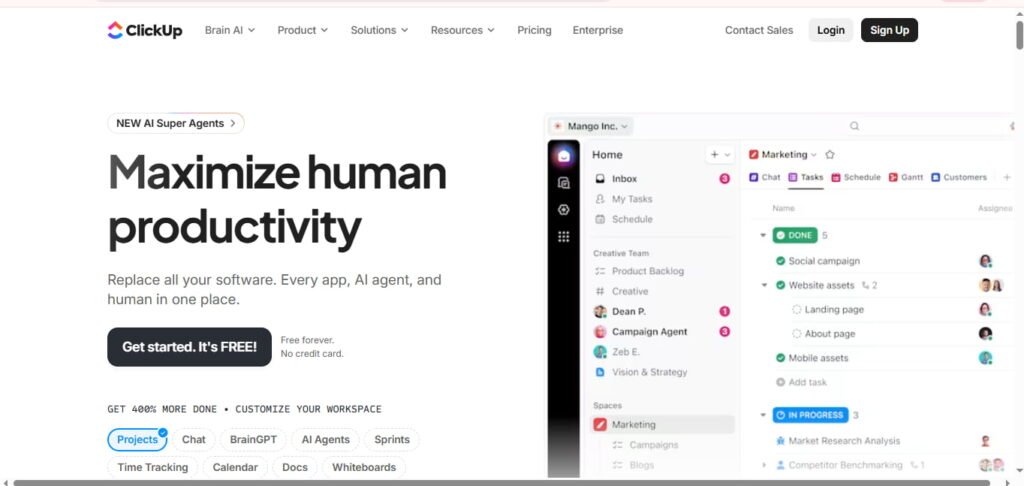
ClickUp combines project management with Google Workspace alternatives for docs and collaboration.
What it offers: Tasks, docs, wikis, spreadsheets, chat, video clips, whiteboards, and forms. It replaces multiple tools.
Pricing:
- Free: Forever for personal use
- Unlimited: $7/user/month
- Business: $12/user/month
Why teams switch: Everything lives in one place. No switching between apps. Deep customization lets you build workflows your way.
Best for: Teams wanting project management and collaboration combined.
10. Slack + Dropbox (Best for Remote Teams)
This combo creates a powerful alternative to Google Workspace for distributed teams.
How it works: Slack handles communication. Dropbox Business manages files. Together, they cover most Workspace functions.
Combined pricing:
- Slack Pro: $7.25/user/month
- Dropbox Business: $15/user/month
- Total: ~$22/user/month
Trade-off: More expensive than Google. But superior for async communication and file versioning.
Best for: Fully remote companies where communication beats document editing.
11. Notion (Best for Education)
Notion works brilliantly as a Google Workspace Notion alternative for schools and universities.
Features: Wikis, databases, docs, project boards, and calendars. Students and teachers can organize everything.
Pricing:
- Free: For students and educators
- Plus: $10/user/month
- Business: $15/user/month
The learning curve: Steeper than Google. But once mastered, Notion becomes indispensable for knowledge management.
Best for: Educational institutions and knowledge-based organizations.
12. Basecamp (Best for Small Teams)
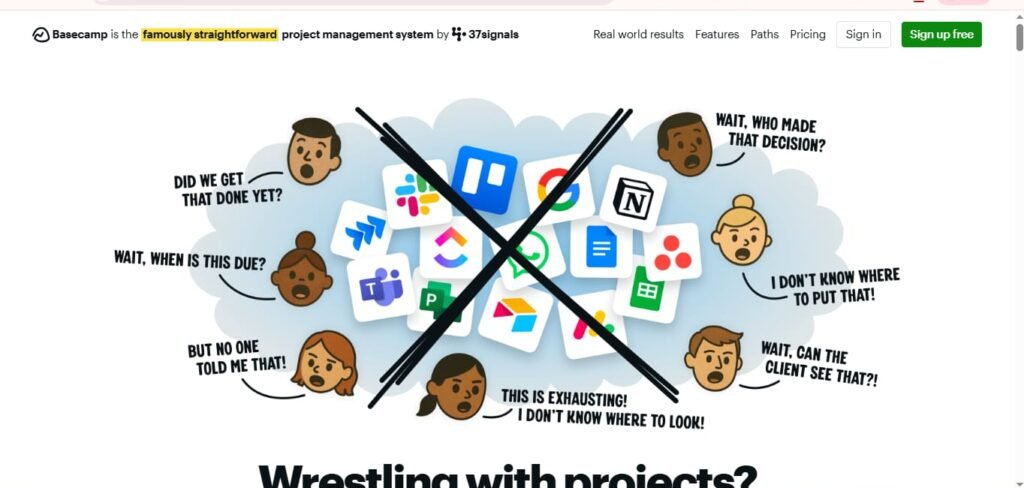
Basecamp simplifies collaboration without the complexity of alternatives to Google Workspace and Microsoft 365.
What’s different: Flat pricing. Pay $299/month for unlimited users. Perfect for teams of 10+ people.
Features: Message boards, to-dos, schedules, documents, chat, and automatic check-ins.
The limitation: No spreadsheets or presentations. You’ll need separate tools for those.
Best for: Small agencies and teams under 25 people.
13. Collabora Online (Best Open Source Suite)
Collabora Online provides a self-hosted Google Workspace alternative with enterprise features.
Technical specs: Based on LibreOffice. Runs on your servers. Full compatibility with Microsoft and OpenDocument formats.
Pricing:
- Home use: Free
- Small business: $2.03/user/month
- Enterprise: Custom pricing
Best for: Organizations requiring on-premise hosting and complete data sovereignty.
14. Zoom + Box (Best Video Conferencing Alternative)
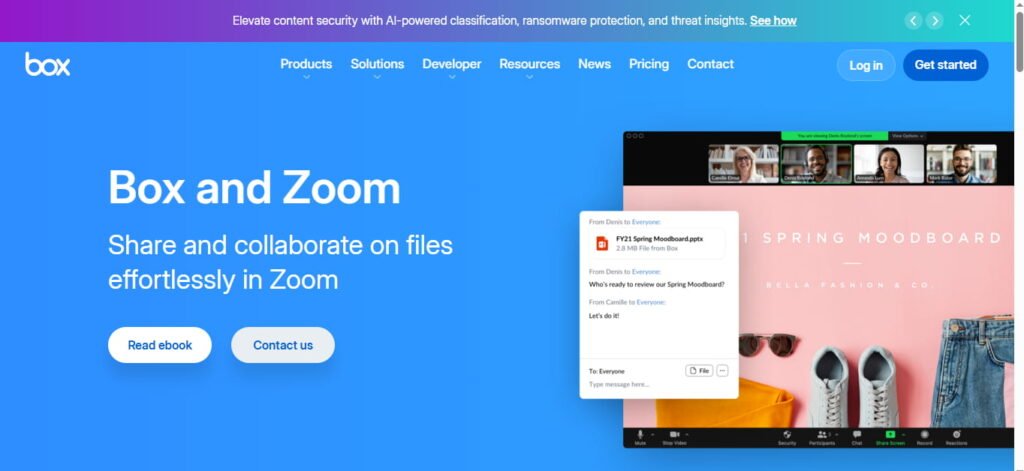
Replace Google Meet and Drive with Zoom + Box for enterprise-grade quality.
Why this pairing: Zoom offers superior video quality. Box provides advanced security and compliance. Together, they beat Google’s offerings.
Pricing:
- Zoom Pro: $15.99/user/month
- Box Business: $20/user/month
Best for: Companies where video quality and file security are critical.
15. Bitrix24 (Best for Automation)
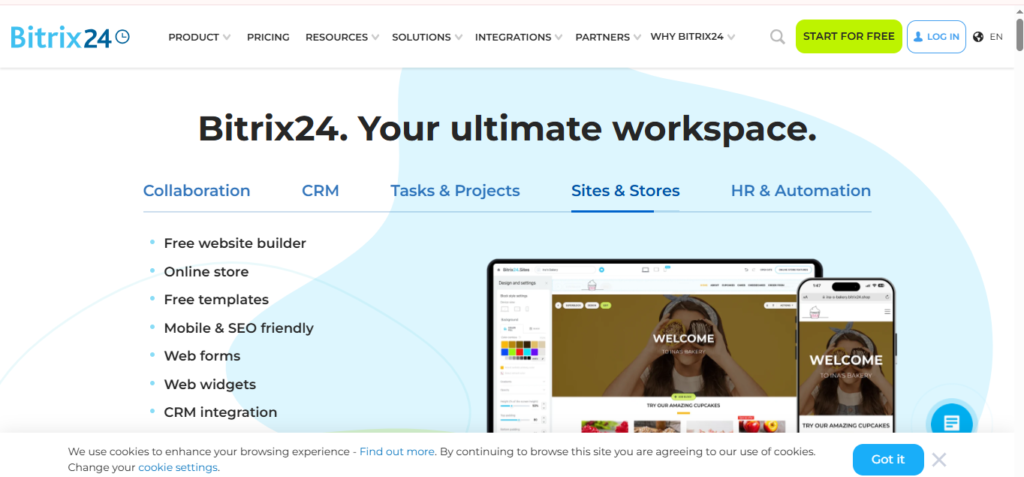
Bitrix24 packs incredible features into a free Google Workspace alternative.
What’s included: CRM, project management, HR tools, website builder, online store, and collaboration suite.
Pricing:
- Free: Up to 12 users
- Standard: $79/month (50 users)
- Professional: $159/month (100 users)
The downside: Interface feels cluttered. Learning curve is steep. But value is unbeatable.
Best for: Small businesses wanting CRM and collaboration combined.
16. Spike (Best for Mobile-First Teams)
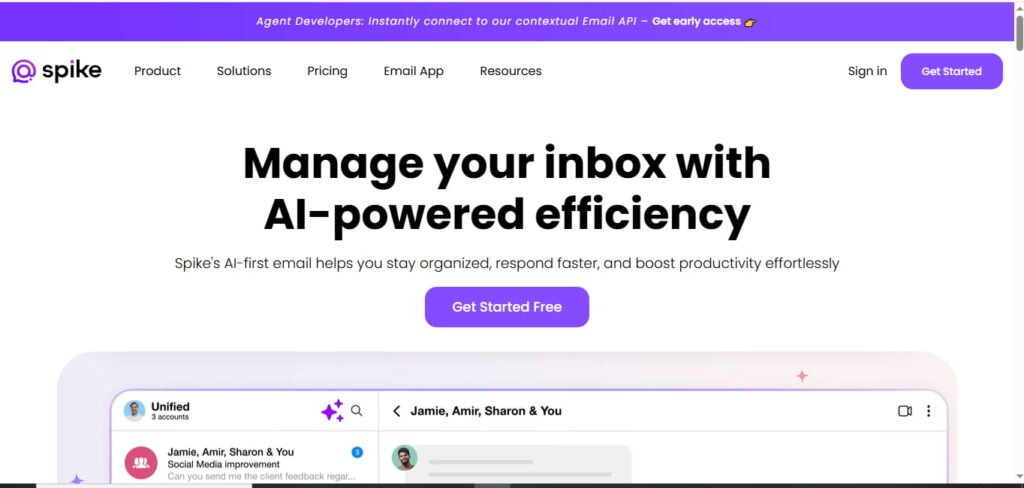
Spike reimagines email as conversational chat. It’s a unique Google Workspace email alternative.
Features: Email looks like messaging. Video calls, calendar, tasks, and notes integrate seamlessly.
Pricing:
- Free: Basic features
- Pro: $5/user/month
- Enterprise: $14/user/month
Best for: Sales teams and mobile-first workers who live in email.
Quick Comparison Table
| Platform | Starting Price | Best For | Free Plan? |
| Neo Mail | $2.49/mailbox/mo | Small business email | Yes (almost free) |
| Microsoft 365 | $6/user/mo | Overall features | No |
| Zoho Workplace | $3/user/mo | Budget-conscious | Yes (limited) |
| Nextcloud | Free | Privacy & control | Yes |
| CryptPad | Free | Zero-knowledge security | Yes |
| OnlyOffice | $5/user/mo | MS Office compatibility | Limited |
| Lark | Free | Startups | Yes (generous) |
| Proton Mail | €6.99/user/mo | Secure email | Yes (1GB) |
| ClickUp | $7/user/mo | Project management | Yes |
| Notion | $10/user/mo | Knowledge management | Yes |
| Basecamp | $299/mo flat | Small teams 10+ | No |
How to Choose | A Simple Decision Framework
Three questions determine which direction makes sense:
Is cost the primary driver?
Check reseller pricing before evaluating alternatives. The savings at $3/user/month versus $8/user/month are larger than most alternative platform savings, without any migration cost. Our cheapest Google Workspace reseller guide covers current reseller rates in full.
Is privacy or data sovereignty the primary driver?
Proton for email-first privacy needs, Nextcloud for full self-hosted control, Tuta for open-source encrypted email, Hushmail for healthcare and legal compliance.
Is Microsoft Office compatibility or offline access the primary driver?
Microsoft 365 Business Standard at $14/user/month is the most direct path, particularly for teams with existing Microsoft environments or clients who send heavily formatted Office files.
What’s your must-have feature?
Need offline access? Choose Microsoft 365. Require zero-knowledge encryption? Pick CryptPad. Want project management built-in? Try ClickUp.
What’s your budget?
Under $5/user? Look at Zoho, or self-hosted options. No budget at all? Nextcloud or Lark’s free tier work great. Neo Mail is an affordable option under $5.
How technical is your team?
Non-technical? Stick with Microsoft 365 or Zoho. Have IT support? Self-hosted solutions like Nextcloud offer better value long-term.
Common Mistakes When Evaluating Alternatives
- Treating Microsoft 365 as automatically cheaper. Both platforms raised prices in 2025 and 2026. The gap has narrowed significantly and depends on which tier you compare.
- Underestimating migration costs. Tool switching has a real productivity cost during the transition period, typically two to four weeks of reduced efficiency, that rarely appears in pricing comparisons.
- Choosing based on platform name recognition rather than actual use. Most teams use email, calendar, and basic document collaboration. For those needs, platform choice matters less than price.
- Skipping the reseller check before migrating. Many organizations switching for cost reasons have not compared reseller pricing against the alternatives.
Conclusion
The best Google Workspace alternatives in 2026 depend entirely on why you are considering switching. For cost, the reseller route is often the fastest path. For compliance, Proton and Hushmail address specific industry needs. For full Office compatibility, Microsoft 365 is the direct equivalent. For complete data control, Nextcloud gives you infrastructure independence. For a genuinely honest review of whether Workspace itself is actually worth staying on before switching anything, read our Google Workspace review. And if you do decide to stay, Leads Monky, an authorized Google Workspace reseller trusted by 1,000+ companies, offers the same plans at permanently lower rates with setup included.
FAQs
What is the best alternative to Google Workspace?
Microsoft 365 is the most direct like-for-like alternative. Zoho Workplace is the cheapest paid alternative at $3/user/month. For privacy-first teams, Proton is the strongest option.
Is Neo Mail a good Google Workspace alternative?
Yes, Neo Mail can be a good option for small businesses, freelancers, and solopreneurs who mainly need professional business email without paying for a full workspace suite. It also helps users create business email even if they do not already own a domain.
Is Microsoft 365 cheaper than Google Workspace?
Not consistently in 2026. Microsoft 365 Business Standard is $14/user/month versus Google Workspace Business Standard at $18. But buying Workspace through a reseller brings it to $3/user/month, which undercuts both at the equivalent entry tier.
Is there a free alternative to Google Workspace?
Lark offers a genuinely useful free plan with unlimited users and 200 GB storage. Nextcloud is free if you self-host. Google’s own Essentials Starter tier is free but excludes Gmail.
What is the cheapest alternative to Google Workspace for business email?
Zoho Workplace Standard at $3/user/month is the cheapest complete alternative with custom domain business email. Titan Email starts around $1/user/month for email-only needs without the full collaboration suite.
Are there privacy-focused alternatives to Google Workspace?
Yes. Proton offers end-to-end encrypted business email, calendar, and drive based in Switzerland. Tuta (formerly Tutanota) is an open-source German alternative. Nextcloud and OnlyOffice both support fully self-hosted deployments.
Should I switch from Google Workspace or use a reseller instead?
If cost is the main reason you are considering switching, model reseller pricing first. Authorized resellers like Leads Monky offer the same Google Workspace plans at $2.50 to $3/user/month, which may solve the cost problem without any migration required.
Ready to Fix Your Cold Email?
What you get:
- ✓ Complete infrastructure: 30 emails + 10 domains
- ✓ 10,000 personalized emails monthly
- ✓ First consultations in 5–6 weeks